 1 / 7
iVANKY FusionDock Max 2 Thunderbolt 5 Dock
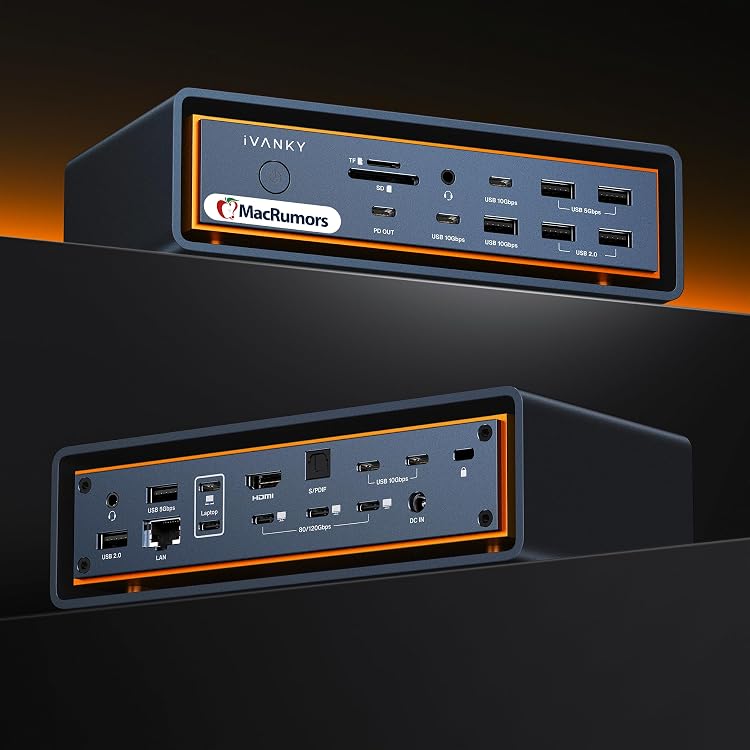
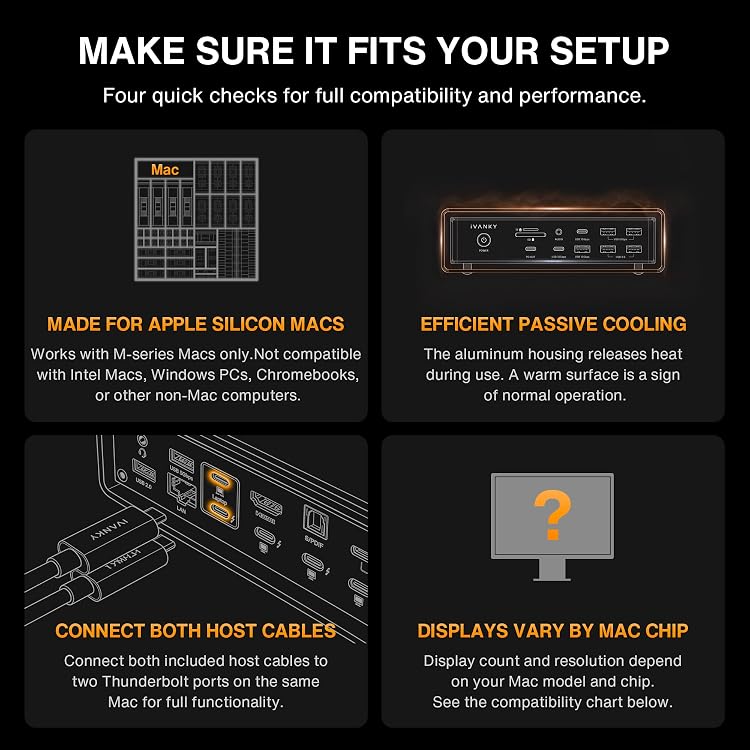
iVANKY FusionDock Max 2 is a Thunderbolt 5 dock described for Apple silicon Macs, with extensive connectivity and chip-dependent multi-display support. It is not listed as compatible with Intel Macs, Windows PCs or Chromebooks, and its full functionality requires two host cables connected to the same Mac.
At a glance
- Three Thunderbolt 5 downstream ports and 10 USB ports are listed for connecting peripherals and high-bandwidth devices.
- The listed display arrangements vary substantially by Mac chip, including up to four displays for M5 Max and up to three for several Max or M5 Pro configurations.
- Passive cooling is claimed, with the aluminum enclosure used as a heat-dissipating surface.
- The listing specifies a two-cable connection to two Thunderbolt ports on one Mac for full functionality.
Reference price: $499.99
Price checked: Nov 23, 2026
View offerBlack Friday weekExplore the selectionOften bought together
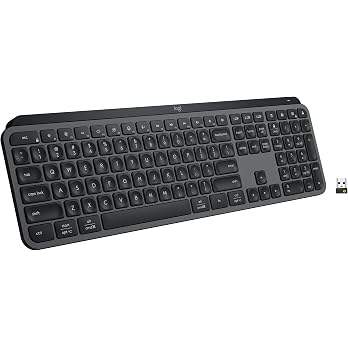
Logitech MX Keys S Wireless Keyboard Low Profile Fluid Precise - Graphite | USB-C rechargeable, 10 days battery, Pairs 3 devices, Smart backlit keys adapt to environment, Logi Bolt USB receiver
$109.99
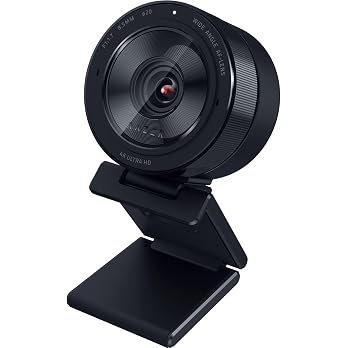
Razer Kiyo Pro Ultra 4K Webcam, Large Sensor, Built-in Mic and Shutter | Auto Light Correction, Pro Grade Content Creation, Streaming, Gaming, Video Calls, Works with PC, OBS, Zoom, Teams
$399.99
Pros and cons
Pros
- Broad listed connection options include Thunderbolt 5, USB, card reading and 2.5Gbps Ethernet.
- The chip-specific display table gives buyers a practical starting point for checking the expected monitor setup.
- Passive cooling avoids an internal fan according to the manufacturer.
Cons
- Compatibility is restricted to Apple silicon Macs, and the listing calls for two Thunderbolt host connections for full functionality.
- The listed weight is 2.76 kg, a consideration for anyone planning to move the dock frequently.
Technical specifications
21 specifications| Brand | IVANKY |
|---|---|
| Color | Midnight Blue |
| Hardware interface | Thunderbolt |
| Compatible devices | Apple silicon Macs with M-series chips |
| Operating system | macOS |
| Minimum required OS version | Mac OS 15 Sequoia |
| Total USB ports | 10 |
|---|---|
| Number of ports | 26 |
| Data transfer rate | 120 gigabits_per_second |
| USB port transfer rate | up to 10Gbps |
| SD/TF card reader speed | up to 312Mb/s |
| Ethernet connection | 2.5Gbps Ethernet connection |
| M1–M4 Max | up to 3 via 2 Thunderbolt (TB) ports (6K@60Hz each) + HDMI (4K@60Hz); NOT via 3 TB ports. |
|---|---|
| M5 Pro | up to 3×6K@60Hz via 3 TB ports, or 2 TB + HDMI. |
| M5 Max | up to 4 via 3 TB + HDMI or 3 TB + one daisy-chained Thunderbolt display. |
| M1–M4 Pro/M4–M5 base | up to 2×6K@60Hz |
| M1–M3 base | 1×6K@60Hz |
| Cooling feature | Silent Passive Cooling |
|---|---|
| Enclosure material | Copper, Graphene, Heat-dissipating Silicone, Superconducting Aluminum |
| Weight listed | 2.76 kg |
| Warranty description | 24-month Warranty |
|---|
What to know before buying
Listing details to confirm
The listing is inconsistent about port totals, calling the dock 23-in-1 in its title and feature text while details say 26 ports, and separately lists 10 USB ports. The title's 23-in-1 count also differs from the 26-port details. It claims 120Gbps transfer and 140W PD in the item highlight, while the feature copy describes three 120Gbps Thunderbolt 5 ports and does not substantiate the 140W figure. Cooling claims conflict with customer feedback mentioning a louder-than-advertised fan despite the no-internal-fan description. Display claims are chip-specific, so confirm the exact Mac chip and intended connections before buying.
Who is it for?
A good fit for
- Apple silicon Mac users who need a large selection of dock connections and will connect both host cables to the same computer.
- Mac users planning multiple external displays who can match the dock's connection arrangement to their specific chip.
Less suited to
- Intel Mac, Windows PC, Chromebook or other non-Mac users, which the listing says are incompatible.
- People who need one dock to switch between multiple computers, since the listing says it supports one Mac at a time and does not switch between computers.
Customer reviews on Amazon
- 5 stars
71% 71% - 4 stars
13% 13% - 3 stars
5% 5% - 2 stars
2% 2% - 1 star
9% 9%
Customer feedback highlights solid build quality, generous port capacity, fast connectivity with Macs and straightforward setup. Reliability and value are mixed, with some customers reporting that the dock stopped working soon after use, while others say it performs as promised. Noise feedback is also mixed. These points matter for a Mac-focused dock whose listed appeal depends on dependable access to many connections, but they are customer reports rather than verification of the dock's specifications or failure rate.
Positive themes
- Customers describe solid build quality, broad port capacity, fast connectivity with Macs and easy setup.
Mixed feedback
- Reliability and value receive mixed feedback, including reports of early failure and differing views on whether the price is justified.
- Noise feedback is mixed, with some customers describing quiet operation and others saying the fan is louder than advertised.
Frequently asked questions
Which computers does the FusionDock Max 2 support?
The listing specifies Apple silicon Macs with M-series chips and says it is not compatible with Intel Macs, Windows PCs, Chromebooks or other non-Mac computers. It also gives Mac OS 15 Sequoia as the minimum required operating system version.
Can it drive three or four external displays?
That depends on the Mac chip and connection layout. The listing gives up to four displays for M5 Max, up to three for M1–M4 Max and M5 Pro, and lower limits for other chips. Check its chip-specific display details against the exact Mac and monitors.
Does it connect to a Mac with one cable?
The listing says to connect both included host cables to two Thunderbolt ports on the same Mac for full functionality. It supports one Mac at a time and does not switch between computers.
Does the dock have a fan?
The product description claims passive cooling with no internal cooling fan. Customer feedback describes noise experiences as mixed, including comments about a fan being louder than advertised, so the noise report does not align cleanly with the listing's cooling claim.
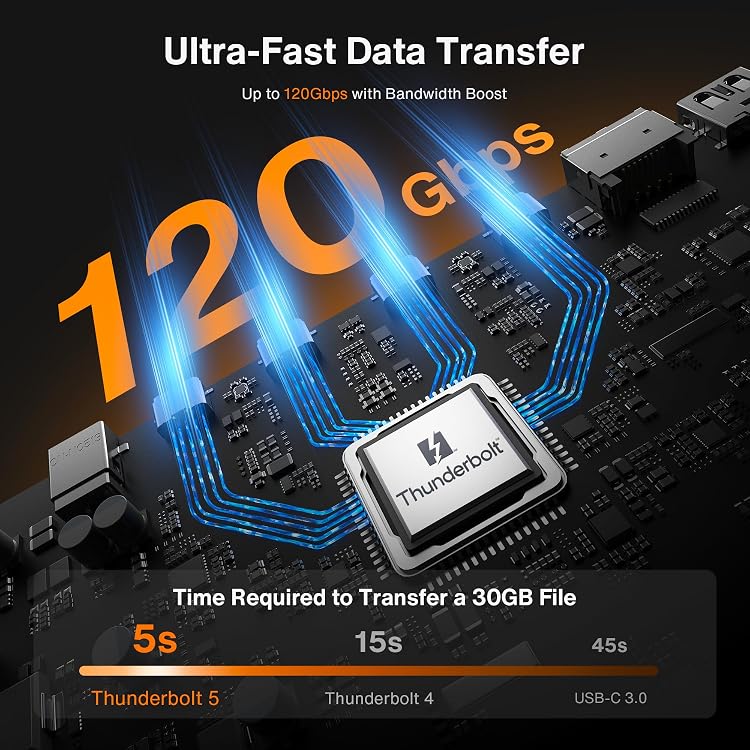
Alternative options
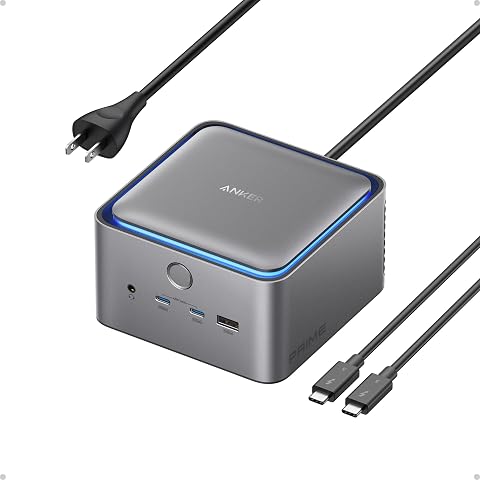
Anker Prime TB5 Docking Station, 14-in-1 Thunderbolt 5 Dock for Laptops | 120Gbps Max Data Transfer, Up to 8K, Dual Display, 140W Max Charging, Ethernet, SD/TF, Cooling System, for TBT 5/4 Laptops
$309.99
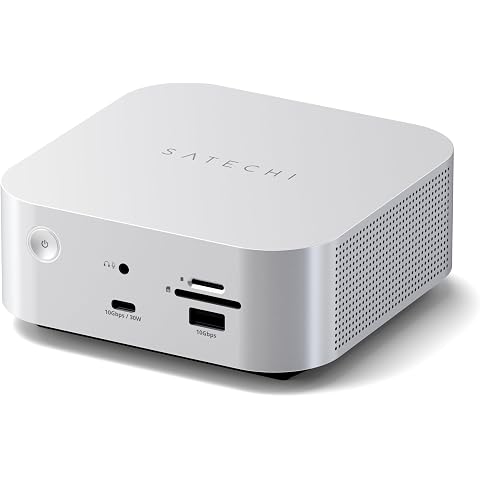
Satechi Thunderbolt 5 CubeDock with Built-in NVMe SSD Enclosure, Silver | USB-C Docking Station, 80/120Gbps USB4 v2, 140W Charging, Up to 8K Display, 2.5GbE, 10Gbps Type-A/C, Active Cooling
$319.99
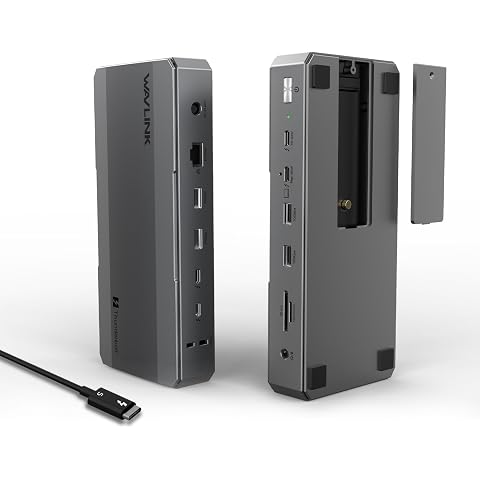
WAVLINK Intel-Certified Thunderbolt 5 Dock, 12-in-1 with M.2 NVMe Slot Up to 120Gbps, 140W PD, Triple 4K/Dual 8K Displays, 10Gbps USB, 2.5G RJ45 Ethernet, for Thunderbolt 5/4 Mac & Windows Laptops
$232.74
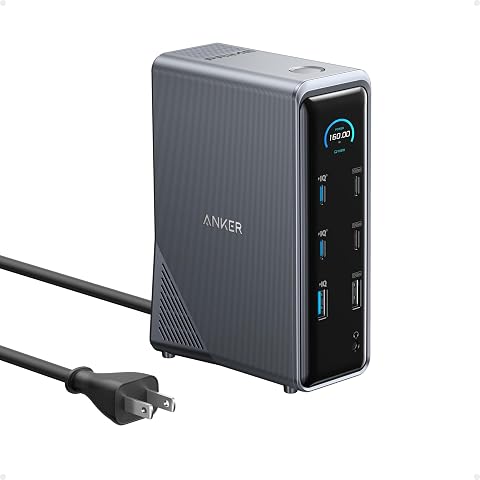
Anker Prime Docking Station, 14-in-1 Laptop Docking Station Dual Monitor | Dual 4K HDMI, 160W Max Output, 10Gbps Data Transfer, Smart Interface, Audio and Ethernet Ports for Dell, HP, Lenovo and More
$161.49
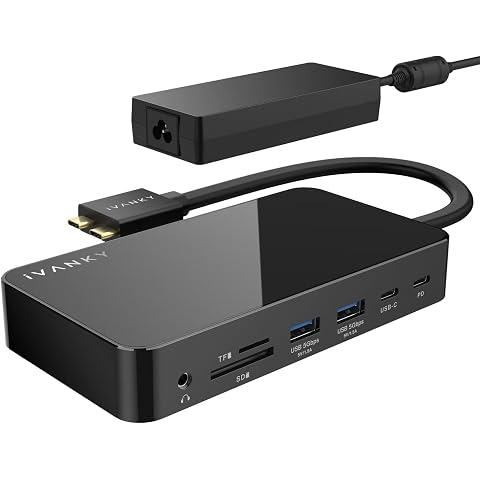
iVANKY 12-in-2 FusionDock 1 for M6/M5 MacBook Pro Docking Station | Dual 4K@120Hz Monitor for M6/M5/M4/M3/M2/M1 Pro/Max MacBook Neo,150W AC, SD/TF, USB, RJ45, 5Gbps (Incompatible with Windows)
$108.26
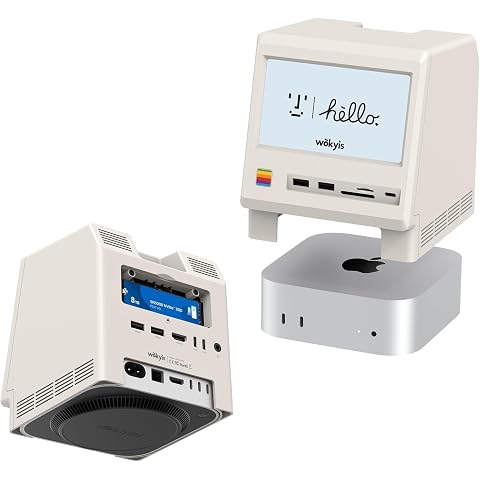
Wokyis M5 Retro Dock Station for Mac mini M6/M5 Pro/M4 with NVMe Enclosure | 5’inch HD Display, 10Gbps M.2 NVMe SSD Enclosure, SD/Micro SD Reader 4.0, 4*USB-A/1*USB-C 10Gbps, 3.5mm Earphone Jack,
$128.24
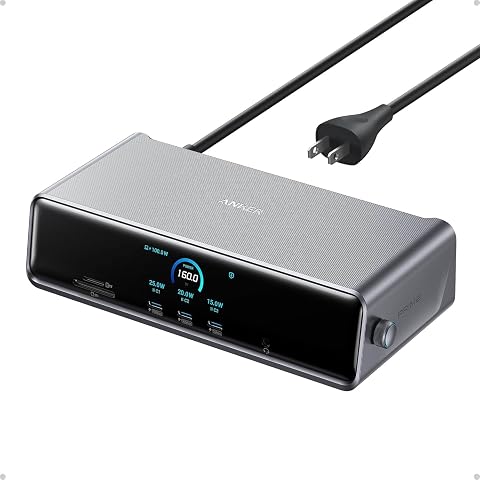
Anker Prime Docking Station (DL7400), 14-in-1 Triple Display, DisplayLink | 140W Max, Smart Display, Triple 4K@60Hz (2 HDMI+1 DP), for Windows Laptops (The Latest DisplayLink Driver Must Installed)
$239.99
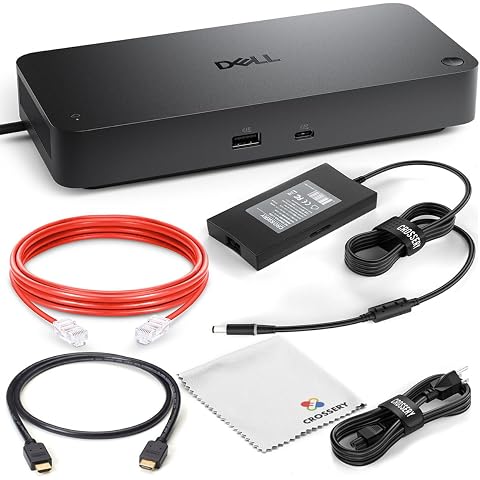
Dell Pro SD25TB4 Thunderbolt 4 Dock - USB-C Docking Station Hub for Dell Laptop, Quad Monitor Support, 4k Display, 180W Power Supply, Thunderbolt 4 Docking Stations for Windows, MacBook Pro
$249.99
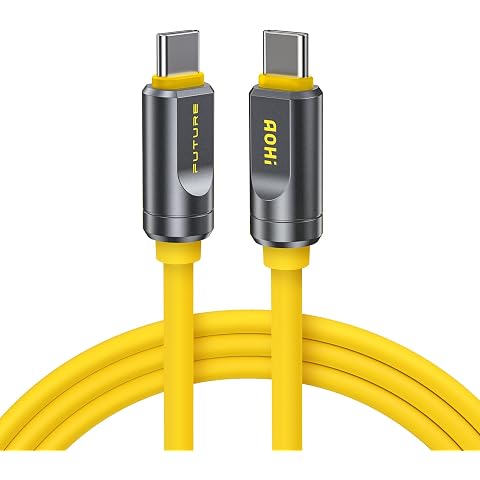
AOHI USB4 2.0 Cable 6.6ft, 240W PD3.1 Fast Charges, 80Gbps Data Transfer | Dual 8K/Triple 4K Display, 120Gbps Video Bandwidth USB C Cable for MacBook Pro/Air, iPhone 17 Pro Max, SSD, Docking, Yellow
$54.14
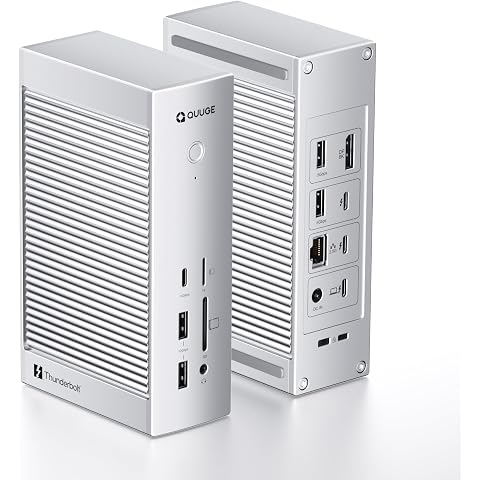
CORE1 Thunderbolt 4 Docking Station,13-in-1,40Gbps 2.5GbE Laptop dock | 3x TB4,1x D...
$299.99
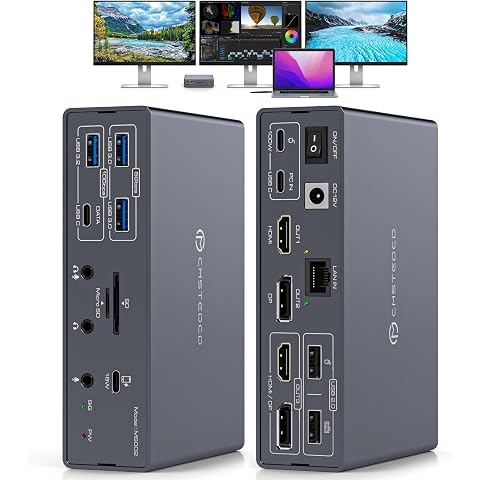
TJCXELE Displaylink Docking Station 3 Monitors with HDMI DP,19-in-1 USB C Laptop Docking Station Triple Display 4K 60Hz with PD 100W,10bps USBC/A Ethernet/Card Readers/Audio for M1 M2 M3/Mac&Windows
$159.99
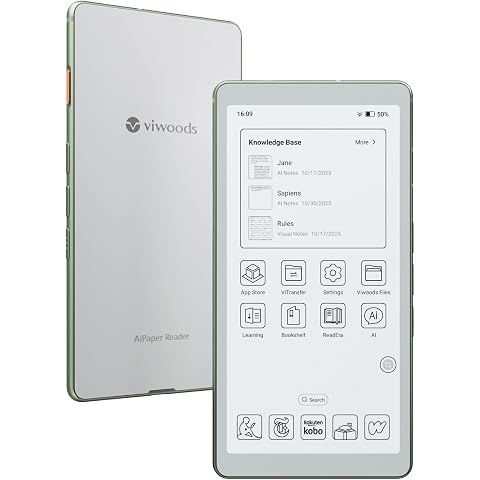
VIWOODS AiPaper Reader 6.13" Pocket E-Reader, AI Button, 4G, Android | Portable 138g e-reader for commuting and travel; supports e-books, PDFs and Android apps with 300 PPI Carta 1300 display.
$199.00