 1 / 7
CMSTEDCD GMXHK-US-SW523P Dual-Monitor USB-C KVM Dock
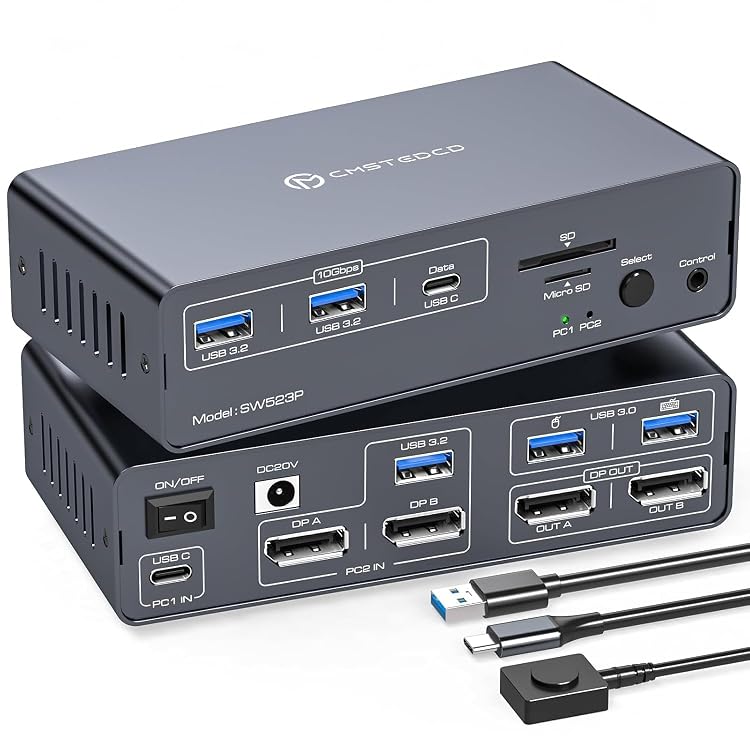
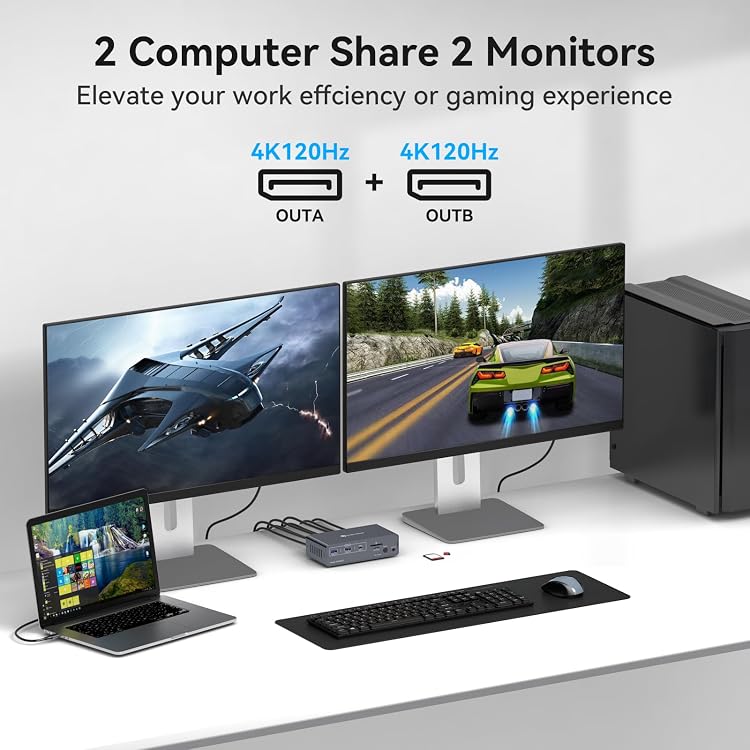
Dual-Monitor: The CMSTEDCD GMXHK-US-SW523P is a USB-C KVM docking station for sharing two monitors and peripherals between a laptop and a desktop. The listing claims dual-display support up to 4K at 120Hz, but the advertised 100W pass-through requires a separate higher-capacity power adapter. macOS is limited to mirroring mode, and hotkey switching is not supported.
At a glance
- Shares a two-monitor docking setup and peripherals between a USB-C laptop and a desktop, switching between computers with a button or desktop controller.
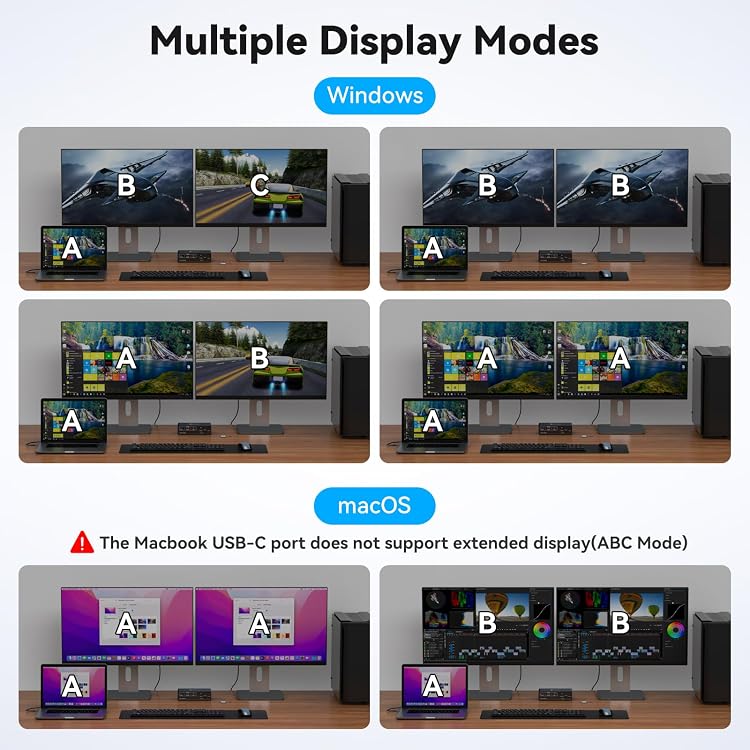
- The listing claims dual displays up to 4K at 120Hz and offers dual-screen docking or mirroring modes. macOS supports mirroring only.
- USB 3.2 and USB-C data ports, USB 3.0 ports, and SD and MicroSD slots provide connections for common peripherals and memory cards.
- USB-C front port is for data only. The listing describes laptop power delivery up to 100W, but the included adapter supports up to 72W.
Reference price: $199.99
Price checked: Nov 27, 2026
View offerBlack Friday weekExplore the selectionPros and cons
Pros
- Combines KVM switching and a multi-port dock for sharing connected monitors, keyboard, and mouse between two computers.
- Includes two switching methods: a button on the dock and a desktop controller.
- Provides SD and MicroSD card slots alongside USB data ports.
Cons
- macOS is limited to mirroring mode rather than extended dual-screen mode.
- The included 20V 3.6A adapter supports up to 72W charging, not the advertised maximum 100W.
- Keyboard hotkey switching is not supported.
Technical specifications
7 specifications| Brand | CMSTEDCD |
|---|---|
| Model | CMSTEDCD-GMXHK-US-SW523P |
| Wireless connection listed | HDMI |
|---|---|
| Control methods listed | Push Button |
| Mounting types listed | Panel Mount |
|---|---|
| Dimensions listed | 5.55 x 2.95 x 1.5 inches |
| Material listed | Metal |
|---|
What to know before buying
Listing details to confirm
The 100W pass-through claim requires a separately purchased DC 20V 6A adapter. The included DC 20V 3.6A adapter is stated to support up to 72W. The listing also uses HDMI as its wireless connection value despite describing a USB-C/DisplayPort docking station, so that connection label is inconsistent. Confirm display-port and computer compatibility, including the required Thunderbolt connection, before purchase. The stated 4K-at-120Hz capability is a listing claim, not a verified result.
What’s in the box
Included- 2 USB cables
- Desktop controller
- Power adapter
- User manual
Who is it for?
A good fit for
- People switching a shared dual-monitor desk between a USB-C laptop and a desktop.
- Users who want dock-based USB peripherals and SD or MicroSD card access at a shared workstation.
Less suited to
- Mac users who need extended desktop mode across two external displays.
- Buyers who need hotkey-based KVM switching or require 100W charging from the included adapter.
Customer reviews on Amazon
- 5 stars
79% 79% - 4 stars
21% 21% - 3 stars
0% 0% - 2 stars
0% 0% - 1 star
0% 0%
The supplied aggregate ratings are largely five-star, with the remainder four-star, but no written customer feedback is available to identify specific strengths, concerns, or reasons for the ratings. Treat them as a limited general signal rather than evidence of display compatibility, switching behavior, or charging performance.
Frequently asked questions
Can this dock provide 100W laptop charging with the included adapter?
No. The listing says the included DC 20V 3.6A adapter supports up to 72W. It says a separately purchased DC 20V 6A adapter is required for up to 100W.
Does it support extended dual monitors on macOS?
The listing says macOS supports mirroring mode only, so it does not claim extended dual-screen operation for macOS.
How can I switch between the two computers?
The listing describes a button on the dock and a desktop controller. It says keyboard hotkey switching is not supported.
Alternative options
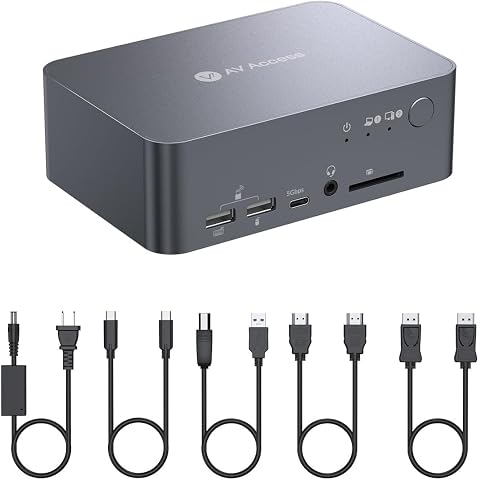
AV Access KVM Switch 2 Monitors 2 Computers, KVM Dock for Laptop & Desktop | 4K@60H...
$181.55
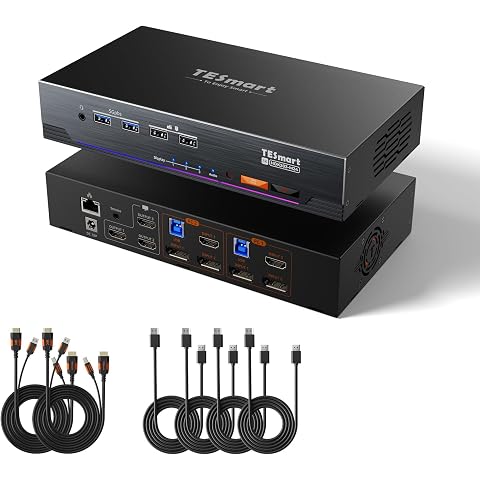
TESmart 4K@144Hz Displayport + HDMI KVM Switch 3 Monitors 2 Computers USB 3.0, HDMI 2.1&DP 1.4 KVM Switch Triple Monitors 8K@60Hz Gaming, Support EDID, Gigabit Network, VRR, All Input Cables Included
$639.99
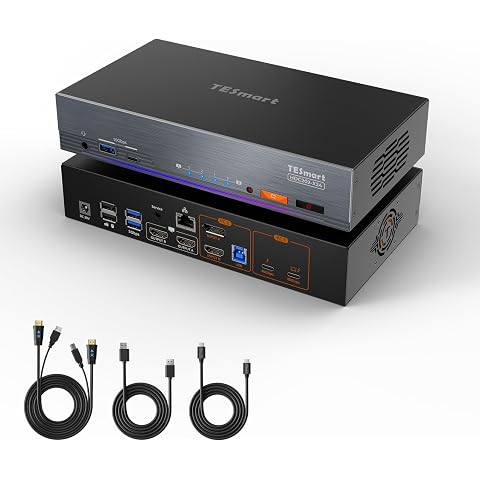
TESmart Thunderbolt 4 KVM Switch Dual Monitor for 1 Laptop&Desktop 4K@60Hz | USB-C+HDMI/DP Input, 40Gbps, TB4 USB C 60W PD, 10Gbps USB, 1G Ethernet, EDID, Audio&Mic, All Input Cables
$594.15
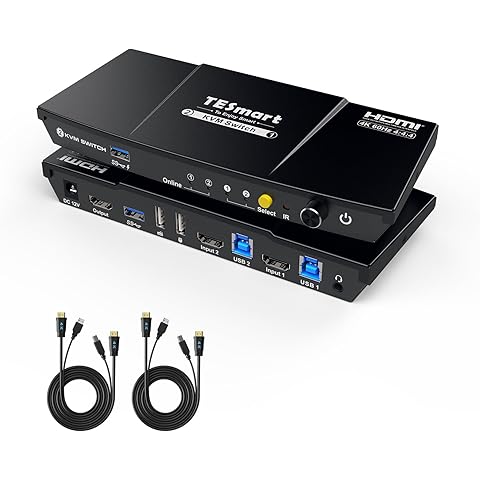
TESmart 2 Port HDMI KVM Switch 2 Computers 1 Monitor, 4K@60Hz, USB 3.0 | EDID, 2 Computers Share 1 Monitor, L/R Audio&Microphone, Hotkey, IR Remote, Front-Panel Switch, 2 KVM Cables
$103.99
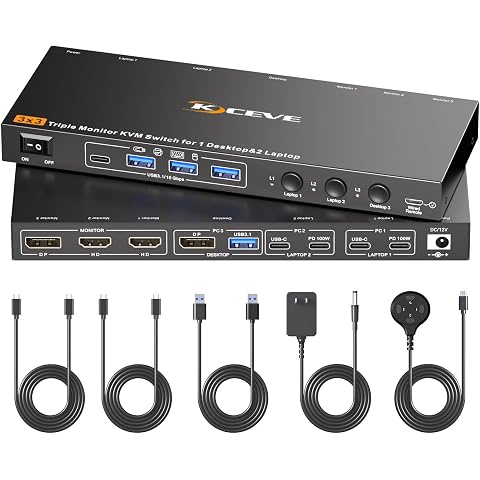
KVM Switch 3 Monitors 3 Computers USB C, KVM Switch for 2 Laptops&1 Desktop | 4K@60Hz, 1080P@60Hz, MST for USB C &DP, Share 4 USB 3.1 Ports, 10Gbps, PD 100W(4K USB-C DP HDMI 3 in 3 Out)
$127.99
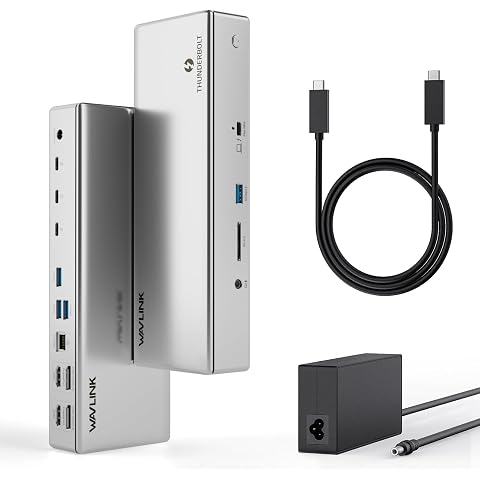
WAVLINK Thunderbolt 4 Dock, TB4 and DisplayLink Integration Technology | 3 X 40Gbps TB4, Dual HDMI&DP, Quad 4K@60Hz, 98W PD IN, 2.5G RJ45 Ethernet, 312 MB/s SD V4.0, 10Gbps USB-A, Driver Needed
$199.00
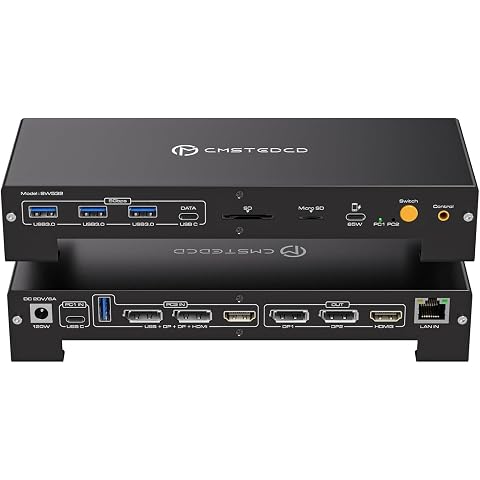
KVM Switch 3 Monitors 2 Computers, USB-C KVM Docking Station for Desktop and Laptop...
$159.99
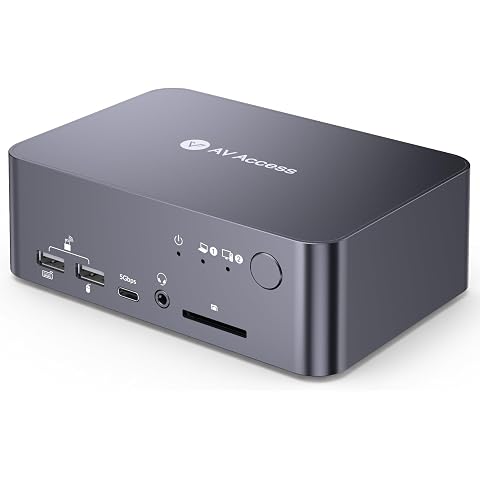
AV Access KVM Switch Docking Station 2 Monitors 2 Computers, 60W Charging | Gigabit...
$187.84
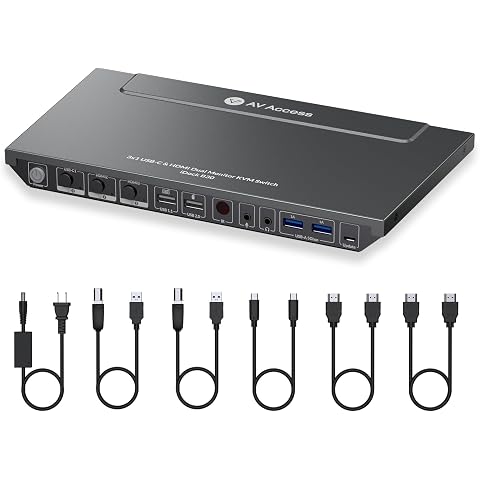
AV Access KVM Switch Docking Station for a Laptop and 2 Desktop PCs Dual 4K | Type-...
$214.19
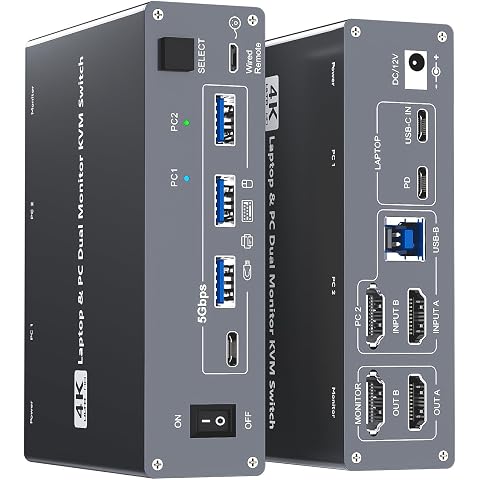
USB C & Dual HDMI KVM Switch 2 Monitors Laptop & Desktop Docking Station | 4K@60Hz ...
$84.79
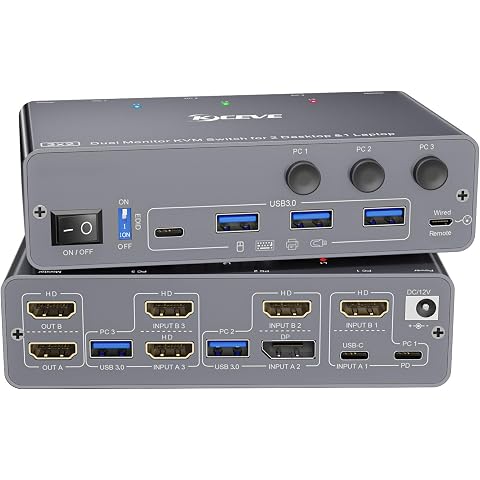
KCEVE KVM Switch 2 Monitors 3 Computers USB C HDMI DP, EDID, 4K@60Hz | USB 3.0 KVM Switch Dual Monitor HDMI for 1 Laptops 2 Desktop, 73W PD, Aluminum, Wired Remote(4K USB C HD DP 3 in 2 out KVM)
$111.99
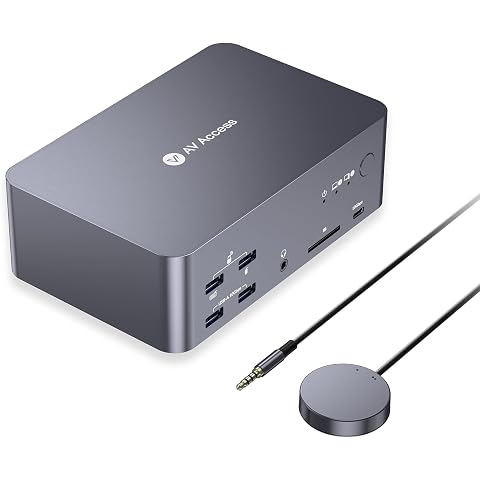
AV Access KVM Switch 3 Monitors 2 Computers KVM Docking 8K@60Hz | 100W USB C Laptop...
$254.79