 1 / 7
CMSTEDCD GMXUS-SW273 Dual-Monitor DisplayPort KVM Switch
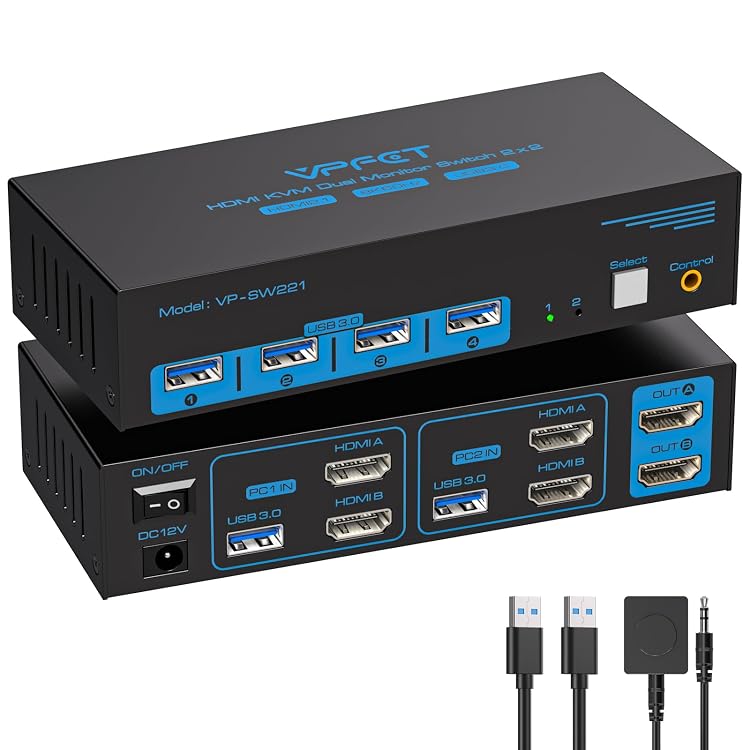
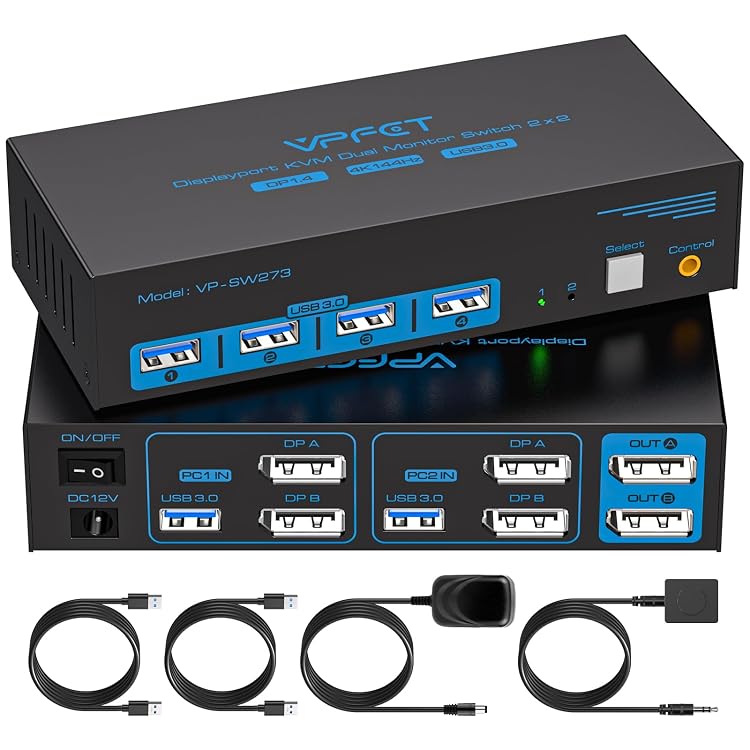
Dual-Monitor: The CMSTEDCD GMXUS-SW273 is a DisplayPort KVM switch for sharing two monitors and four USB peripherals between two computers. It offers front-button or wired desktop-controller switching, while dual-display use requires two DisplayPort outputs on each source computer.
At a glance
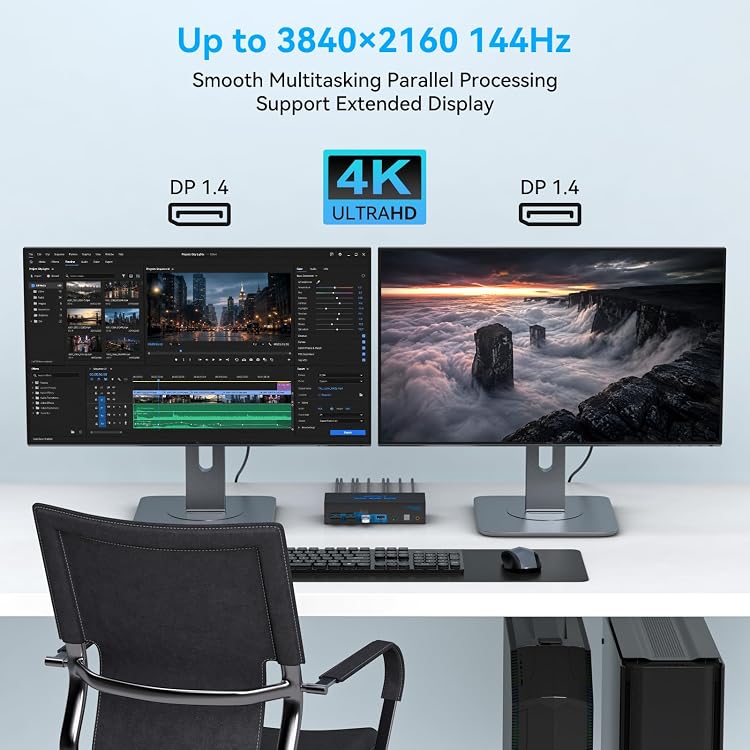
- Supports sharing two monitors and four USB peripherals between two PCs, with extended or clone display modes claimed.
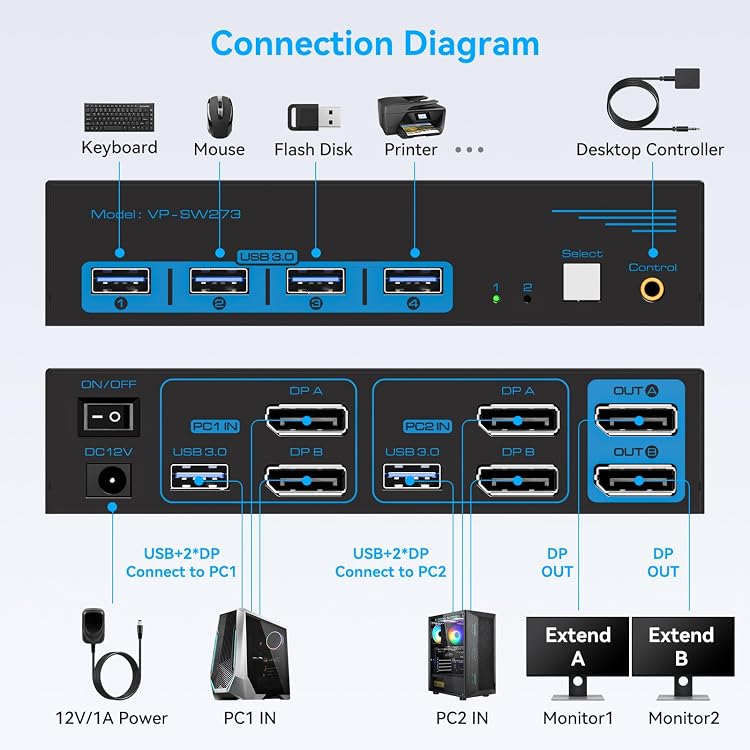
- Dual-monitor operation requires two DisplayPort outputs on the source PC and both DP A and DP B connections to that computer.
- Manufacturer claims 3840x2160@144Hz maximum resolution. Actual output depends on the graphics card, monitors, and cables.
- Four USB 3.0 ports are listed. The manufacturer says a USB 3.0 connection from each PC is needed to enable the front-panel ports.
- Switch using the KVM's front button or the included wired desktop controller. Keyboard hotkey switching is not supported.
Reference price: $89.99
Price checked: Nov 27, 2026
View offerBlack Friday weekExplore the selectionOften bought together
Pros and cons
Pros
- Two computers can share a dual-monitor setup and four USB peripherals, reducing the need to reconnect shared devices.
- Two physical switching options include an included desk-side wired controller.
- Extended and clone display modes are stated for flexible dual-display use.
Cons
- Requires two DisplayPort outputs from each computer for dual-monitor operation, which may rule out systems with fewer suitable outputs.
Technical specifications
8 specifications| Brand | CMSTEDCD |
|---|---|
| Model | GMXUS-SW273-Deep Blue |
| Video connection listed | Displayport |
|---|---|
| Switch control listed | Push Button |
| Mounting type listed | Panel Mount |
|---|---|
| Dimensions | 5.91 x 2.56 x 1.42 inches |
| Weight | 0.28 kg |
| Material | Metal |
|---|
What to know before buying
Listing details to confirm
The maximum resolution and refresh rate depend on the graphics card, monitors, and cables. The manufacturer recommends quality DisplayPort 1.4 cables no longer than 3.3 feet for stable operation. The stated dual-screen, DisplayPort 1.4, 4K@144Hz, USB 3.0, and four-peripheral configuration comes from feature claims, while the details table gives only “Displayport” as the connection and lists HDMI/USB as terminals. Confirm the port layout and capabilities for the selected listing before purchase.
What’s in the box
Included- 2 USB cables
- Wired desktop controller
- Power adapter
- User manual
Who is it for?
A good fit for
- People switching two DisplayPort-equipped computers between the same two monitors and shared USB peripherals.
- Desk setups where switching via a physical button or wired controller is preferable to keyboard shortcuts.
Less suited to
- Computers that cannot provide two DisplayPort outputs for the claimed dual-monitor setup.
- Buyers who require keyboard-hotkey switching or need DisplayPort cables included.
Customer reviews on Amazon
- 5 stars
74% 74% - 4 stars
11% 11% - 3 stars
0% 0% - 2 stars
2% 2% - 1 star
13% 13%
Customer feedback describes the switch as easy to set up and convenient to use, with reported appreciation for 4K picture quality, quick switching, and a tidier desk. Connectivity feedback is mixed, including reports of compatibility issues. That concern matters particularly for a dual-display setup, which the listing says requires two DisplayPort outputs from each computer, and where results depend on the connected graphics cards, displays, and cables. Aggregate ratings skew positive overall but include a smaller low-star share, and do not establish the cause of those ratings.
Positive themes
- Customers report straightforward setup and convenient switching.
- Feedback highlights display quality, quick switching, and a more organized desk.
Mixed feedback
- Connectivity receives mixed feedback, with some customers reporting compatibility issues.
Frequently asked questions
How many computers and monitors does this KVM switch support?
The feature description claims switching between two computers while sharing two monitors. It says each computer needs two DisplayPort outputs connected to the KVM for dual-monitor operation.
What resolution and refresh rate does it claim?
The listing claims a maximum of 3840x2160@144Hz. It says results depend on the graphics cards, monitors, and cables, so this is not a guaranteed output for every setup.
How can I switch between computers?
The listing describes switching with the KVM's front-panel button or the included wired desktop controller. It explicitly says keyboard hotkey switching is not supported.
Are DisplayPort cables included?
No. The feature description says DisplayPort cables are not included. It lists two USB cables, a desktop controller, a power adapter, and a user manual.
Alternative options
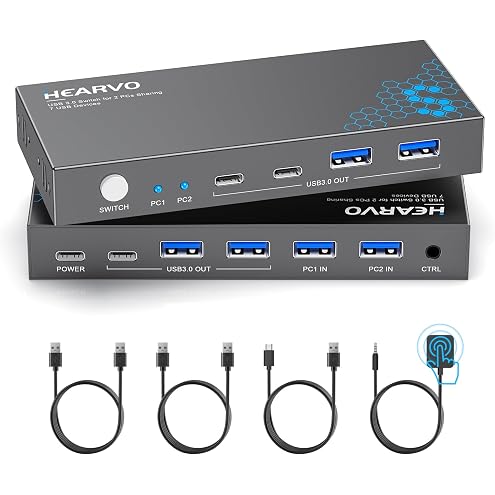
Hearvo USB 3.0 Switch for 2 Computers, 7-Port USB Sharing Switch 5Gbps | 4 USB-A & 3 USB-C Ports, Powered USB Switcher for Laptop, PC, MacBook, Keyboard, Mouse, SSD, Printer Sharing
$37.99
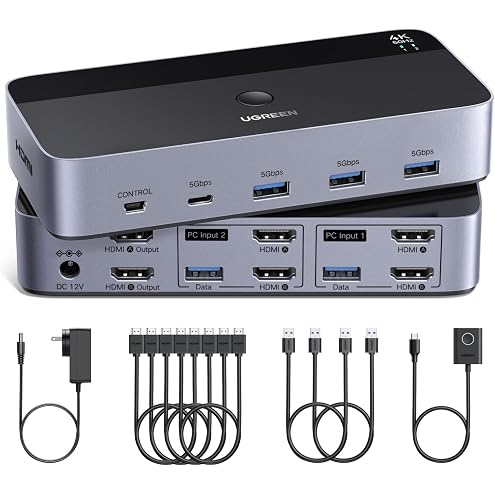
UGREEN HDMI KVM Switch 2 Monitors 2 Computers 4K@60Hz, with 4 USB 3.0 Ports | for 2 Computers Sharing 2 Monitors Keyboard Mouse Printer Webcam, with 4 HDMI + 2 USB Cables, Power Adapter and Controller
$61.74
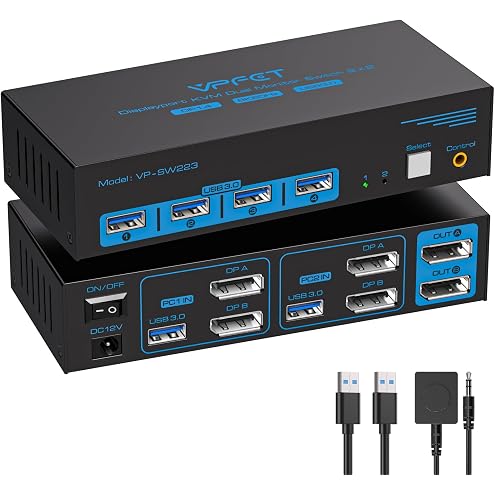
8K Displayport KVM Switch 2 Monitors 2 Computers Display Port 4K@120Hz Dual Monitor USB 3.0 KVM Switches for 2 PC Share 2 Screens and 1 Set of Keyboard Mouse Printer with 2 USB Cables
$56.52
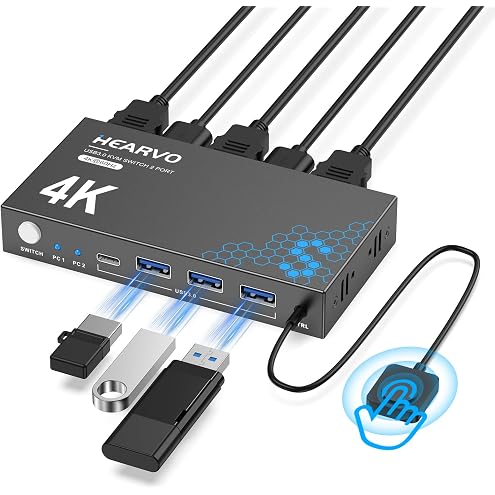
Hearvo USB 3.0 HDMI KVM Switch for 2 Computers 1 Monitor, 4K@60Hz, S7232H | Share Keyboard, Mouse, Hard Drives and Printer, EDID Adaptive, 2 USB Cables and Wired Desktop Controller,
$25.64
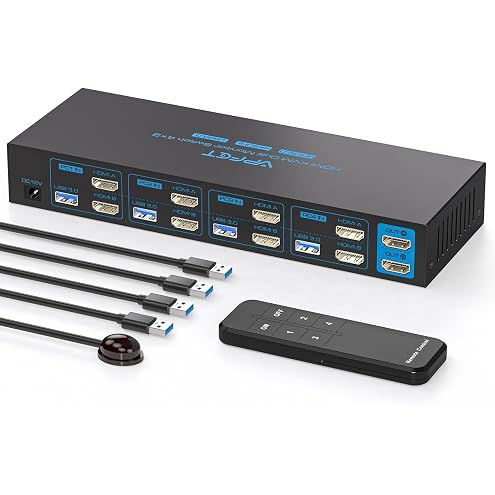
TIGKTING HDMI KVM Switch 4 Computers 2 Monitors 4K@60Hz EDID Emulation 4 Port KVM Switch for 4 PC Share Dual Monitor and 4 USB 3.0 Devices Support Copy and Extend Mode with Controller, Plug and Play
$79.99
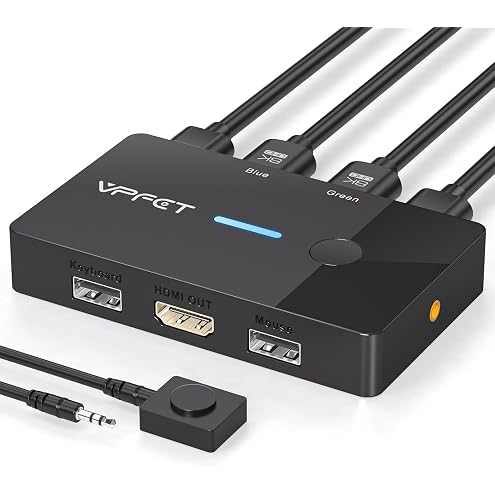
8K HDMI KVM Switch 1 Monitors 2 Computers 4K@120Hz KVM Switches 2 Port for 2 Computers Share Keyboard Mouse and one HD Monitor, with Desktop Controller and 2 USB Cables
$16.79
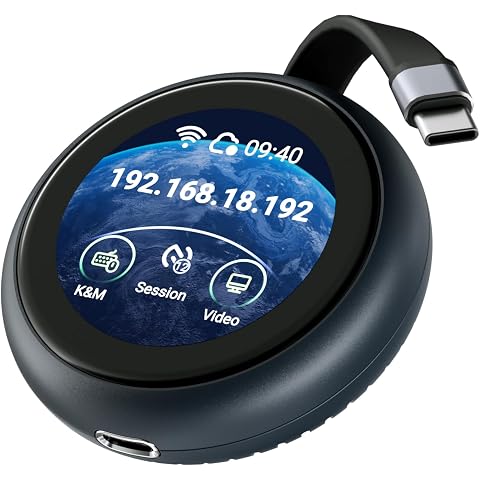
GL.iNet Comet Q (GL-RMQ1) Pocket KVM, Plug & Play Remote for Laptop iPhone | No app on target, browser based control, USB-C one cable, Wi-Fi 6, touchscreen, pocket size, for remote family tech support
$118.99
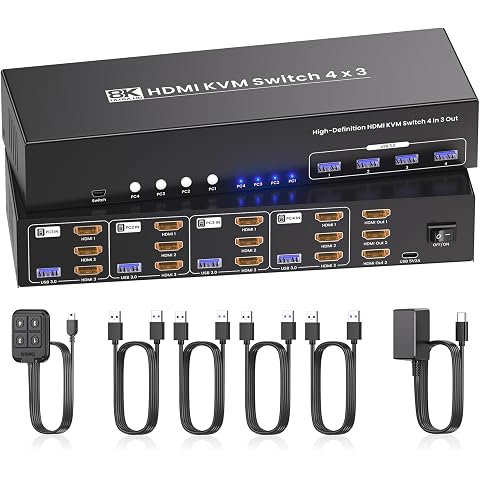
8K@60Hz 4K@120Hz HDMI KVM Switch 3 Monitors 4 Computers USB 3.0 Hub
$139.99
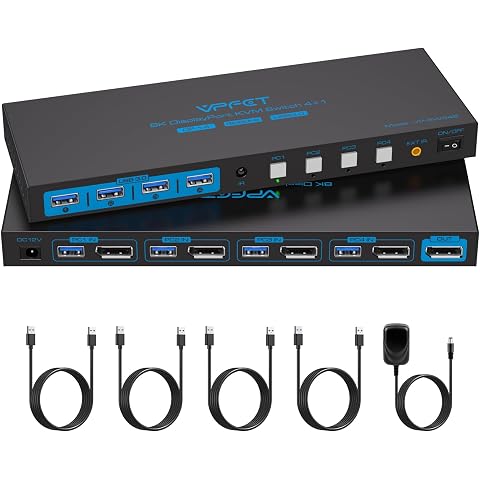
4 Port KVM Switch for 4 Computers 1 Monitor DisplayPort, 4K@144Hz USB KVM Switch wi...
$63.99
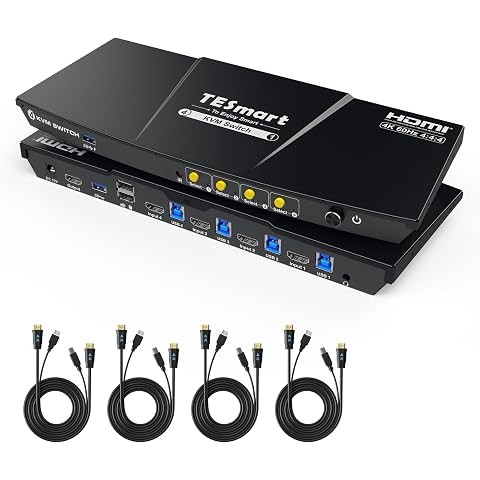
TESmart USB 3.0 HDMI KVM Switch 1 Monitor 4 Computers 4K@60Hz, 4 Port KVM | 4 Computers Share 1 Monitor, EDID, L/R Audio & Microphone, Hotkeys, Front Buttons, IR Remote, 4 KVM Cables
$169.99
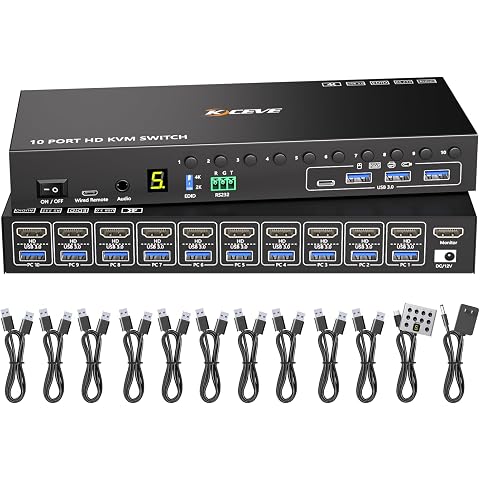
10 Port 8 Port HDMI KVM Switch 10 Computers 1 Monitor Audio EDID Emulation | 4K@60H...
$100.79
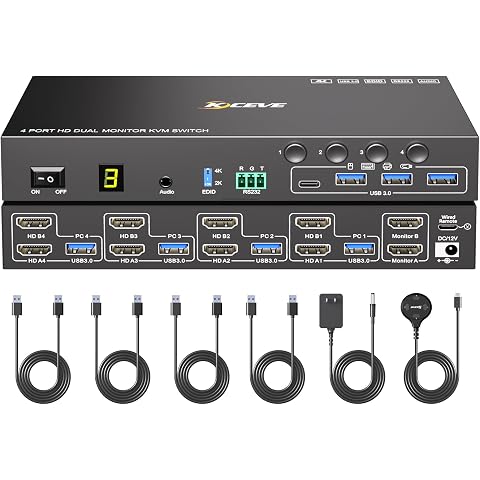
4 Port HDMI KVM Switch 2 Monitors 4 Computers 4K@60Hz EDID Simulation,Dual Monitor ...
$84.79