 1 / 7
XP-Pen Artist 22R Pro 21.5-Inch Pen Display
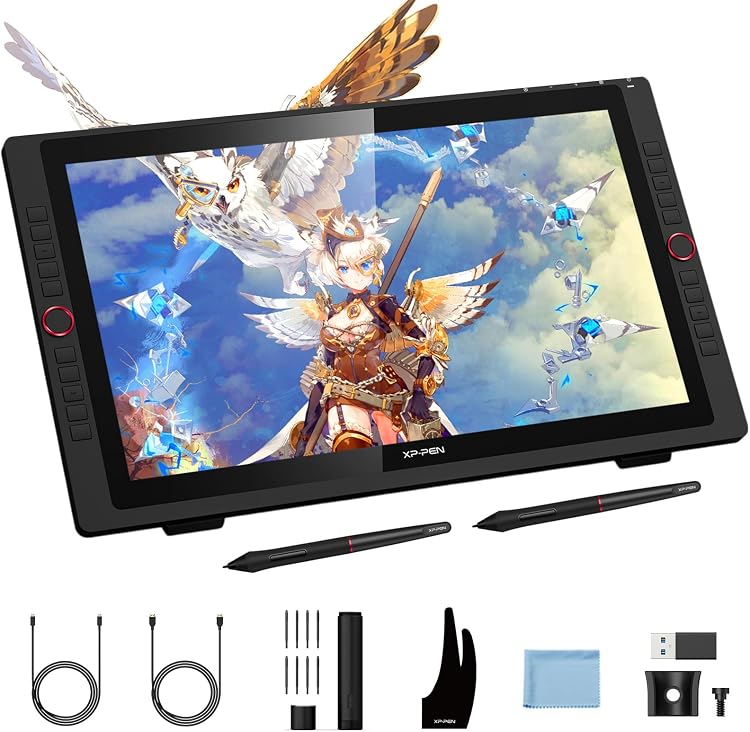
The XP-Pen Artist 22R Pro is a 21.5-inch pen display for drawing and editing with a connected computer. Its 20 shortcut keys and two dial wheels offer hands-on controls, while the 1920x1080 screen gives a large workspace without a higher-resolution panel.
At a glance
- The 21.5-inch display is a direct drawing surface that connects to a computer, not a standalone tablet.
- Twenty customizable shortcut keys and two dial wheels can be mapped to frequently used controls.
- The listing specifies a 1920x1080 LCD, 8192 pressure levels and 60° stylus tilt.
- An adjustable stand and stated left- and right-handed control layout suit varied desk setups.
Reference price: $549.99
Price checked: Nov 20, 2026
View offerBlack Friday weekExplore the selectionPros and cons
Pros
- Large 21.5-inch work surface for drawing and editing at a desk.
- Numerous physical shortcut controls, with keys described as customizable.
- Battery-free styluses are claimed in the package description.
Cons
- The 1920x1080 resolution is modest for a 21.5-inch display compared with higher-resolution pen displays.
- It requires a connected computer and is not a standalone drawing tablet.
Technical specifications
22 specifications| Brand | XP-Pen |
|---|---|
| Model | Artist 22R Pro |
| Screen size | 21.5 inches |
|---|---|
| Screen technology listed | LCD |
| Native resolution | 1920x1080 |
| Color | Black |
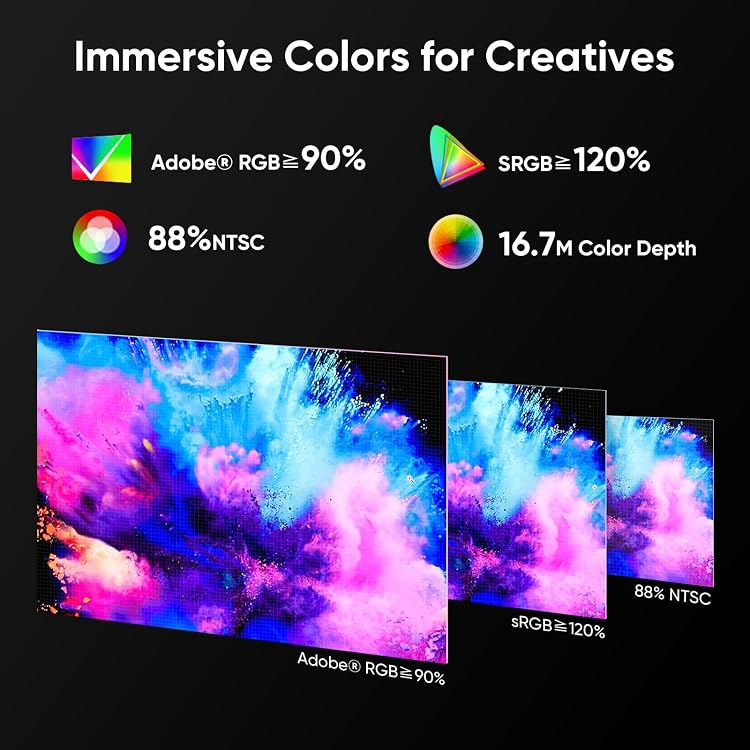
| Color gamut | sRGB≧120%, Adobe RGB≧90%, and 88% NTSC |
| Colors | 16.7 million colors |
| Contrast ratio | 1000:1 |
| Viewing angle | 178° |
| Active surface area | 476.064*267.786 square inches |
| Pressure sensitivity | 8192 levels |
|---|---|
| Stylus tilt | 60° |
| Report rate | 220 RPS |
| Shortcut keys | 20 customizable shortcut keys |
| Connection listed | USB |
|---|---|
| Operating systems listed | Windows11/10/8/7, Mac OS X10.10 and higher |
| Additional operating system compatibility | Chrome OS 88 or later, Linux |
| Weight listed | 7 kg |
|---|---|
| Dimensions | 22.4"L x 13.18"W |
| Adjustable stand angle | 16° to 90° |
| VESA mount pattern | 100x100mm |
What to know before buying
Listing details to confirm
The listing details are inconsistent about the connection, describing USB, full-featured USB-C and HDMI input, and about operating-system support, with details varying between sections. Check the selected computer connection and current OS compatibility before purchase.
What’s in the box
- 2 battery-free stylusesCheck selected pack
- USB-C to USB-C cableCheck selected pack
- VGA cableCheck selected pack
- HDMI cableCheck selected pack
- Power adapterCheck selected pack
- Power cordCheck selected pack
- Pen holder with 8 replacement nibsCheck selected pack
- USB-C to USB adapterCheck selected pack
- Quick guideCheck selected pack
- Cleaning clothCheck selected pack
- Black drawing gloveCheck selected pack
Check which accessories are included in your selected pack before buying.
Who is it for?
A good fit for
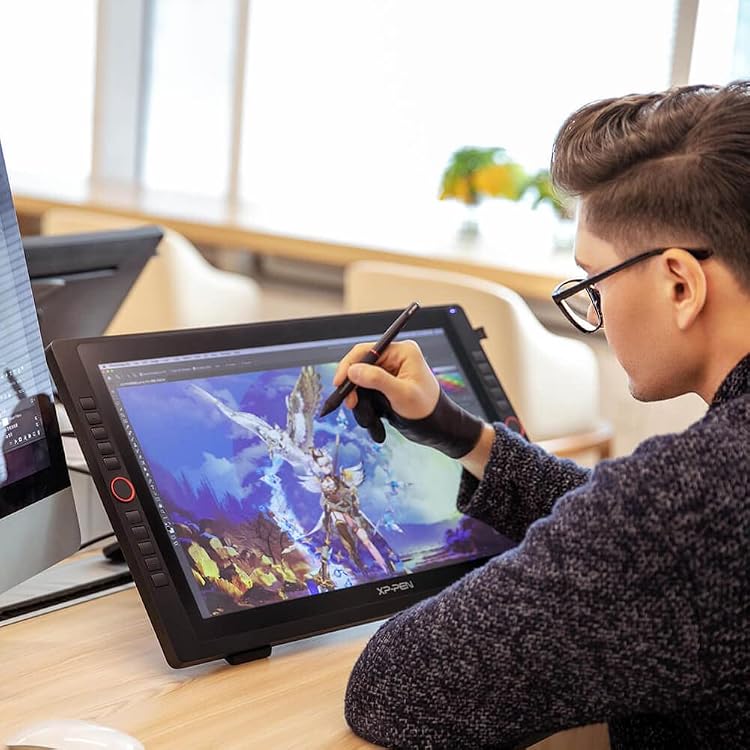
- Digital artists and editors who want to draw directly on a large desktop display.
- Users who prefer keyboard-like shortcut keys and dial controls at the drawing surface.
- People with a compatible computer and enough desk space for a 21.5-inch pen display.
Less suited to
- Buyers seeking a standalone tablet that works without a computer.
- Those who need a higher-than-1920x1080 drawing display or a compact portable setup.
Customer reviews on Amazon
- 5 stars
78% 78% - 4 stars
12% 12% - 3 stars
4% 4% - 2 stars
2% 2% - 1 star
4% 4%
Customer feedback reports ease of setup and use, good performance with programs such as Photoshop, and favorable value perceptions. Experiences are mixed on drawing performance and continued functionality, with some reports of early failure, and some customers mention compatibility trouble with newer Mac systems. The reported positives may suit computer-based creative work, but the mixed reliability and compatibility feedback makes checking the current computer setup especially relevant.
Positive themes
- Customers report easy setup and use.
- Customers praise performance in design programs such as Photoshop and see the tablet as good value.
Negative themes
- Some customers report that the tablet stopped working after several months of light use.
- Some customers mention compatibility issues with newer Mac systems.
Mixed feedback
- Reports on drawing performance differ, with some customers satisfied and others struggling to draw properly.
- Customer feedback is mixed on functionality and reliability.
Frequently asked questions
Can the Artist 22R Pro work without a computer?
No. The listing says it must be used with a computer or laptop, so it is a pen display rather than a standalone tablet.
What is the listed display resolution?
The listed native resolution is 1920x1080 on a 21.5-inch LCD.
How many shortcut controls does it have?
The listing describes 20 customizable shortcut keys and two red dial wheels.
Which connection should I expect to use?
The listing mentions USB, a full-featured USB-C connection and HDMI input in different places. Confirm the relevant ports and cable for your computer and selected listing.
Alternative options
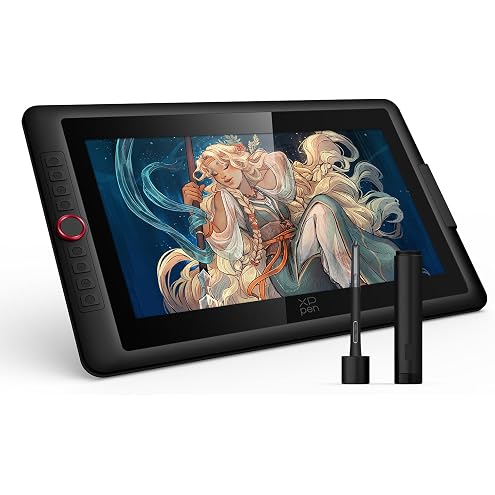
XPPen 16K Artist 15.6 Pro V2 Drawing Tablet with Screen | Full-Laminated Anti-Glare Glass, Adjustable Stand, 8 Shortcut Keys, for PC/Mac/Linux/Android
$259.99
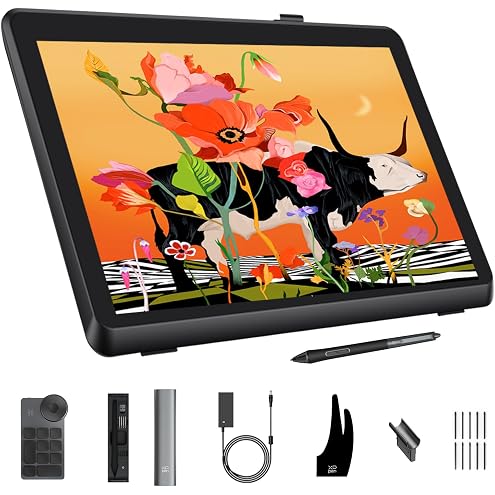
XPPen Artist Pro 22 Gen 2 22" 2.5K Drawing Tablet with Screen, 16K, Calman | Calman Verified 99% Adobe RGB Display for Design, Photo Editing, Mac, PC, Includes ACK05 Shortcut Remote & Adjustable Stand
$486.45
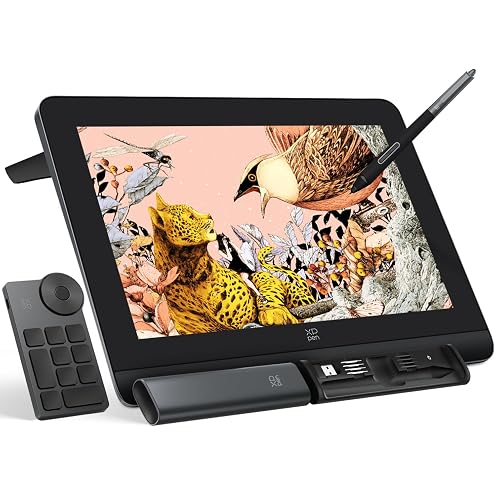
XPPen Artist Pro 16 Gen2 2.5K 16-inch QHD Drawing Tablet | Full Laminated Anti-Glare Screen, 16384 Pressure Levels X3 Pro Stylus (PD21D), 99% sRGB Tilt Support, Mini Keydial
$419.99
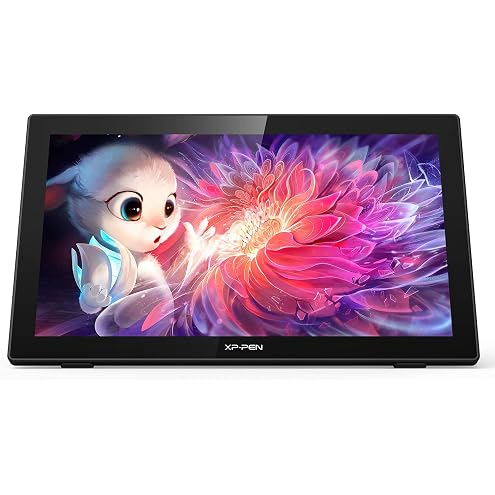
Drawing Tablet with Screen XPPen Artist 22 2nd Computer Graphics Tablet 122% sRGB with 8192 Levels Tilt Function Battery-Free Stylus, 21.5inch Pen Display Compatible with Windows, Mac, Linux
$332.48
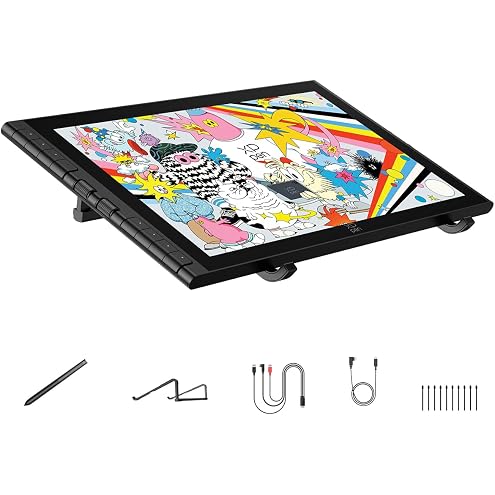
XPPen Artist 16 3rd Drawing Tablet with Screen, 15.4"Pen Display with 16K Pressure Stylus, Anti-Glare Etched Glass, 2 Scroll Wheels & 8 Hotkeys, Include Foldable Stand, Compatible with Mac/Win/Android
$279.99
XPPen Artist 13.3 Pro V2 Drawing Tablet with Screen, 16K, Red Dial, 8 Keys | Full-Laminated AG Glass, 99% sRGB, X3 Pro Pen for Art, Animation, Mac, PC, Android, Includes Stand, Designed for Beginners
$188.99