 1 / 7
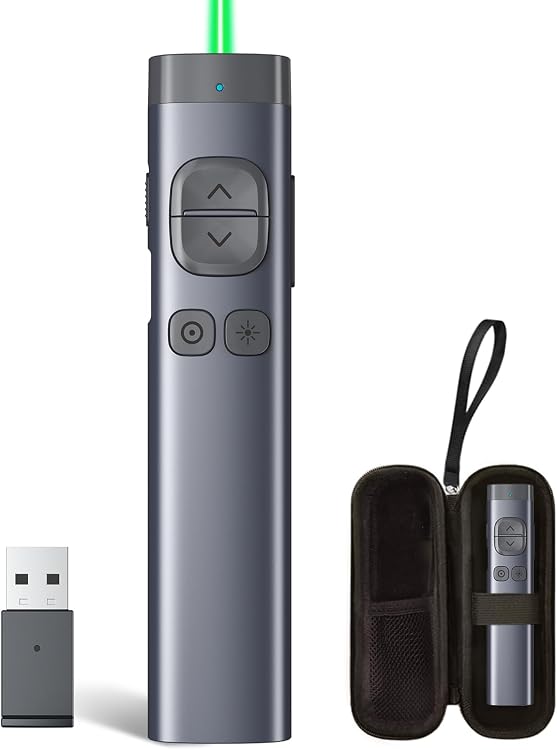
Norwii N97 Presentation Clicker with Digital Pointer
Norwii N97 is a presentation clicker that combines slide controls with a digital pointer, highlighting and magnification features. Its Bluetooth and USB connectivity and software-dependent pointer tools suit presenters who want more than basic slide advancement, with setup and feature support varying by host and presentation software.
At a glance
- Bluetooth or USB-A receiver connectivity, with the listing describing a switch between the two connection methods.
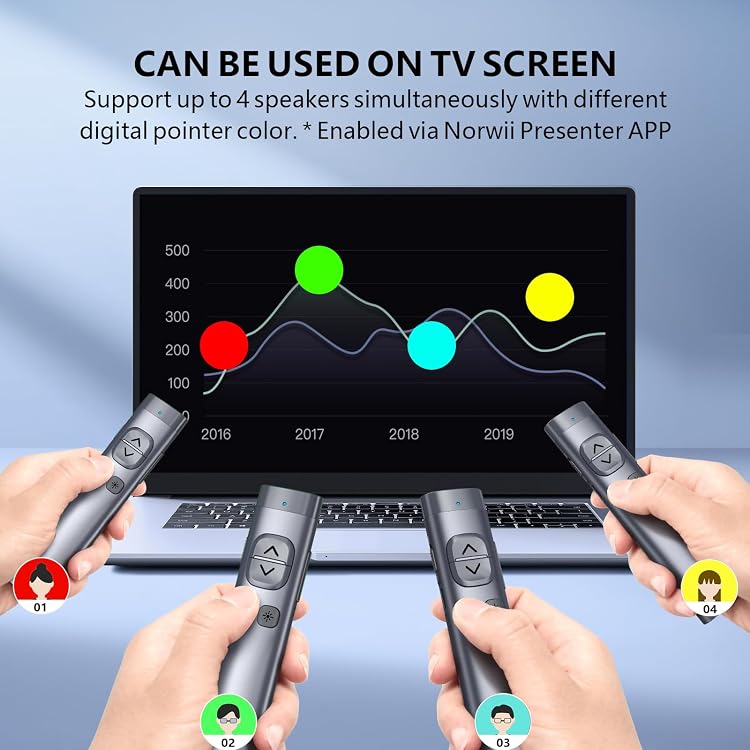
- Digital pointer, highlight and magnifier features are enabled through Norwii Presenter software.
- Built-in USB receiver storage is described as holding Norwii Presenter software.
- Buttons can be remapped through the companion software, and the listing describes silent P+R buttons and metal housing.
- A mouse-like control is limited to left click, with no right or double click. The listed PowerPoint virtual pointer works only in full-screen mode.
Reference price: $46.99
Price checked: Nov 25, 2026
View offerBlack Friday weekExplore the selectionPros and cons
Pros
- Offers both Bluetooth and USB-A receiver connection options for a compatible computer.
- Software-based pointer, highlight, magnification and customizable buttons provide options beyond basic slide navigation.
- Built-in storage in the USB receiver may make the companion software more convenient to access.
Cons
- Advanced digital pointer, highlighting and magnification require Norwii Presenter software, so the basic clicker alone does not provide those described on-screen tools.
Technical specifications
12 specifications| Brand | Norwii |
|---|---|
| Model | N97 |
| Wireless connection listed | Bluetooth, USB |
|---|---|
| Control methods listed | Button Control |
| Buttons | 6 |
| Battery type | Lithium-Ion Polymer |
|---|---|
| Battery listed | 1 Lithium Polymer batteries required. (included) |
| Weight listed | 46.9 g |
|---|---|
| Dimensions | 5.4"L x 1.18"W x 0.54"H |
| Operating systems listed | Windows 10, macOS 10.15 or later, Android 5.0 or later, Linux Kylin 10 / UOS 20 (amd64, arm64, loongarch64) and Kylin 11 / UOS 25 (amd64, arm64, loong64) |
|---|---|
| Maximum range listed | 164 feet |
| Supported devices listed | 1 |
What to know before buying
Listing details to confirm
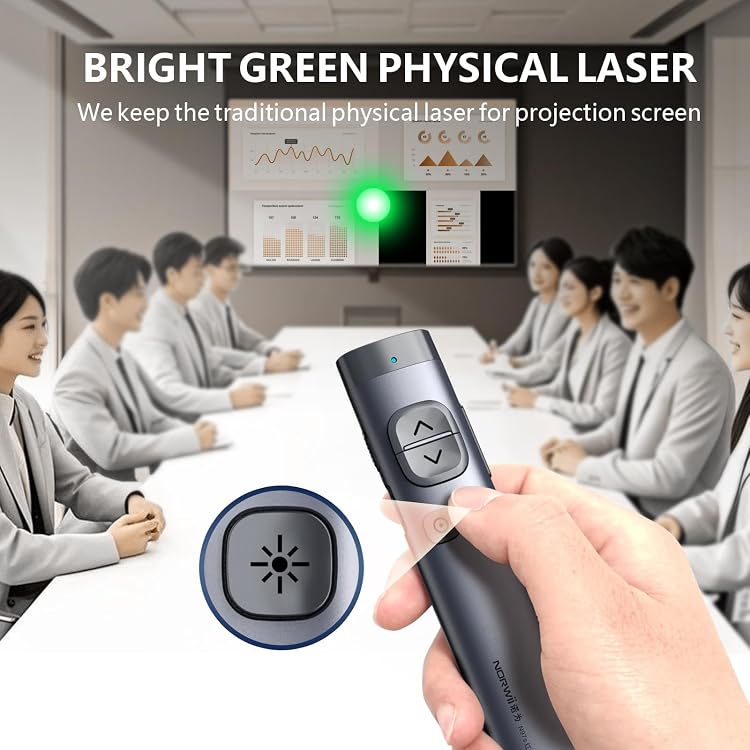
Listing details are inconsistent or unconfirmed: general compatibility details name Windows 10 and macOS 10.15 or later, while another feature description also lists Android and several Linux distributions. It describes the digital pointer as working on television and projection screens in one place, but elsewhere calls it a solution for TV screens. Check host, software and screen compatibility for the features you plan to use. The 164-foot range is a listing claim, not an independently verified result.
What’s in the box
- N97 presenterCheck selected pack
- USB receiverCheck selected pack
- Lithium polymer batteryCheck selected pack
Check which accessories are included in your selected pack before buying.
Who is it for?
A good fit for
- Presenters who want Bluetooth and USB-A receiver options and can use Norwii Presenter software for digital pointer tools.
- Users seeking programmable presentation controls and occasional left-click interaction with links or video.
Less suited to
- Buyers who require a right-click or double-click control from the presenter.
- Users who need the digital pointer, highlighting or magnification to work without companion software.
Customer reviews on Amazon
- 5 stars
74% 74% - 4 stars
9% 9% - 3 stars
12% 12% - 2 stars
2% 2% - 1 star
3% 3%
Aggregate ratings lean positive, with most ratings in the top category, while a smaller share falls in the middle and lower categories. This offers a generally favorable but limited signal, not specific evidence about connection reliability, software setup or pointer performance. Those are important considerations because several advertised pointer functions depend on companion software.
Frequently asked questions
Does the N97 offer both Bluetooth and USB connectivity?
Yes. The listing describes Bluetooth and a USB-A receiver, with switching between them by plugging or unplugging the receiver.
Do the digital pointer and highlight features work without software?
The listing says digital pointer, highlighting and magnification functions are enabled through Norwii Presenter software. It separately describes PowerPoint’s built-in virtual pointer as requiring no installation, but only in full-screen mode.
Which operating systems are listed as compatible?
One compatibility listing names Windows 10 and macOS 10.15 or later. Another feature description also names Android 5.0 or later and several Linux distributions, so verify support for your system and intended features.
Can the presenter use right-click or double-click?
No. The described mouse-like control supports left click only, not right or double click.
Alternative options
N95s Presentation Remote, Slide Clicker for PowerPoint Presentations | Digital poin...
$37.39
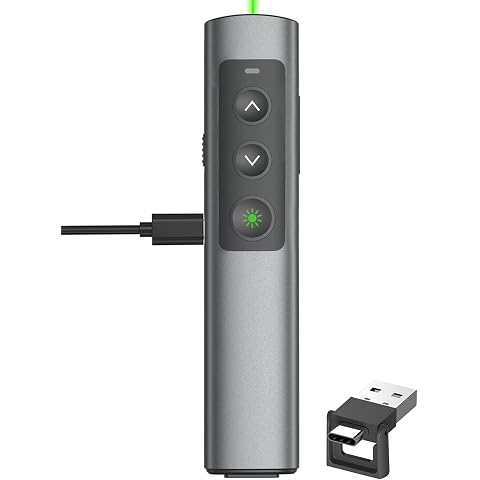
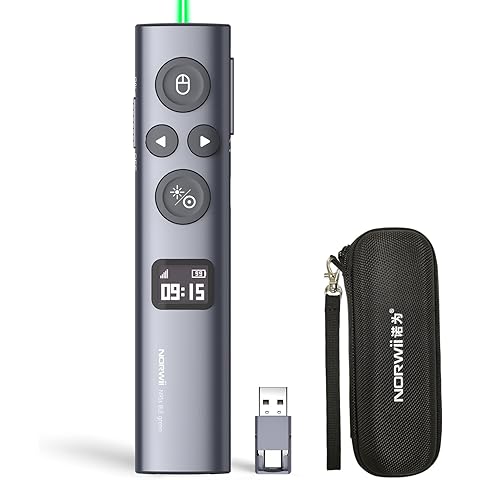
Metal Wireless Presentation Clicker, 2-in-1 USB Type-C Dual Receiver | Rechargeable PowerPoint Remote with Green Laser Pointer, Works for Mac Windows Linux, Laptop, Google Slides Keynote
$33.99
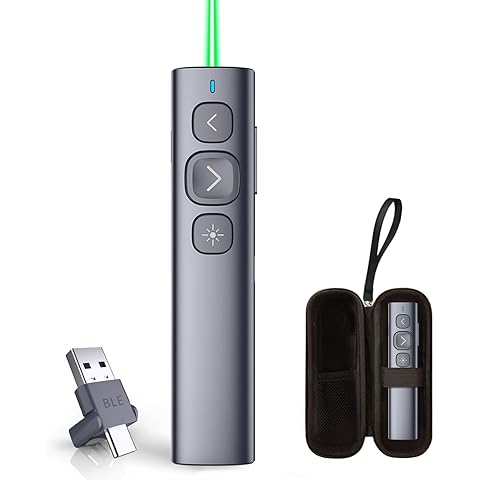
N95 Presentation Clicker with Green Laser Pointer for Presentations | PowerPoint Cl...
$23.39
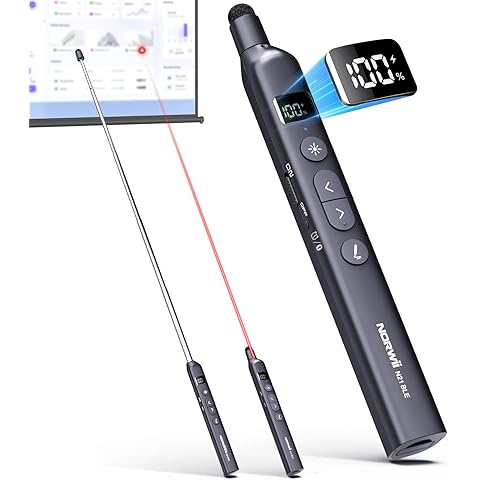
N21 Bluetooth Presentation Clicker with Telescopic Teaching Pointer | Red laser poi...
$21.24
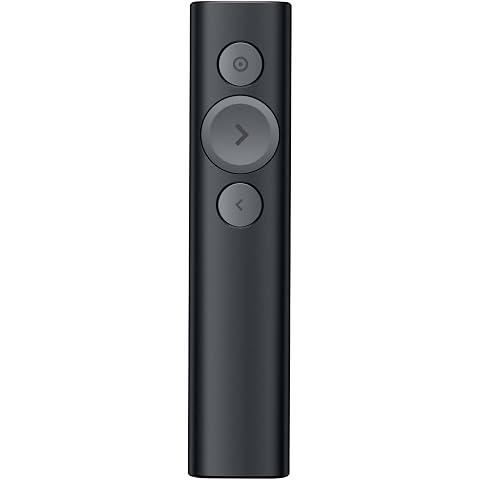
Logitech Spotlight Presentation Remote Universal Wireless - Black | Universal wireless clicker, laser pointer, advanced digital highlighting, 30 m range, quick charging
$94.98
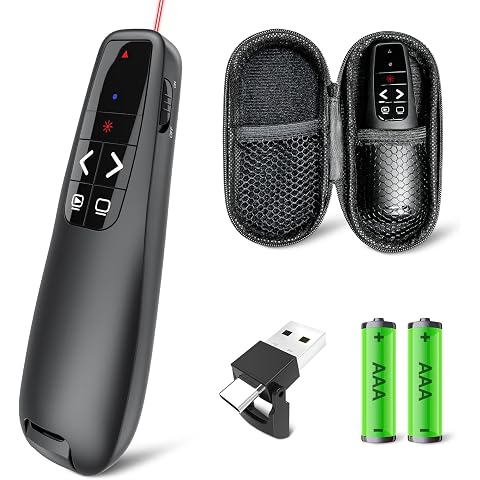
Presentation Clicker with Case, Wireless Presenter Remote & Red Laser | 2‑in‑1 USB/...
$18.69
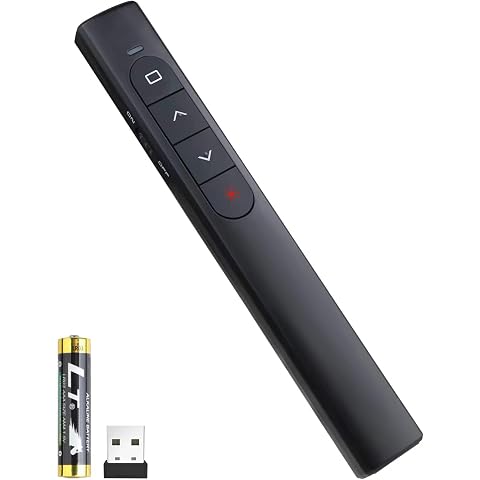
Wireless Presenter Remote, Presentation Clicker with Hyperlink & Volume Remote Cont...
$8.49
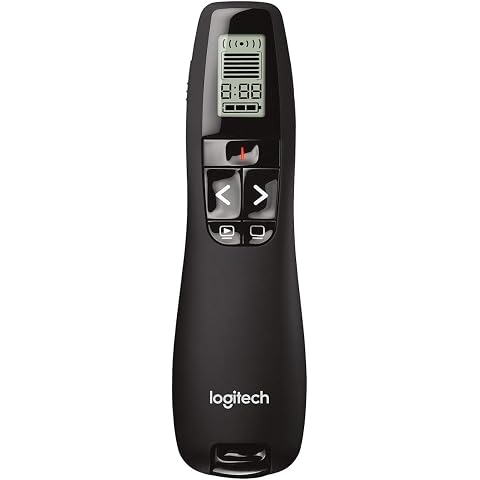
Logitech Wireless Presenter R800 PowerPoint Clicker with Green Laser | PowerPoint remote control, ideal for slideshows
$44.99
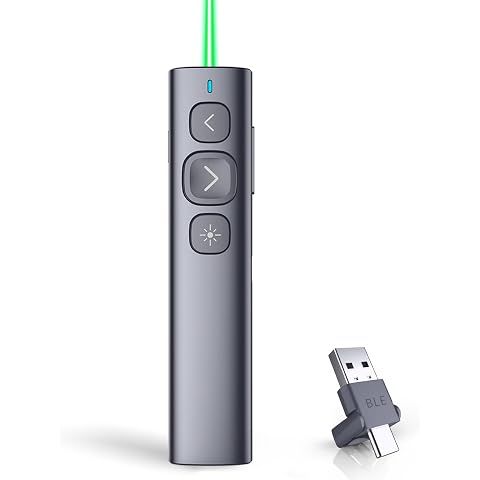
N95 Presentation Clicker with Green Laser Pointer for Presentations | PowerPoint Cl...
$20.39
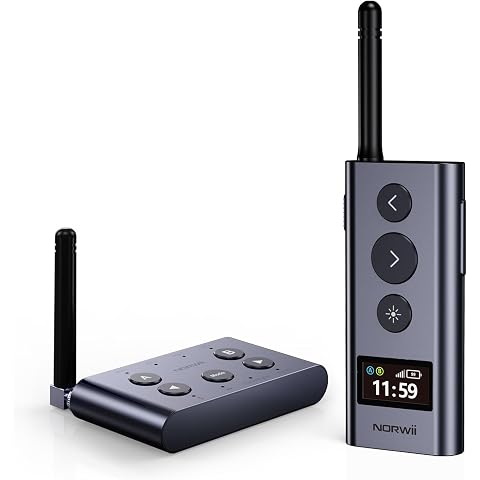
800M Long Range Presentation Clicker, Green Laser Presenter for PowerPoint | Superi...
$99.99
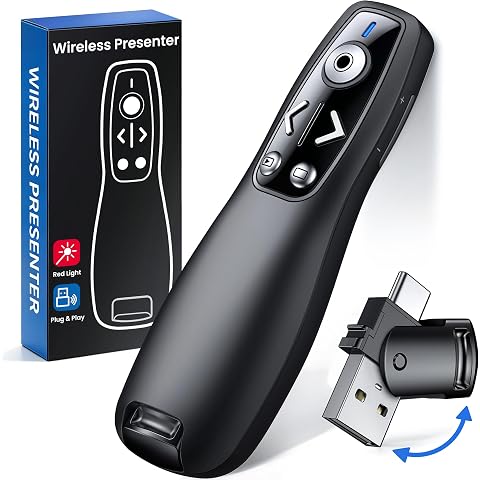
Presentation Clicker with USB-A & USB-C Receiver, 2.4GHz Wireless Presenter Remote ...
$11.69
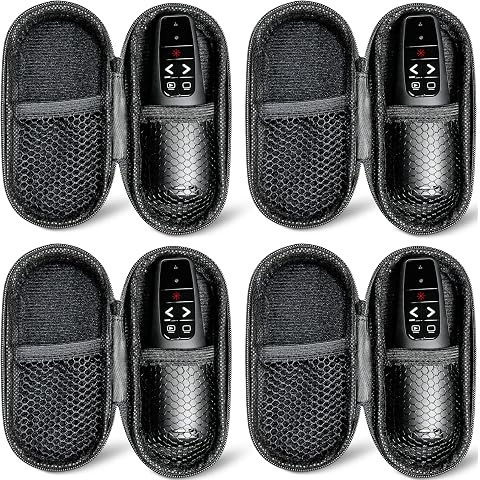
(4 Units) Presentation Clicker & Case, Wireless Presenter Remote | 2‑in‑1 USB/Type ...
$49.99