 1 / 7
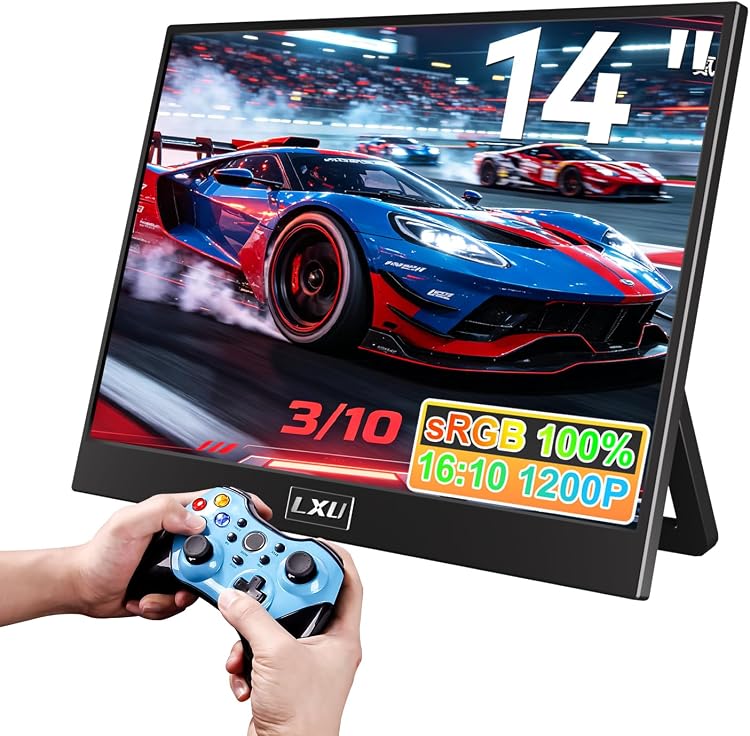
LXU Laptop Screen Extender Quad Monitor, 14-Inch 1920 × 1200
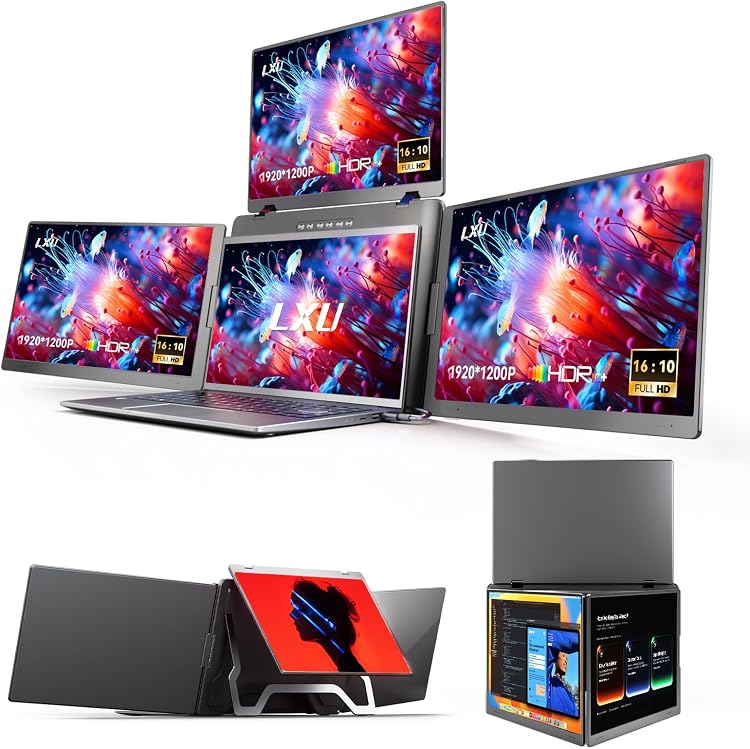
LXU’s Laptop Screen Extender Quad Monitor adds three portable displays to a laptop setup, with 14-inch screens and a claimed 1920 × 1200 native resolution. It is aimed at people who want more room for parallel work, but its 5.2-pound listed weight and driver steps make portability and setup worth considering.
At a glance
- The listing describes three added screens and supports extended or mirrored display modes.
- A 16:10 aspect ratio and matte surface are specified for the 14-inch displays.
- The integrated kickstand supports the extender rather than hanging its weight on a laptop screen, according to the listing.
- The listing says Windows drivers normally install automatically with an internet connection, while MacBooks require manual driver installation.
Temporarily out of stock.
Check availability and variants on AmazonBuying guides
Pros and cons
Pros
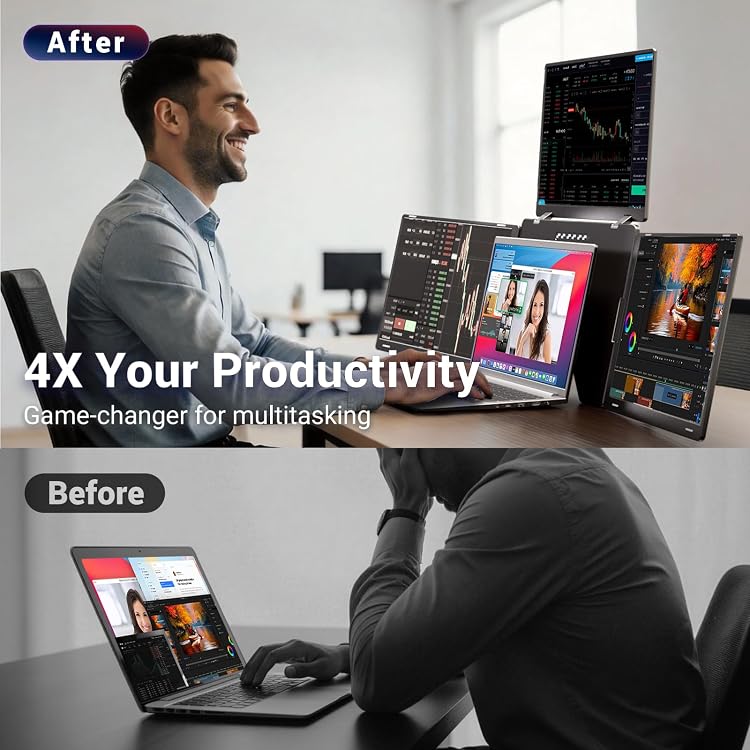
- Three added displays can give work tools, code, charts, or communications separate screen space.
- HDMI and USB Type-C are listed as connection options.
- The explicit contents list includes a carrying bag, driver U disk, power adapter, and video-capable cables.
Cons
- At 5.2 pounds, the listed weight is a meaningful load for buyers prioritizing a light travel setup.
- MacBook use requires manual driver installation according to the setup information.
Technical specifications
27 specifications| Brand | LXU |
|---|---|
| Model | Laptop Screen Extender Quad Monitor |
| Screen size | 14 inches |
|---|---|
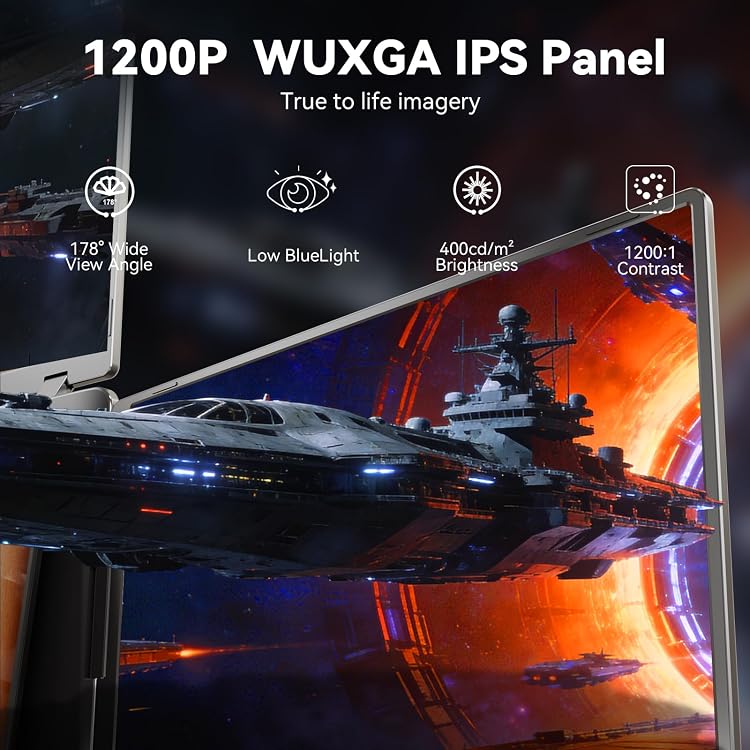
| Screen technology listed | IPS |
| Resolution | 1920x1200 |
| Resolution listed in title | 1200P |
| Aspect ratio | 16:10 |
| Surface | Matte |
| Contrast ratio | 1200:1 |
| Refresh rate | 60 hertz |
| Viewing angle | 178 degrees |
| Brightness | 400 cd |
| Response time | 20 milliseconds |
| Picture enhancement | DCR, HDR |
| Adaptive sync | G-Sync |
| Connection types listed | HDMI, USB Type C |
|---|---|
| USB ports | 2 |
| Power consumption | 15 watts |
|---|---|
| Voltage | 5 volts |
| Mounting type | Kickstand |
|---|---|
| Form factor | Flat |
| Dimensions (D × W × H) | 1.54"D x 13.35"W x 8.89"H |
| Weight | 5.2 pounds |
| Color | Silver |
| Compatible devices | Gaming Console, Laptop |
|---|---|
| Operating systems listed | MacBooks 2019 or later (include M1 M2 M3 M4 M5 chipset), Windows 10 or 11 |
| Warranty listed | 1 Year Manufacturer Warranty |
What to know before buying
- The setup guidance says to power the extender first using a power strip or power bank rated above 20W to ensure all three screens turn on. Confirm the computer’s ports and operating-system setup needs before purchase.
Listing details to confirm
The listing describes 14-inch 1200P screens and also gives a native resolution of 1920x1200. Its title calls the product a quad monitor, while feature text calls it a triple-screen extender, so confirm the screen arrangement and included configuration for the selected listing. The listing also gives a 5.2-pound weight and separately claims 4.84 lbs, so the actual weight is unconfirmed.
What’s in the box
Included- User manual
- Quad monitor, quantity 1
- Power adapter ×1
- USB A-C cable for video and power, 120cm, quantity 1
- USB C-C cable for power only, 120cm, quantity 1
- USB C-C cable for video and power, 60cm, quantity 1
Who is it for?
A good fit for
- Laptop users who want several additional work areas for documents, code, charts, or messaging.
- People using a compatible MacBook or Windows laptop who are comfortable installing or configuring display drivers.
- Users who prefer a supported kickstand arrangement over hanging the extender from the laptop screen.
Less suited to
- Buyers seeking a lightweight travel monitor, given the listed 5.2-pound weight and separate lighter-weight claim.
- People who need a confirmed display count or weight without checking the listing, since those details conflict.
Customer reviews on Amazon
- 5 stars
78% 78% - 4 stars
12% 12% - 3 stars
3% 3% - 2 stars
0% 0% - 1 star
7% 7%
The supplied customer evidence contains aggregate ratings but no written review summary, so it does not establish what buyers liked or disliked or why. The rating distribution is mostly five-star, with some one-star ratings, but that alone cannot identify setup, display, or portability experiences. For buyers considering the three-screen workspace described in the listing, those uncertainties make the stated computer compatibility, driver requirements, and conflicting weight details important to check.
Frequently asked questions
How many screens does the LXU extender add?
The title calls it a quad monitor, which commonly indicates the laptop display plus three added screens, and feature text describes a triple-screen extender. The listing does not state the arrangement consistently, so confirm the selected configuration.
What is the listed native resolution?
The details give a native resolution of 1920x1200 and separately describe the display as 1200P. The 16:10 aspect ratio is also listed.
Does it work with MacBooks?
The listing claims compatibility with MacBooks from 2019 or later and says MacBook users must install the driver manually from the included U disk.
What comes in the package?
The explicit contents list names a carrying bag, quick guide, user manual, driver U disk, monitor, 30W PD power adapter, and three USB cables. See the included-components list for cable types and lengths.
Alternative options
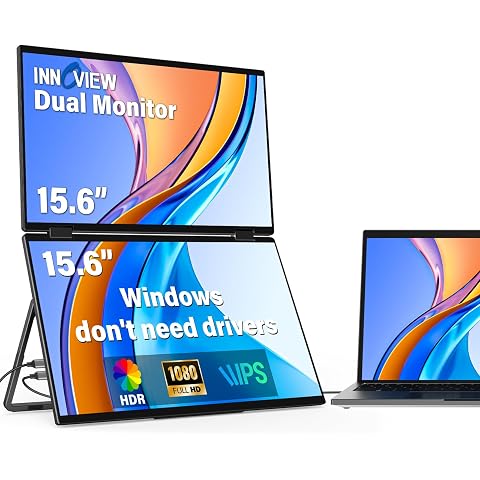
InnoView Portable Dual Monitor 15.6" 1920x1080 Dual Stacked Foldable Monitor | 315° Screen Adjustment | USB-C/HDMI Second Monitor for Laptop, Mac, Windows
$179.99
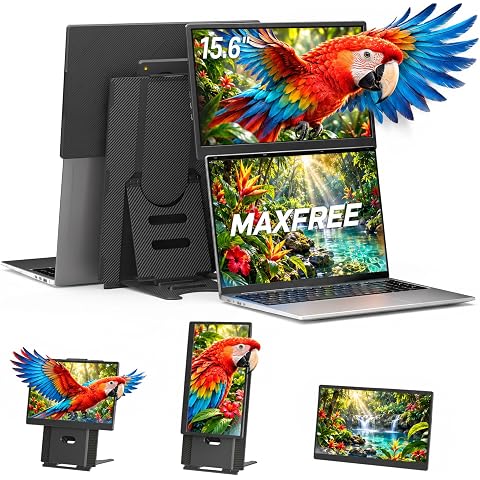
Maxfree 15.6" Laptop Screen Extender, 5 Modes & Detachable Portable Monitor | 1080P FHD Laptop Monitor Extender Fit for 12-17.3" Laptops, Plug & Play Dual Travel Monitor Extender for Wins/Mac/Android
$93.49
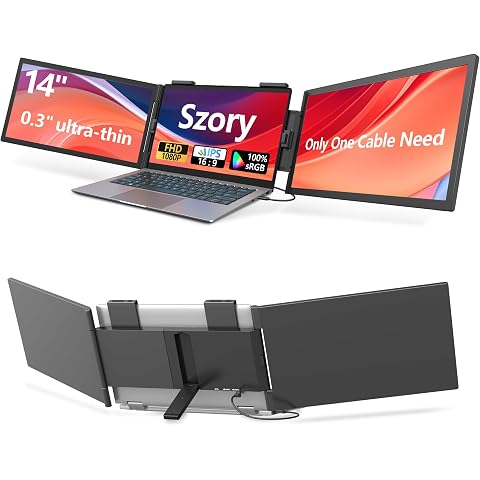
14 Inch Laptop Screen Extender, Dual 1080P IPS Portable Monitors for Triple Screen ...
$151.98
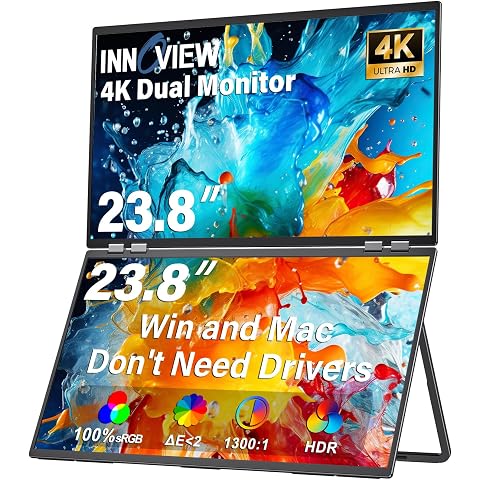
InnoView Dual Portable Monitor 23.8" 3840x2160P 4K 100% sRGB 315°Adjustable Dual Stacked Foldable Monitor Built-in Speakers Screen Extender with HDMI/USB-C/DP for Laptop Windows Mac
$499.99
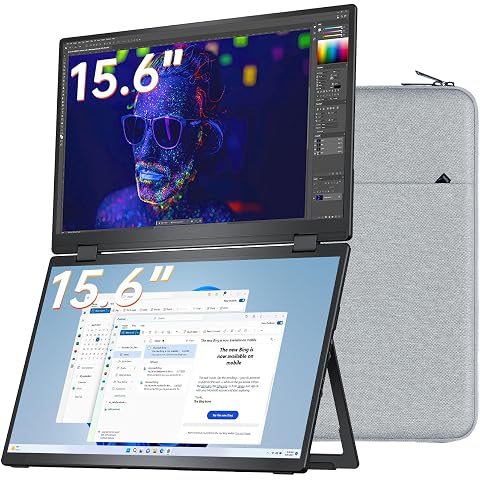
VisionOwl Portable Monitor Dual 15.6 Inch 1080P FHD 107% sRGB Foldable Second Screen, USB-C HDMI HDR Stacked Travel Monitor for Laptop MacBook PC PS5 Xbox, VESA Mountable, Built-in Kickstand
$329.99
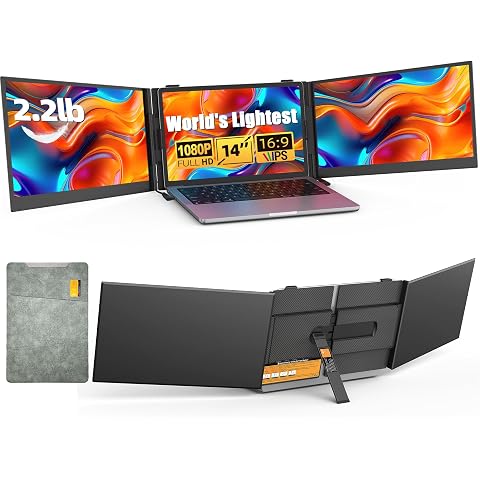
14" Triple Laptop Screen Extender - Ultra Thin & Lightweight (2.2lb) Portable Monitor For Laptop, FHD 1080P Travel Display 13-17" Laptops, Plug & Play USB-C/HDMI, Aluminum Extended Screen for Mac/Win
$152.99
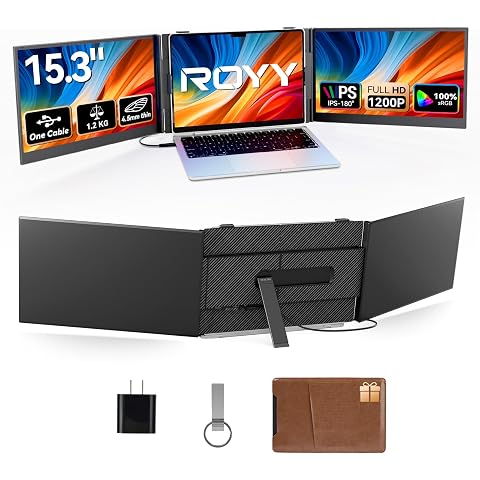
ROYY Laptop Screen Extender, 15.3" 1080P FHD IPS Portable Monitor | One cable plug & play, Fits 13-17.3" laptops, Second screen compatible with Windows/Mac/Android/Switch/PS
$249.99
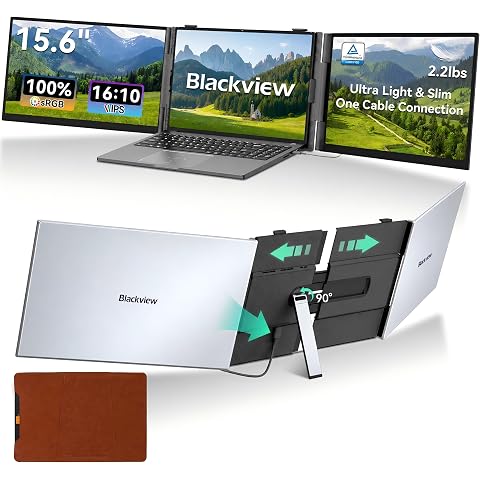
Blackview Laptop Screen Extender, 2.2 lb Ultra-Light, One-Cable Connection, 15.6" Triple Screen Laptop Monitor Extender, TÜV Eye-Care, Business Travel, Mac, Windows
$319.99
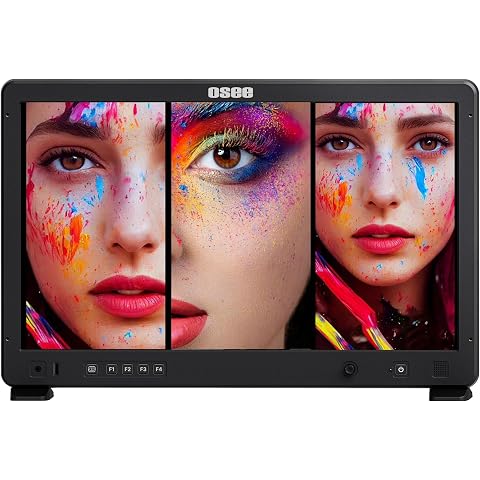
osee Mega 22S4 21.5" Multi-View Production Monitor, 1500nits Daylight Viewable Broadcast Director Monitor, Horizontal/Vertical Rotate, 3x4K HDMI 3x3G-SDI Inputs, 10-Bit IPS, PIP/PBP Split Screen
$1,599.00
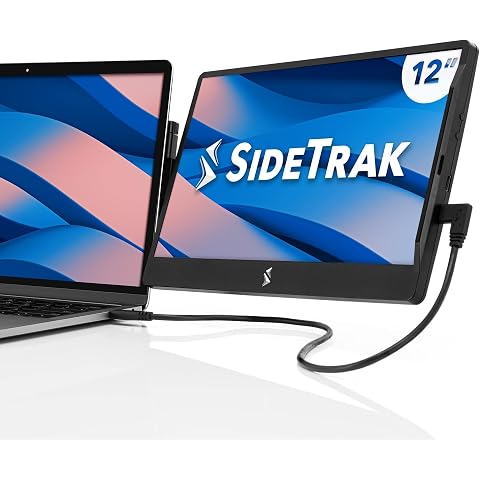
SideTrak Swivel 12.5" Portable Monitor for Laptop, Patented Swivel Hinge, Laptop Screen Extender | FHD Dual Screen w/Kickstand, USB or HDMI, Mac, PC, Chromebook Compatible (Single Monitor)
$149.99
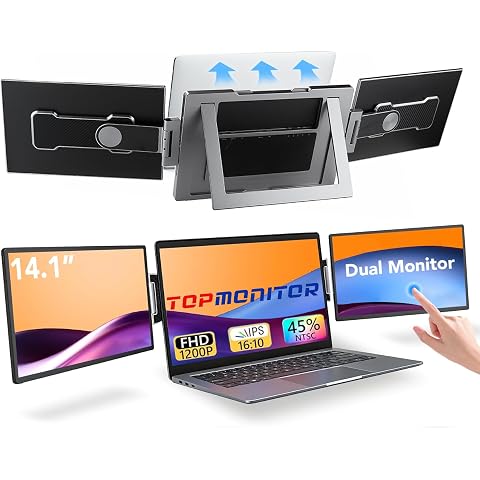
2.2lb Ultra-Light Touchscreen Laptop Screen Extender, 14.1 Inch | Triple Portable M...
$229.99
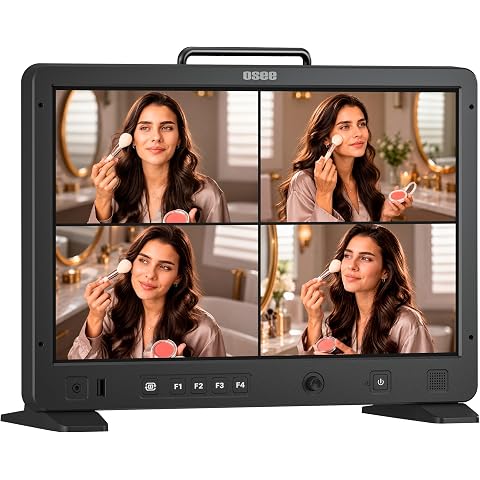
Osee Mega 15S4 Multi-Window Production Monitor, 15.4-Inch | 6 inputs, up to 4 windows: 3 HDMI 2.0 and 3 3G-SDI; 4K60 HDMI, 1650:1 contrast, AR coating, 10-bit Rec.709, per-input 3D LUTs
$1,299.00