 1 / 7
LG 34WR55QK-B 34-inch Curved UltraWide WQHD Monitor, 100Hz
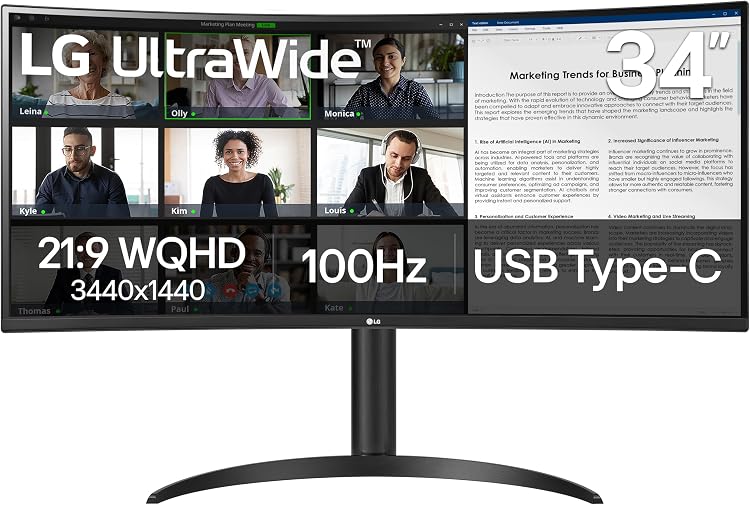
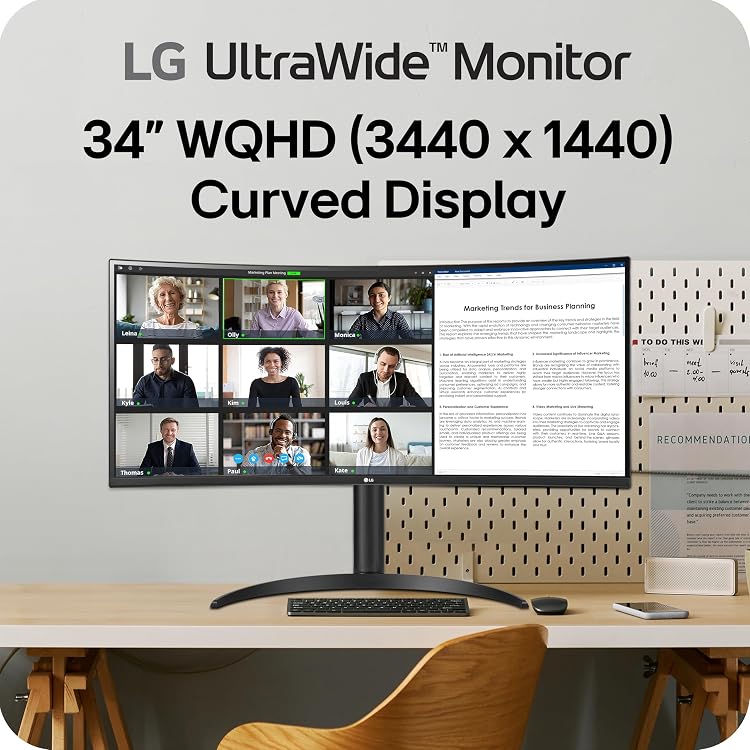
WQHD: The LG 34WR55QK-B is a 34-inch curved UltraWide monitor aimed at users who want a broad workspace for office tasks and multimedia. Its 21:9, 3440 x 1440 display and 100Hz refresh rate pair with USB-C connectivity and a height- and tilt-adjustable stand. The listing describes USB-C power delivery up to 65W, which can reduce laptop cable clutter when the connected device supports it.
At a glance
- The 21:9 screen offers room for multiple windows, with Picture-by-Picture support for content from two separate input sources.
- USB-C is listed with up to 65W power delivery for compatible laptops.
- Reader Mode reduces blue light, according to the listing.
- The stand is described as height- and tilt-adjustable.
- OnScreen Control software is required for its workspace-splitting features.
Reference price: $399.99
Price checked: Nov 27, 2026
View offerBlack FridayExplore the selectionBuying guides
Often bought together
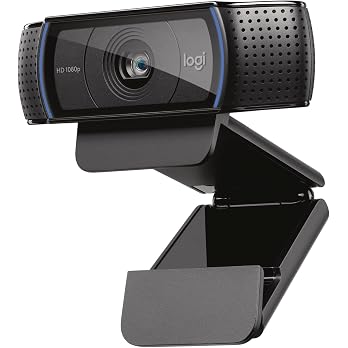
Logitech C920x HD Pro PC Webcam with Microphone, Full HD 1080p/30fps Video | Stereo Audio, HD Light Correction, Works with Microsoft Teams, Google Meet, Zoom, Nintendo Switch, Mac/Tablet- Black
$54.99
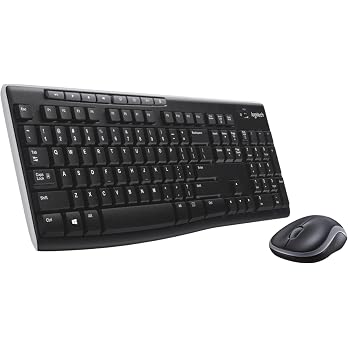
Logitech MK270 Full Size Wireless Keyboard and Mouse Combo - Black | Full size keyboard with spill-resistant design, compact ambidextrous mouse, connect via single included USB-A Nano Receiver
$19.99
Pros and cons
Pros
- 34-inch 21:9 WQHD resolution provides a wide workspace for documents and multiple windows.
- USB-C supports laptop connection and up to 65W power delivery, according to the listing.
- Height and tilt adjustment allow positioning the screen without relying solely on a fixed stand.
- The listing describes HDMI, DisplayPort, USB and headphone connectivity.
Cons
- A 100Hz refresh rate and 5ms response time may not suit buyers prioritizing the higher refresh rates or faster response times sought for competitive gaming.
Technical specifications
26 specifications| Brand | LG |
|---|---|
| Model | 34WR55QK-B.AUS |
| Screen size | 34 inches |
|---|---|
| Resolution | 3440 x 1440 pixels |
| Aspect ratio | 21:9 |
| Screen technology listed | VA |
| Screen finish | Matte |
| Contrast ratio | 3000:1 |
| Refresh rate | 100 hertz |
| Response time | 5 milliseconds |
| Viewing angle | 178 degrees |
| Brightness | 300 cd |
| Pixel pitch | 0.23 |
| Color gamut listing | 99 |
| HDR format | HDR10 |
| Adaptive sync | FreeSync |
| Connections listed | DisplayPort, HDMI, USB Type C |
|---|---|
| HDMI ports | 2 |
| USB ports listed | 3 |
| Form factor | Curved |
|---|---|
| Mounting type listed | Wall Mount |
| Dimensions | 10.2"D x 31.9"W x 22.4"H |
| Weight | 15.2 pounds |
| Power consumption | 38 watts |
|---|---|
| Voltage | 240 volts |
| Warranty | 1 Year Parts & Labor |
|---|
What to know before buying
Listing details to confirm
The listed port information is inconsistent: one section gives three USB ports and three USB 3.0 ports, while feature text says two USB ports, alongside USB-C. USB-C power delivery is stated as up to 65W. Confirm the port count and the required laptop output before purchase. The listing also gives color gamut as 99 without a unit or explicit gamut label, and its 300 cd brightness value lacks an area unit. The listed 240 volts should be checked against the intended power supply. The contents list names a monitor and cables, while the workspace-control text mentions mouse clicks but does not confirm a mouse is included.
What’s in the box
- MonitorIncluded
- HDMI cableIncluded
- Power cableIncluded
- USB Type-C cableIncluded
- MouseCheck selected pack
Check which accessories are included in your selected pack before buying.
Who is it for?
A good fit for
- Office users who want a wide screen for spreadsheets, documents and multiple open windows.
- Laptop users looking for a USB-C monitor that can provide up to 65W power delivery, subject to device compatibility.
- Viewers and casual gamers who want a curved 21:9 display with a 100Hz refresh rate and FreeSync listed.
Less suited to
- Buyers who need a clearly specified high-refresh competitive gaming display or a confirmed complete USB port configuration.
- Laptop users whose computer requires more than the listed USB-C power delivery or lacks compatible video output.
Customer reviews on Amazon
- 5 stars
84% 84% - 4 stars
8% 8% - 3 stars
2% 2% - 2 stars
1% 1% - 1 star
5% 5%
Customer feedback highlights sharp WQHD text and spreadsheet display, office-monitor functionality, screen size, setup, color and value. Picture quality is mixed, with some customers finding it impressive and others underwhelming. This feedback aligns with the monitor's listed wide 3440 x 1440 workspace, but the mixed picture impressions suggest image quality may not satisfy every viewer.
Positive themes
- Customers report sharp text and spreadsheets, easy setup and useful office-monitor functionality.
Mixed feedback
- Picture quality receives mixed feedback, with some customers pleased and others finding it underwhelming.
Frequently asked questions
What resolution does the LG 34WR55QK-B list?
The listing specifies 3440 x 1440 pixels on a 34-inch, 21:9 display.
Can it charge a laptop over USB-C?
The feature text claims USB-C power delivery up to 65W. Actual charging depends on the laptop and its power requirements.
Does it support showing two sources at once?
The listing says OnScreen Control supports Picture-by-Picture for content from two separate input sources. OnScreen Control software installation is required.
What comes in the box?
The explicit contents list names the monitor, HDMI cable, power cable and USB Type-C cable. A mouse is not confirmed in that list.
Alternative options
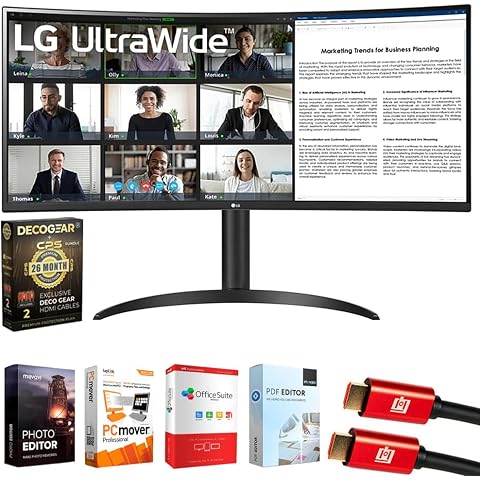
LG 34WR55QK-B 34" Curved UltraWide WQHD HDR 10 100Hz Monitor with USB Type-C Bundle with Elite Suite 18, 2X HDMI Cable and Deco Gear CPS Exclusive 26 Month Protection Pack (BEACH-CPS-26M500)
$359.99
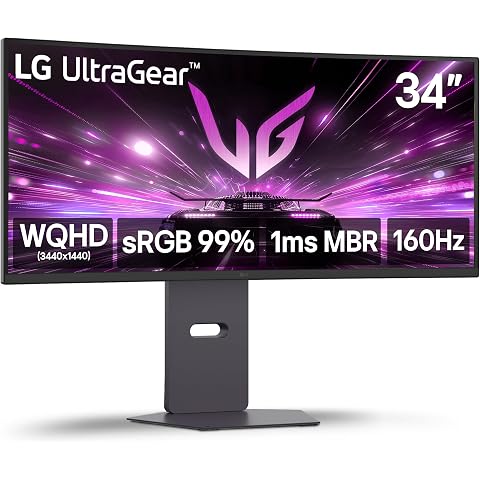
LG 34G600A-B 34-inch Ultragear WQHD (3440 x 1440) Curved Gaming Monitor 160Hz, AMD FreeSync Premium, HDR10, Built-in Speaker, Reader Mode, HDMI 2.1, DisplayPort, Tilt/Height/Swivel Stand, Black
$279.99
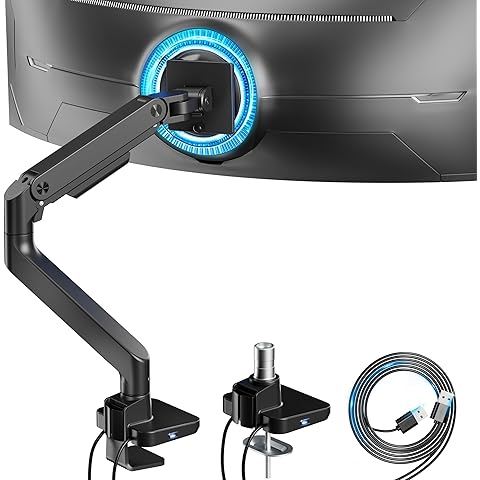
ARES WING Ultrawide Monitor Desk Arm with USB A/C for 17 to 49 Inch Screen | Pro Gas Spring, Full Range of Motion, for 75/100 Vesa Mount, for Samsung, LG Curved/Flat Monitor, Easy Install, Hold 44lbs
$71.24
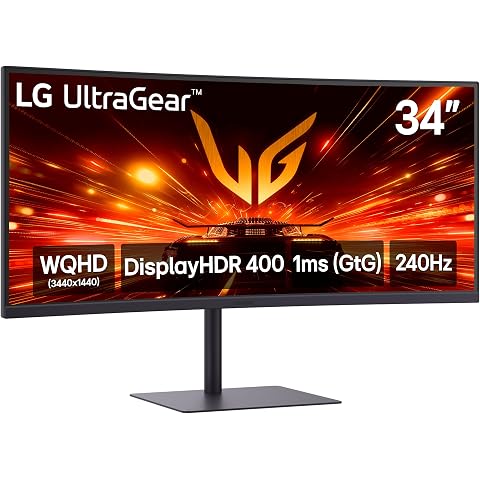
LG 34G630A-B 34-Inch Ultragear WQHD (3440 x 1440) Curved Gaming Monitor, 240Hz, 1ms, FreeSync Premium, DisplayHDR 400, Built-in Speaker, HDMI, DisplayPort, USB Type-C, Tilt/Height/Swivel Stand, Black
$349.99
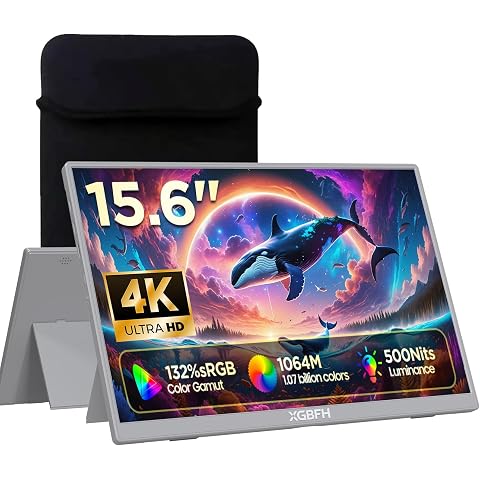
4K Portable Monitor for Laptop 15.6” UHD 132% sRGB USB-C HDMI | 3840×2160 Monitor f...
$199.00
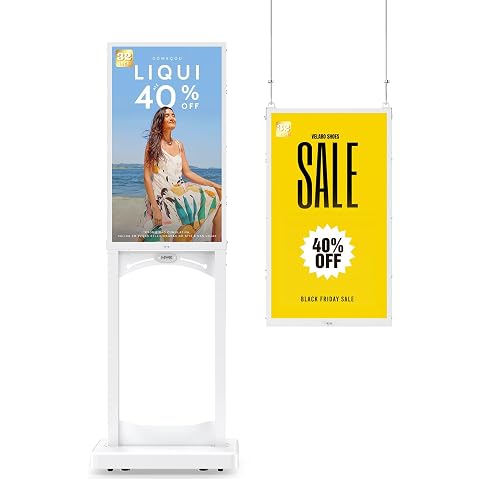
MWE 32 Inch Indoor Digital Signage Display, 1000 Nits Window Advertising Display Ki...
$799.00
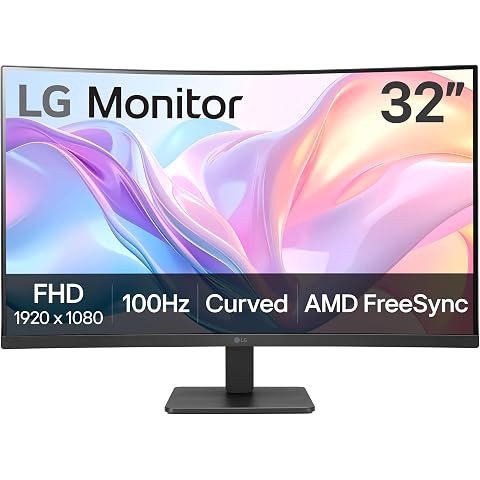
LG 32MR50C-B Curved Monitor 32-Inch FHD 100Hz AMD FreeSync OnScreen Control Dynamic Action Sync Black Stabilizer Tilt Stand (HDMI) - Black
$149.99
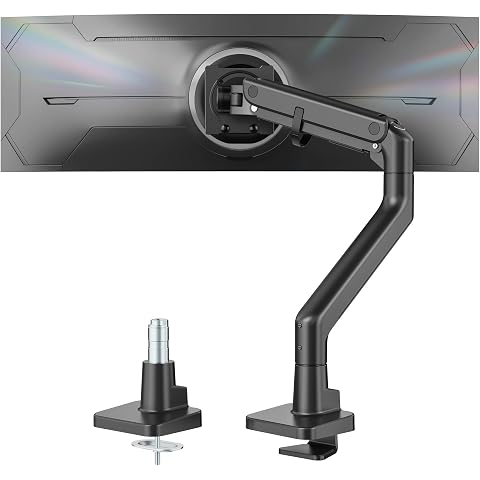
monTEK Heavy Duty Monitor Arm, 17-57" Ultrawide, Gas Spring, 59.4 lbs,Black | Desk Monitor Mount Holds 49" 57" Ultrawide Curved Screen Up to 59.4 lbs with No Sag,Clamp & Grommet Arm,75/100 VESA
$69.99
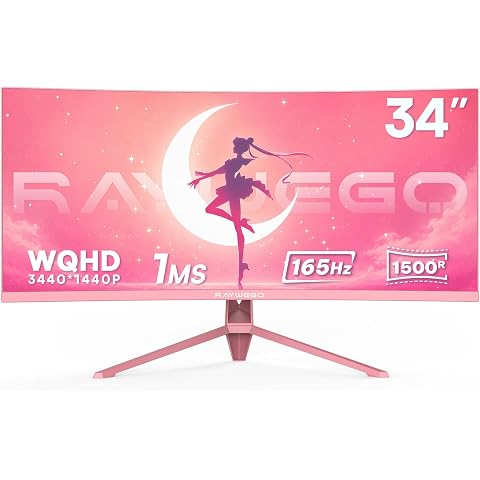
34 Inch Pink Curved Ultrawide Gaming Monitor, UWQHD 165Hz, 1500R | 3440x1440 21:9, ...
$259.99
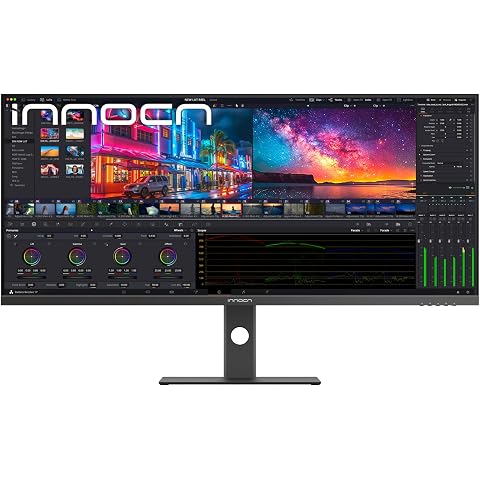
INNOCN 40 Inch 5K 5120 x 2160p Ultrawide Monitor for Laptop, 21:9, 100Hz, IPS, HDMI, DP, FreeSync, HDR400, USB-C, DeltaE<2, Built-in Speakers, Height Adjustable, Black - 40C1U
$508.49
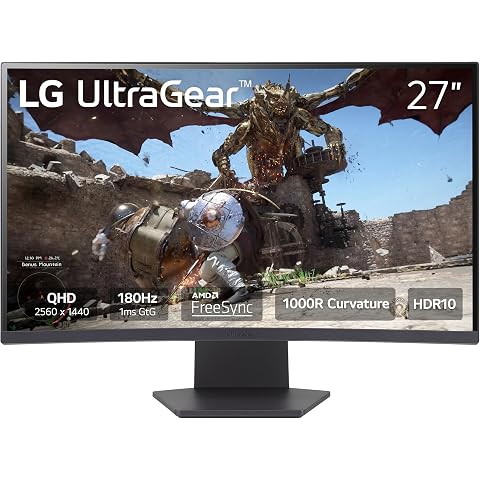
LG 32GS60QC-B Ultragear 32-inch Curved Gaming Monitor QHD (2560x1440) 180Hz 1ms 1000R AMD FreeSync HDR10 HDMIx2 DisplayPort Borderless Design Black Stabilizer DAS Crosshair FPS Counter - Black
$179.00
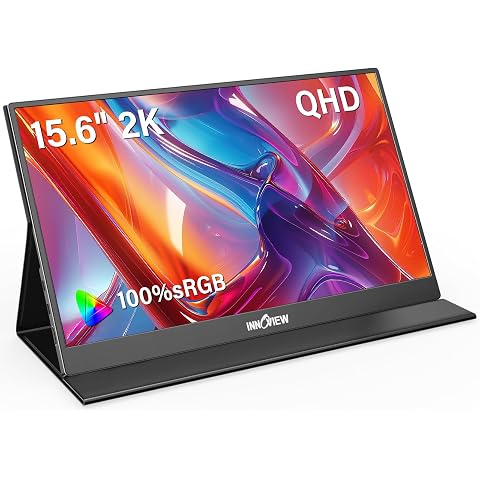
InnoView 2K Portable Monitor for Laptop 15.6" 2560×1440 QHD 100% sRGB Built-in Speaker USB C Standard HDMI External Second Screen for Mac Laptop Phone PS4/5 Xbox Switch
$84.99
Products with discounts that might interest you
Offer details
- Up to 65W USB-C power delivery is a listing claim and depends on compatible connected equipment.
- OnScreen Control software installation is required for the described screen-splitting controls.