 1 / 7
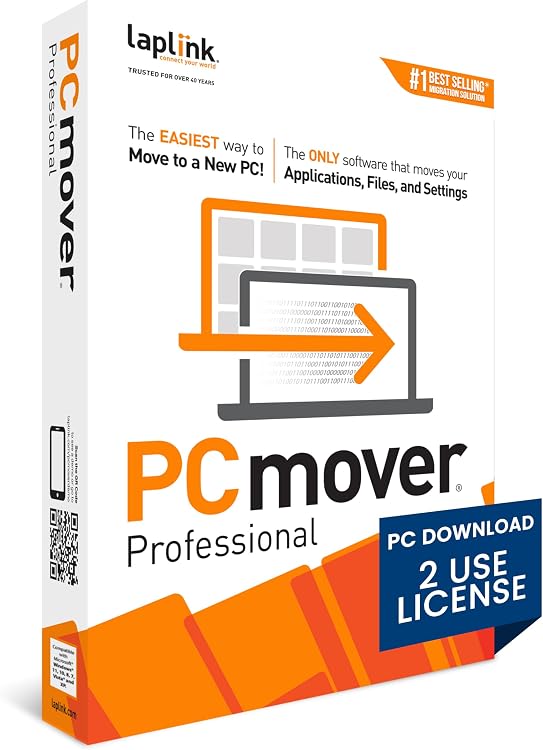
Laplink PCmover Professional, Two-Use PC Migration Software
Migration: Laplink PCmover Professional is downloadable software for moving selected applications, files, folders, settings, and user profiles from an old PC to a new one. The listing describes a two-use license, while the product details clarify that one license covers unlimited transfer attempts between one source and one destination computer.
At a glance
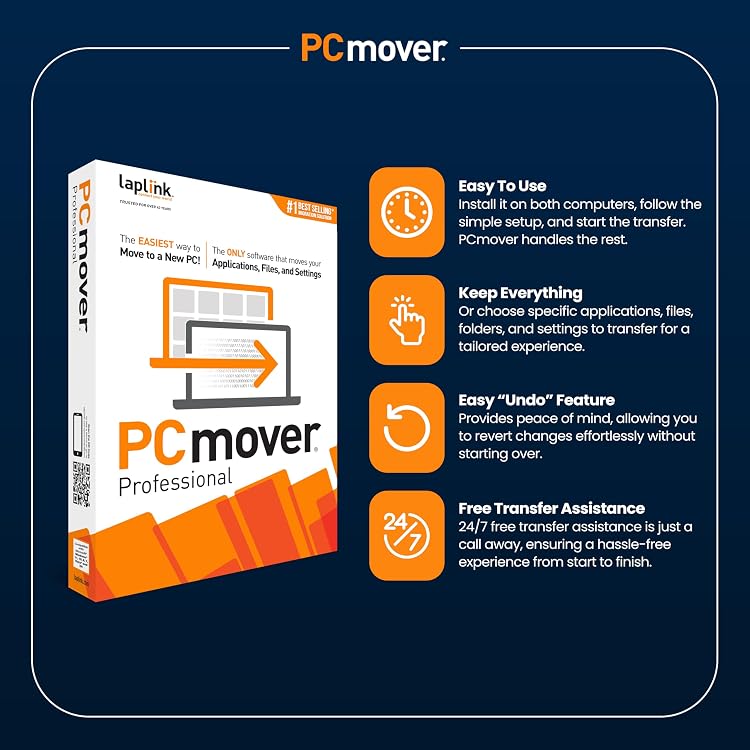
- Install the software on both computers, then follow the transfer wizard.
- Choose which applications, files, folders, settings, and user profiles to move.
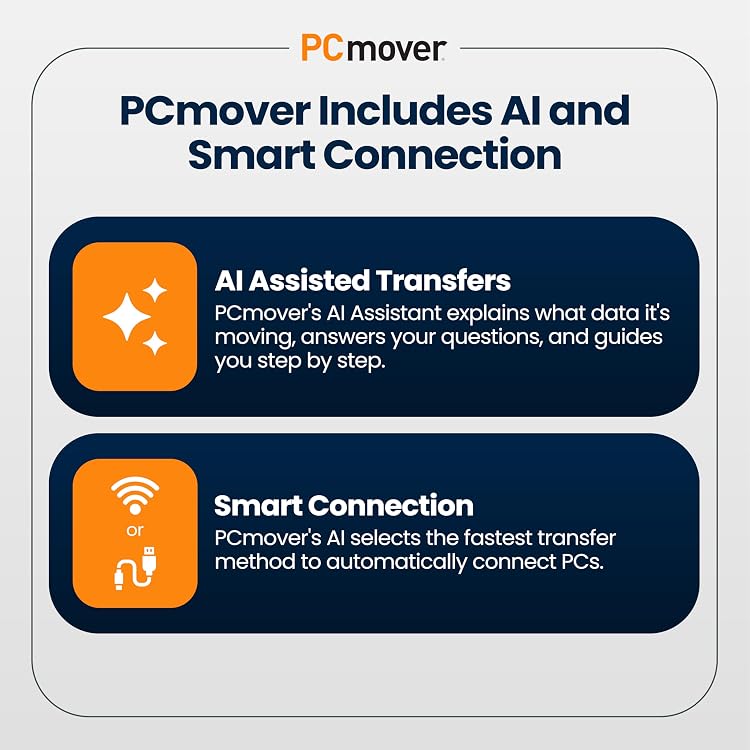
- The listing says the PCs can connect automatically using the fastest method detected.
- The manufacturer claims compatibility with Windows XP, Vista, 7, 8, 8.1, 10, and Windows 11.
- The manufacturer describes an undo feature and 24/7 transfer assistance. These are listing claims, not independently verified.
Reference price: $79.95
Price checked: Nov 24, 2026
View offerBlack Friday weekExplore the selectionPros and cons
Pros
- Selective transfers let buyers choose which supported content and settings to migrate rather than moving everything.
- The listing describes moving applications as well as files and settings, which may reduce the need to locate old installers for applications that transfer successfully.
Cons
- Customer feedback reports mixed results for file transfers and application migration, including a report that Microsoft Office applications and files did not transfer.
Technical specifications
1 specification| Brand | Laplink Software, Inc. |
|---|
What to know before buying
Listing details to confirm
The listing is inconsistent about license use: the title says “2 Use,” while the product details say one license allows unlimited transfer attempts from one source PC to one destination PC and additional licenses are needed for more PCs. Confirm the selected download's license terms before purchase. The stated Windows compatibility and claims about transferred applications are manufacturer claims, not guarantees that every program will migrate or work on the destination PC. The listing also describes transfers between PCs and between operating systems, so confirm the intended setup is supported.
Who is it for?
A good fit for
- People moving selected applications, files, and settings from one Windows PC to another.
- Buyers who want to select content for migration and prefer a guided transfer process.
Less suited to
- People who need guaranteed transfer of every application or file, since customer feedback reports mixed transfer outcomes.
- People migrating more than one source-to-destination PC pair without confirming the applicable license terms.
Customer reviews on Amazon
- 5 stars
64% 64% - 4 stars
9% 9% - 3 stars
15% 15% - 2 stars
3% 3% - 1 star
9% 9%
Customer feedback describes the software as easy to use and helpful for simplifying a move to a new computer, but reports on functionality, reliability, transfer completeness, and time required are mixed. One reported successful transfer contrasts with a report of Microsoft Office applications and files failing to move, so buyers with essential programs should plan to verify the destination PC rather than assume every application will migrate. Feedback also includes dissatisfaction with the cost. Ratings lean positive overall, but the less favorable ratings reinforce that outcomes may vary.
Positive themes
- Customers describe it as easy to use and say it can simplify upgrading to a new computer.
Negative themes
- Some customers say it did not do everything advertised, and feedback includes dissatisfaction with the cost.
Mixed feedback
- Reports on functionality, reliability, file transfer, and time required are mixed, including contrasting experiences with transferring applications and data.
Frequently asked questions
What can PCmover Professional transfer?
The listing says it can transfer selected applications, files, folders, settings, and user profiles from an old PC to a new PC.
How many computers does one license cover?
The product details say one license allows unlimited transfer attempts from one source computer to one destination computer, with additional licenses required for more PCs. This differs from the title's “2 Use” wording, so confirm the license terms for the selected download.
Which Windows versions are listed as compatible?
The manufacturer lists Windows XP, Vista, 7, 8, 8.1, 10, and Windows 11. This compatibility statement does not guarantee that every application will transfer successfully.
Alternative options
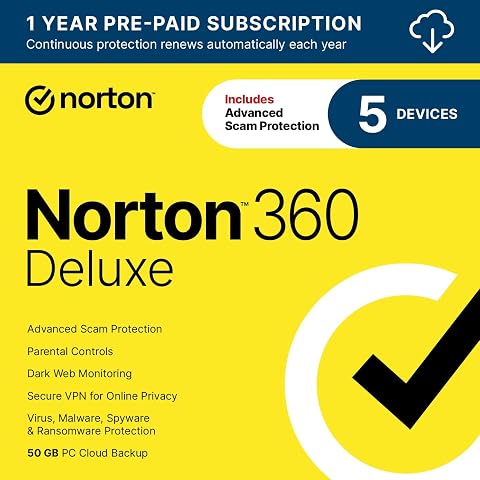
Norton 360 Deluxe 2027 Antivirus, 5 Devices, Auto-Renews [Download] | Includes Scam Protection, Advanced VPN, Dark Web Monitoring, & PC Cloud Backup
$19.99
Norton 360 Deluxe 2027 Antivirus, 3 Devices, Auto-Renews [Download] | Includes Scam Protection, Advanced VPN, Dark Web Monitoring, & PC Cloud Backup
$17.99
Laplink PCmover Express - Move your Users, Files and Settings from an Old PC to a New PC - Data Transfer Software - 1 Use License
$34.95
Laplink PCmover Ultimate 11 - Migration of your Applications, Files and Settings from an Old PC to a New PC - Data Transfer Software - With Optional High Speed Ethernet Cable - 1 License
$35.96
Norton Utilities Ultimate, 10 Devices, PC Cleanup [Download] | Keeps Devices Running Like New; Works on Windows, Mac, Android & iOS
$19.99
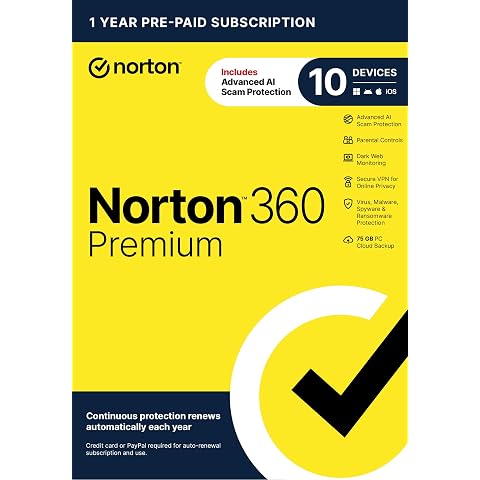
Norton 360 Premium 2027 Antivirus, 10 Devices, Auto-Renews [Key Card] | Includes Scam Protection, Advanced VPN, Dark Web Monitoring, & PC Cloud Backup
$24.99
CorelDRAW Graphics Suite 2026 | Graphic Design Software for Professionals | Vector Illustration, Layout, and Image Editing [PC/Mac Download]
$329.00
NordVPN Basic, 1 Year, 10 Devices, Most Advanced VPN, Digital Code
$24.99
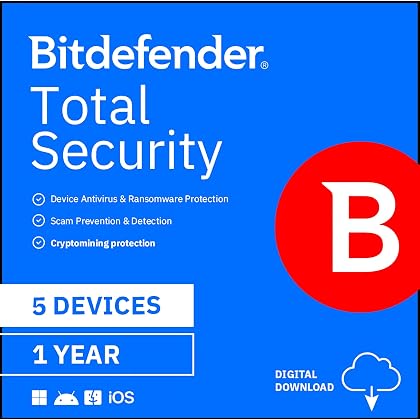
Bitdefender Total Security - 5 Devices | 1 year Subscription | PC/Mac | Activation Code by email
$25.49
Norton 360 Premium 2027 Antivirus, 10 Devices, Auto-Renews [Download] | Includes Scam Protection, Advanced VPN, Dark Web Monitoring, & PC Cloud Backup
$24.99
Laplink PCmover Home - Instant Download - Single Use License - Moves Applications, Files, and Settings to Your New PC
$44.95