 1 / 7
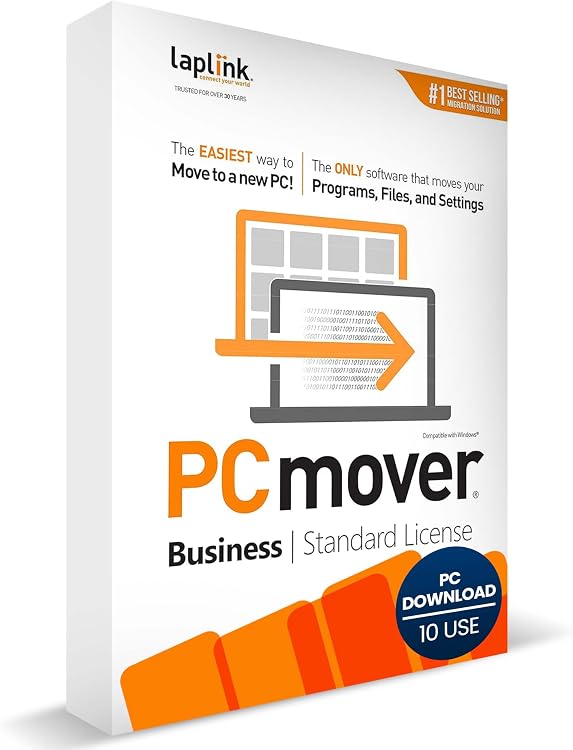
Laplink PCmover Business Standard, 10-Use PC Migration Software
Software: Laplink PCmover Business Standard is a digital PC migration tool offered here with a 10-use license. It is designed to transfer applications, user profiles, files, and settings, with selectable content and several transfer methods for organizational deployments.
At a glance
- The listing describes a 10-use license with one serial number for multiple migrations.
- Transfers can include applications, user profiles, files, and settings, with options to select what moves.
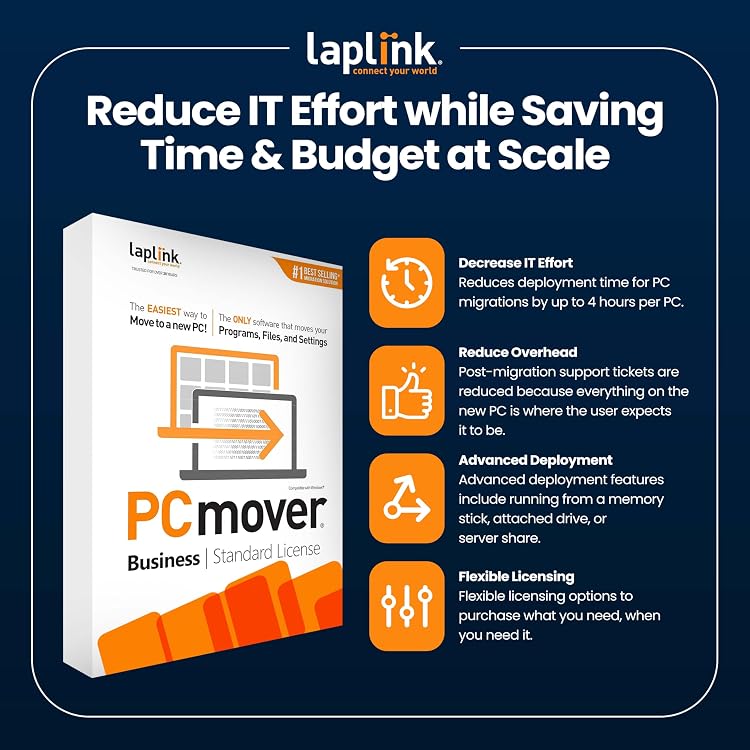
- Network, USB, and Wi-Fi Direct are listed transfer methods, and the software can be run from a memory stick, attached drive, or server share.
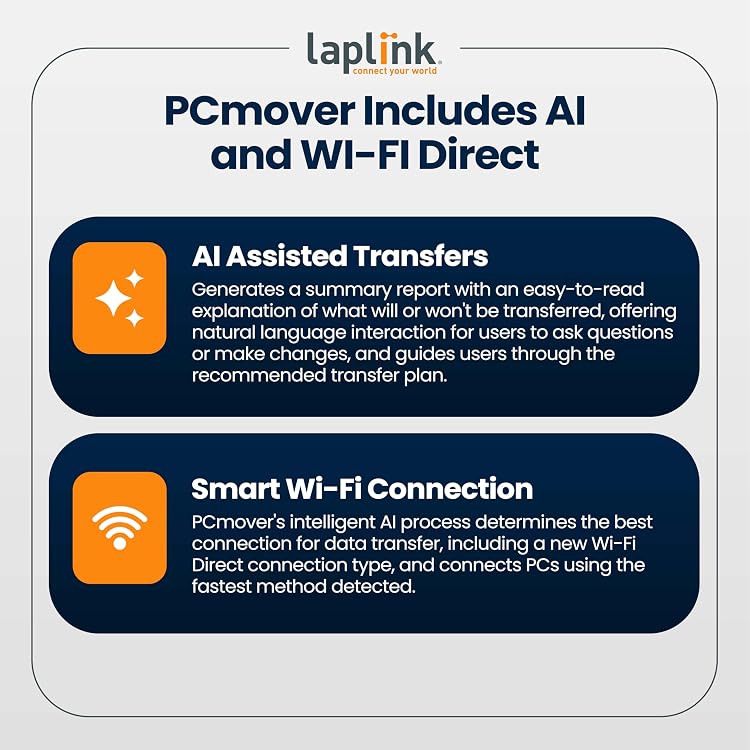
- The manufacturer describes an undo feature and transfer assistance as included capabilities.
Reference price: $349.00
Price checked: Nov 24, 2026
View offerBlack Friday weekExplore the selectionPros and cons
Pros
- A multi-use license can suit organizations planning several PC migrations under one purchase.
- Selectable transfers let administrators or users choose applications, files, and settings rather than moving all listed content by default.
- Multiple transfer methods and deployment locations offer flexibility for different migration setups.
Technical specifications
7 specifications| Brand | Laplink Software, Inc. |
|---|---|
| License quantity | 10 Use |
| Transfer content | Installed applications, user profiles, files, and settings |
|---|---|
| Transfer methods | network, USB, and Wi-Fi Direct |
| Deployment options | memory stick, attached drive, or server share |
| Transfer selection | specific applications, files, and settings |
| Supported Windows versions | Windows XP, Vista, 7, 8, 8.1, 10, and Windows 11 |
|---|
What to know before buying
- The manufacturer describes the product as digital software and states Windows compatibility from XP through Windows 11. Confirm licensing and OS compatibility for the PCs and deployment plan before purchase.
Who is it for?
A good fit for
- Organizations with a planned series of PC migrations and a need for a 10-use license.
- IT teams that want selectable transfers and deployment from a memory stick, attached drive, or server share.
- Users moving applications, profiles, files, and settings between PCs.
Less suited to
- Buyers who need a single-use license or have not established that a 10-use tier fits their deployment.
Customer reviews on Amazon
- 5 stars
77% 77% - 4 stars
23% 23% - 3 stars
0% 0% - 2 stars
0% 0% - 1 star
0% 0%
Only aggregate ratings are provided, with a small rating sample that leans positive. This offers limited insight into experiences with the 10-use license, migration workflow, or compatibility, and no specific customer-reported strengths or concerns are available.
Frequently asked questions
What does the 10-use license indicate?
The listing identifies this edition as Standard with 10 uses and describes tiered licensing with one serial number for multiple migrations.
What can PCmover transfer?
The listing describes transfers of installed applications, user profiles, files, and settings, with controls to select specific items.
Which transfer methods are listed?
Network, USB, and Wi-Fi Direct are named as transfer options. The listing does not specify transfer speeds.
Which Windows versions are stated as compatible?
The manufacturer claims compatibility with Windows XP, Vista, 7, 8, 8.1, 10, and Windows 11.
Alternative options
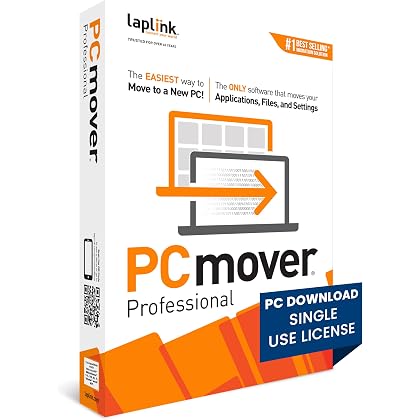
Laplink PCmover Professional - Move your Applications, Files and Settings from an Old PC to a New PC - Data Transfer Software - 1 Use License
$44.95
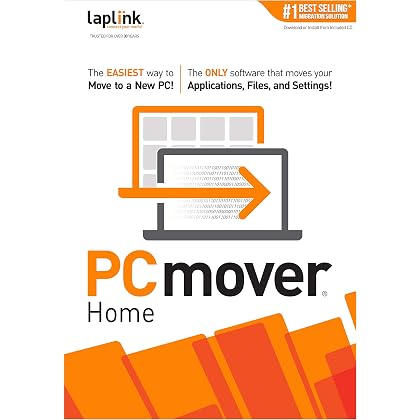
Laplink PCmover Home - Instant Download - Single Use License - Moves Applications, Files, and Settings to Your New PC
$44.95
NordVPN Basic, 1 Year, 10 Devices, Most Advanced VPN, Digital Code
$24.99
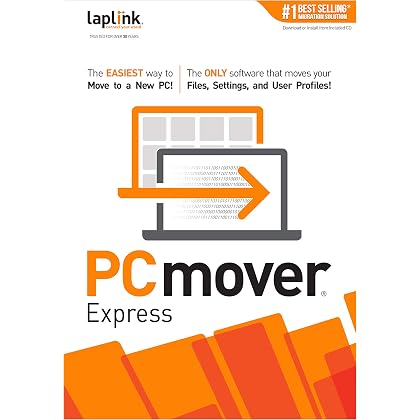
Laplink PCmover Express - Move your Users, Files and Settings from an Old PC to a New PC - Data Transfer Software - 1 Use License
$34.95