 1 / 7
XP-Pen Deco 01 V3 Drawing Tablet, 10 × 6.25-Inch Active Area
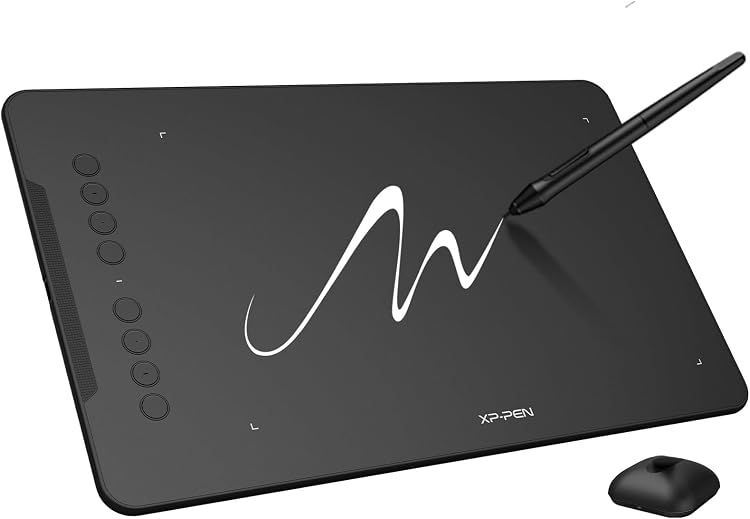
Inch Active Area: The XP-Pen Deco 01 V3 is a screenless drawing tablet for sketching, illustration, photo editing, and annotation on a connected computer or Android device. Its battery-free pen, 16,384 pressure levels, tilt support, and eight customizable keys offer a hands-on drawing setup, but the work appears on the connected device rather than on the tablet.
At a glance
- Screenless design requires a connected computer or Android phone, with the drawing shown on that device's display.
- The listing claims 16,384 pressure levels and 60-degree tilt support for varying strokes and shading.
- Eight customizable shortcut keys and an ambidextrous design support left- or right-handed use.
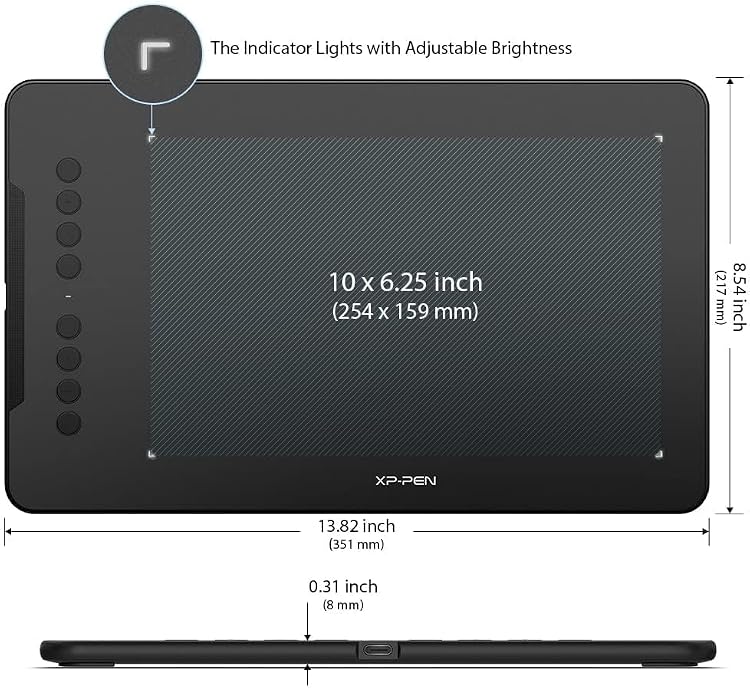
- The active area is 10 inches x 6.25 inches, while the tablet is listed as 8 mm thick.
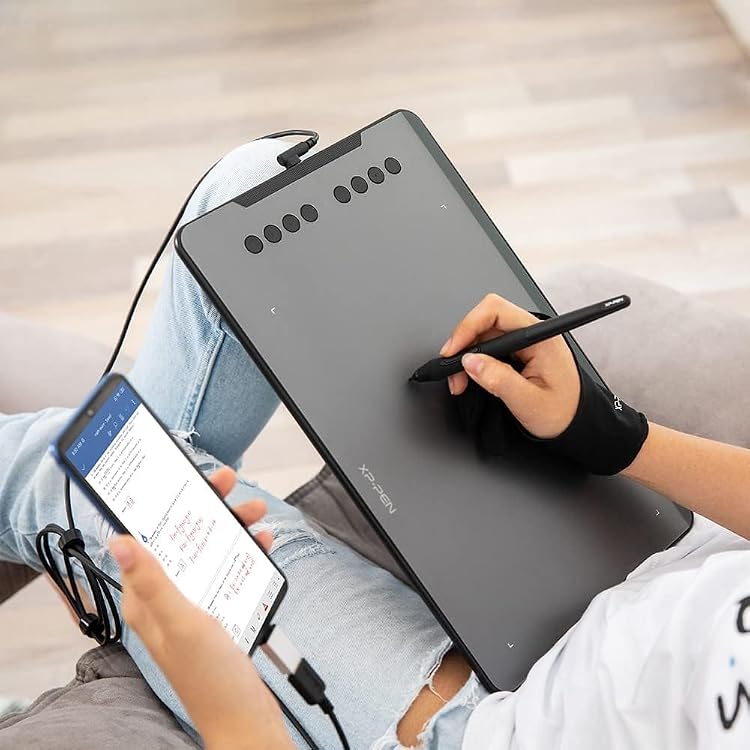
- Android use is supported in the listing, with an app recommended for mapping the tablet to a phone's screen.
Reference price: $59.99
Price checked: Nov 22, 2026
View offerBlack Friday weekExplore the selectionPros and cons
Pros
- Battery-free stylus needs no charging, and the tablet draws power over USB.
- Eight customizable keys can put frequently used commands within reach.
- The listing describes compatibility with Android, Windows, macOS, Chrome OS, and Linux.
Cons
- This is a pen tablet without a screen, so users must look at the connected device while drawing.
Technical specifications
14 specifications| Brand | XP-Pen |
|---|---|
| Model | DECO01V3-BLACK |
| Screen size listed | 10 inches |
|---|---|
| Screen technology listed | LCD |
| Active area | 10 inches x 6.25 inches |
| Pressure sensitivity | 16384 levels |
|---|---|
| Stylus | Battery-free |
| Tilt support | 60 degrees |
| Shortcut keys | 8 customizable |
| Connection listed | USB |
|---|---|
| Operating systems listed | Android 10.0 or later), Chrome OS 88 (or later), Linux, Windows 7 (or later), mac OS 10.13 (or later) |
| Weight listed | 1000 g |
|---|---|
| Product dimensions | 13.9"L x 8.8"W |
| Thickness | 8 mm |
What to know before buying
Listing details to confirm
Listing details are inconsistent: it identifies the tablet as a screenless pen tablet but also lists LCD screen technology and a 1920x1080 native resolution, while the title and feature text describe it as screenless. Operating-system versions also differ across sections, and the package lists differ on the quantity of replacement nibs and cable details. Confirm these details for the selected listing before purchase.
What’s in the box
Included- Deco 01 V3 drawing tablet
- Battery-free stylus
- Pen stand and replacement nibs
- Protective film
- Quick guide
- USB cable
- USB to USB-C adapter
- Glove
Who is it for?
A good fit for
- Beginners and students seeking a screenless tablet for drawing, sketching, and illustration.
- Artists who want a battery-free pen with pressure and tilt input plus configurable shortcut keys.
- Users planning to annotate documents, teach online, or draw on a supported Android device.
Less suited to
- Anyone who wants to draw directly on a built-in display.
- Buyers who need a confirmed operating-system version or exact bundle contents without checking the selected listing.
Customer reviews on Amazon
- 5 stars
73% 73% - 4 stars
15% 15% - 3 stars
6% 6% - 2 stars
2% 2% - 1 star
4% 4%
Customer feedback describes the tablet as easy to set up and use, with favorable comments about compatibility with Windows and Mac and suitability for beginners and online instruction. Reports about reliability and pressure sensitivity are mixed, including accounts of the tablet not working properly and sensitivity concerns. For drawing work that depends on consistent pressure response, those reports matter alongside the listed 16,384 pressure levels, which are a specification claim rather than proof of every user's experience.
Positive themes
- Customers report easy setup and straightforward use.
- Customers praise its compatibility with Windows and Mac and its suitability for beginners.
Mixed feedback
- Customer feedback is mixed on reliability, with some reporting that the tablet stopped working properly.
- Customer feedback is mixed on pressure sensitivity.
Frequently asked questions
Does the Deco 01 V3 have a screen for drawing?
The listing's usage description says it is a traditional screenless pen tablet, so drawings appear on the connected computer or Android phone. Other listing fields mention LCD and a native resolution, which conflict with that description.
Does the stylus need charging?
The listing describes the stylus as battery-free and says the tablet receives power through USB.
Which devices and operating systems does it support?
The listing names Android, Chrome OS, Linux, Windows, and macOS, but the stated minimum versions differ between sections. Check the selected listing for your device and operating system.
What is included in the package?
The manufacturer contents list names a stylus, pen stand and replacement nibs, protective film, quick guide, USB cable, USB to USB-C adapter, tablet, and glove. Another contents list gives different details for nib quantities and cables, so confirm the selected package.
Alternative options
XPPen Updated Deco 01 V3 Drawing Tablet, 16384 Pressure Sensitivity, 8 Custom Shortcuts, 220 Report Rate for OSU Drawing Pad, Remote Teaching & Animation, Compatible with Android, Windows, macOS
$44.98
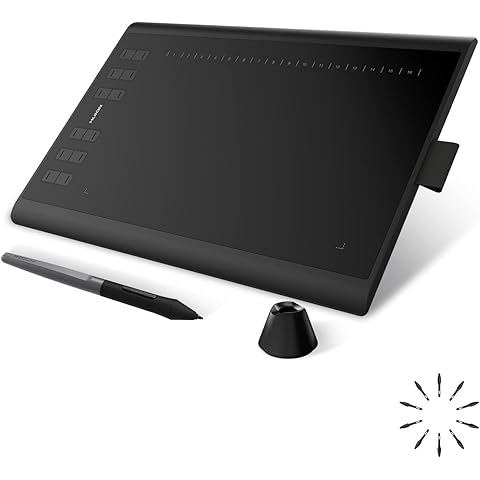
HUION Inspiroy H1060P Graphics Drawing Tablet, 10 x 6.25 In, 12+16 Hot Keys | 8192 Pressure Levels, Battery-Free Stylus, Digital Art Tablet Works with Mac, Windows PC and Android
$39.70
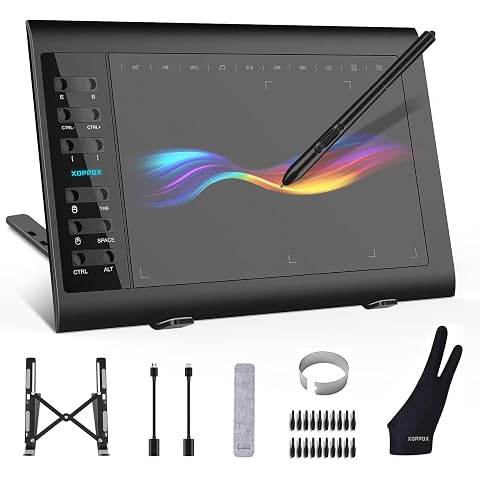
Graphics Drawing Tablet, 10×6 Inch Large Active Area with Battery-Free Stylus, 8192...
$37.99
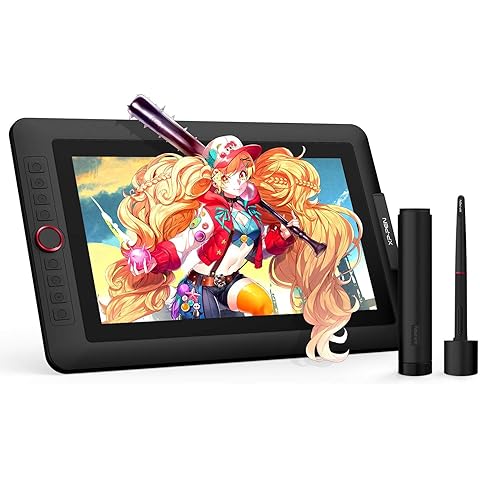
XPPen Artist 13.3 Pro V2 Drawing Tablet with Screen, 16K, Full-Laminated | Anti-Glare 123% sRGB Display, 8 Keys for Art, Animation, Mac, PC, Android, Includes Adjustable Stand, Designed for Beginners
$181.09
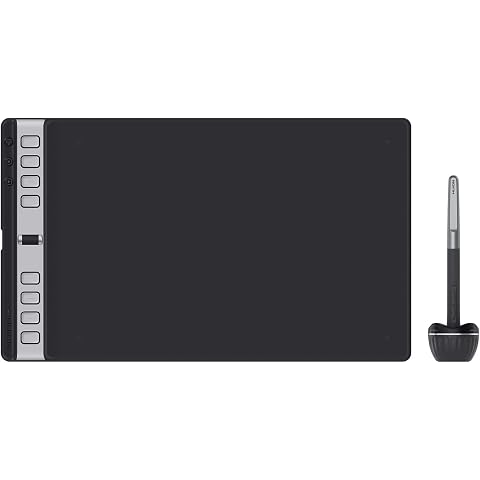
HUION Inspiroy 2 Large Drawing Tablet with 3-Group 8 Customized ExpressKeys | 10.5x6.56" Art Tablet with Scroll Wheel, Battery-Free Stylus, Graphics Tablet for Drawing, Design, Work with Mac, PC & Mobile
$79.99
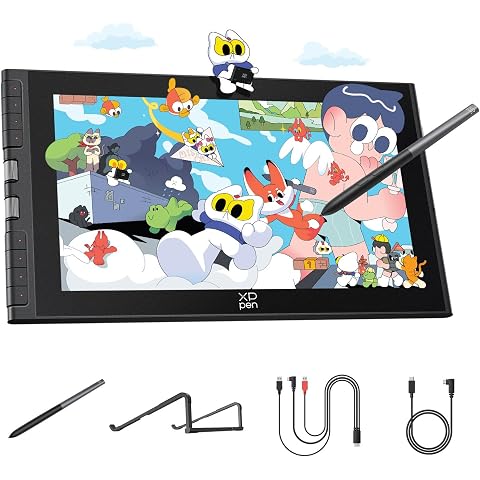
XPPen Artist 12 3rd 11.9" Drawing Tablet with Screen, 16K, X4 Pen, AG Glass | AG Etched Glass, Dial Wheel, 8 Keys for Digital Art, Animation, Mac, PC, Android, Chromebook, Linux, Designed for Beginners
$174.99
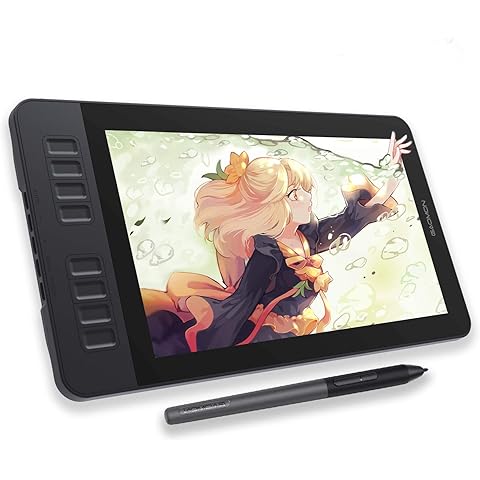
GAOMON PD1161 Drawing Tablet with Screen, Tilt, 8 Shortcut Keys, 11.6" FHD | Anti-Glare Screen, Battery-Free Stylus, 8192 Pressure Levels, for Digital Art, Design & Illustration, Works with Mac/Windows
$142.49
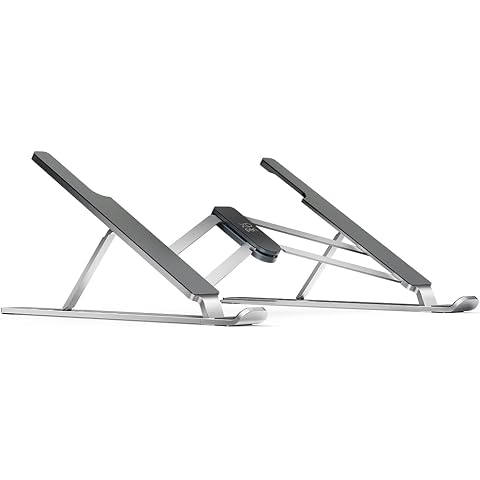
XPPen Drawing Tablet Stand for Desk,Silver Portable Holder for Graphics Tablet&Pen Display, Aluminum Computer Riser Compatible with 10 to 15.6 Inch Laptops and Drawing Tablets,Portable and Adjustable
$36.79
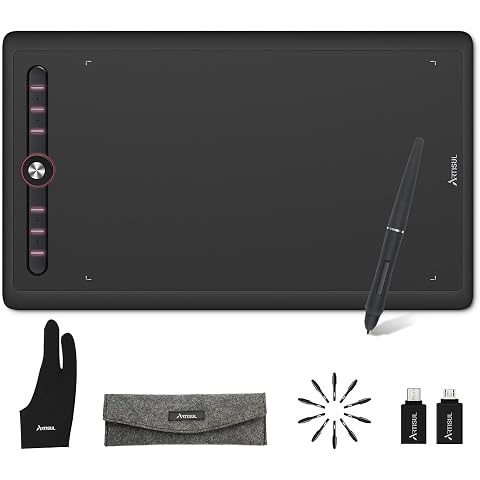
Drawing Tablet Artisul M0610Pro 10x6 Inch, Tilt Support, Scroll Wheel | Battery-Fre...
$36.09
XPPen 4K UHD Artist Pro 19 Gen2 Drawing Tablet with Screen, 156% sRGB Graphic Tablet with 1.07 Billion Colors Anti-Glare Drawing Monitor with Dual 16384 Pen Pressure Stylus, Mini Keydial, 18.4"
$629.99
XPPen Artist 16 3rd 2.5K QHD Drawing Tablet with Screen X4 Chip Stylus | 15.8-inch, Dual Dial & 8 Shortcut Keys, 99% sRGB, 16384 Pressure Levels, AG Nano-etched Glass, Stand, Art Tablet for Creation
$424.99
XPPen Artist 24 Pro 2.5K QHD Drawing Tablet with Screen,16.7M Colors Graphics Tablet with 8192 Pen Pressure Battery-Free Tilt Stylus & 20 Shortcut Keys for Windows, Mac, Chrome, Linux, 23.8"
$598.49