 1 / 7
XP-Pen Artist24 Pro 23.8-Inch QHD Drawing Display
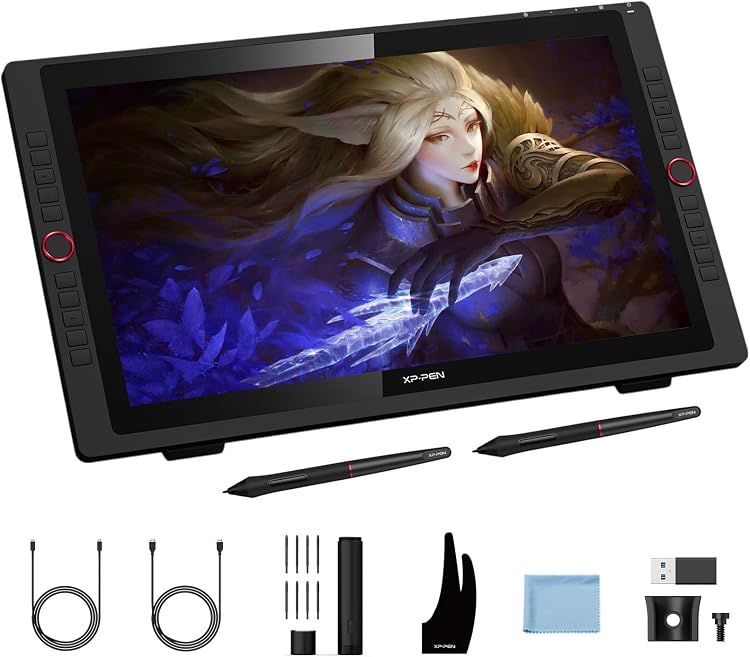
XP-Pen Artist24 Pro is a 23.8-inch pen display for drawing directly on screen, with QHD resolution, a battery-free stylus and programmable controls. It needs a connected computer, so it is not a standalone tablet.
At a glance
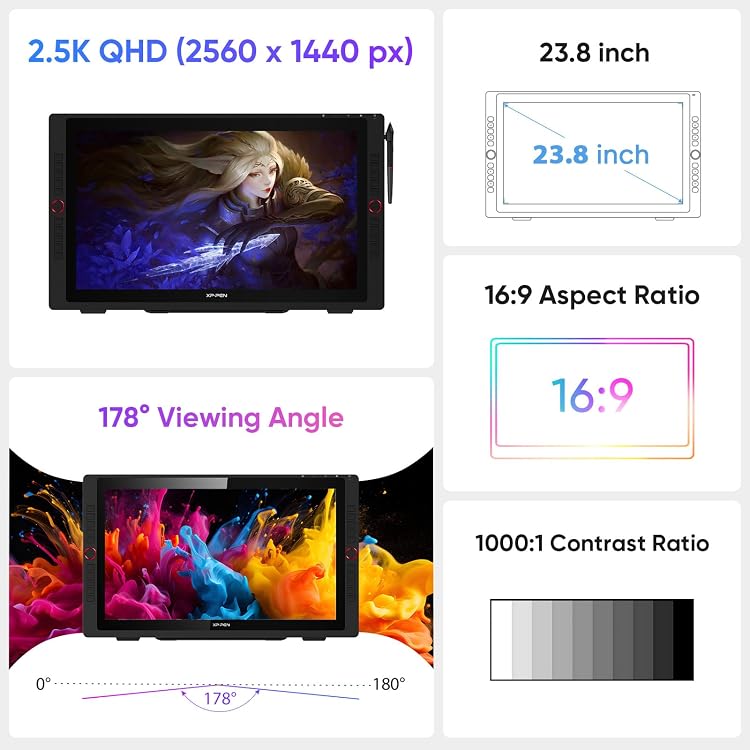
- Large 23.8-inch QHD screen provides a substantial workspace for detailed illustration and design.
- Battery-free pen is specified with 8192 pressure levels and 60° tilt support.
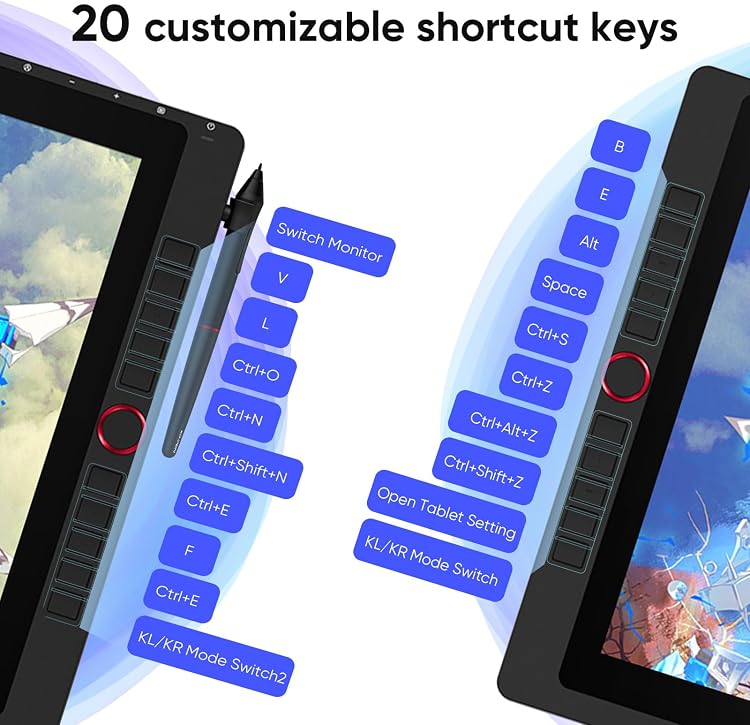
- 20 customizable shortcut keys and two dial wheels provide on-device controls.
- Requires connection to a computer and supports listed Windows, Mac, Linux and Chrome OS versions.
Reference price: $899.99
Price checked: Nov 24, 2026
View offerBlack Friday weekExplore the selectionPros and cons
Pros
- Large QHD drawing surface with a listed 178° viewing angle.
- Battery-free stylus and configurable shortcut keys with dual dial wheels.
- Manufacturer lists broad compatibility across Windows, Mac, Linux and Chrome OS.
Cons
- It is a computer-connected display, not a standalone drawing tablet.
- At 15.4 pounds, it is a substantial desk-based device rather than a lightweight portable option.
Technical specifications
15 specifications| Brand | XP-Pen |
|---|---|
| Model | Artist24 Pro |
| Screen size | 23.8 inches |
|---|---|
| Screen technology listed | IPS |
| Resolution | 2.5K QHD (2560 x 1440) Resolution |
| Active surface | 526.85 x 296.35 MM |
| Color depth | 16.7M |
| Pressure sensitivity | 8192 levels |
|---|---|
| Tilt support | 60° |
| Report rate | 220 RPS |
| Shortcut controls | 20 Customizable Shortcuts and Dual Red Dial Wheels |
| Connection listed | HDMI, USB |
|---|---|
| Operating systems | Chrome OS 88 (or later), Linux, Mac OS X 10.10 (or later), Windows 7 (or later) |
| Weight listed | 15.4 pounds |
|---|---|
| Dimensions | 24.88"L x 14.57"W |
What to know before buying
- The display requires a connected computer. Customer feedback includes reports of mixed drawing and functionality experiences, including some reports of the device stopping after light use, and compatibility concerns with newer Mac systems. Check compatibility with the specific computer and software you plan to use.
What’s in the box
Included- Screen
- 2 x battery-free stylus
- 1 x USB-A to USB-C adapter
- 1 x USB-C to USB-C cable
- 1 x HDMI cable
- Power adapter
- 1 x power cord
- 1 x pen holder
- 8 x replacement pen nibs
- 1 x quick guide
- 1 x cleaning cloth
- 1 x black drawing glove
- 1 x pen slot
Who is it for?
A good fit for
- Digital artists, illustrators and designers who want to draw on a large screen.
- Users who can connect it to a compatible computer and want customizable shortcuts and dial controls.
Less suited to
- Buyers seeking a standalone tablet or a lightweight device for frequent travel.
- Buyers who need confirmed compatibility with a particular newer Mac system without checking it first.
Customer reviews on Amazon
- 5 stars
78% 78% - 4 stars
12% 12% - 3 stars
4% 4% - 2 stars
2% 2% - 1 star
4% 4%
Customer feedback reports positive experiences with performance, setup and ease of use, and appreciates the programmable controls. Other feedback is mixed: some customers report reliability problems, difficulty drawing, or compatibility issues with newer Mac systems. These reports matter for a computer-dependent display, so confirm compatibility and consider the spread of experiences rather than treating the listed pen specifications as proof of uniform results.
Positive themes
- Customers report easy setup and appreciate the programmable buttons and dials.
- Some customers describe good performance in design programs such as Photoshop.
Negative themes
- Some customers report that the tablet stopped working after several months of light use.
- Some customers report compatibility problems with newer Mac systems.
Mixed feedback
- Customer experiences with drawing performance and overall functionality differ.
Frequently asked questions
Does the Artist24 Pro work without a computer?
No. The listing says it is not a standalone drawing tablet and must be used with a computer or laptop.
What resolution does its display have?
The listing specifies 2.5K QHD resolution of 2560 x 1440.
Which operating systems are listed as compatible?
The listing names Chrome OS 88 or later, Linux, Mac OS X 10.10 or later, and Windows 7 or later. Customer feedback mentions some compatibility issues with newer Mac systems, so check the exact setup.
What pen and shortcut controls are specified?
The listing specifies a battery-free stylus with 8192 pressure levels and 60° tilt support, alongside 20 customizable shortcuts and two dial wheels.
Alternative options
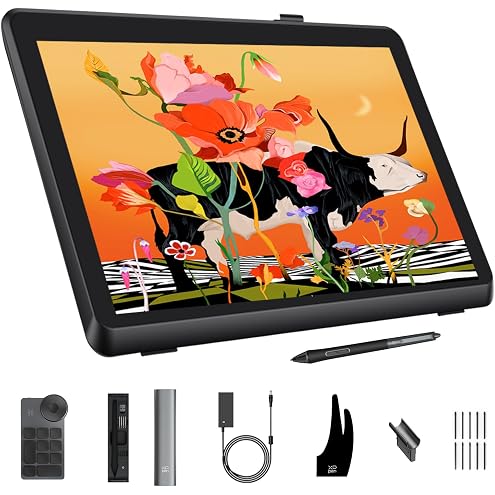
XPPen Artist Pro 22 Gen 2 22" 2.5K Drawing Tablet with Screen, 16K, Calman | Calman Verified 99% Adobe RGB Display for Design, Photo Editing, Mac, PC, Includes ACK05 Shortcut Remote & Adjustable Stand
$486.45
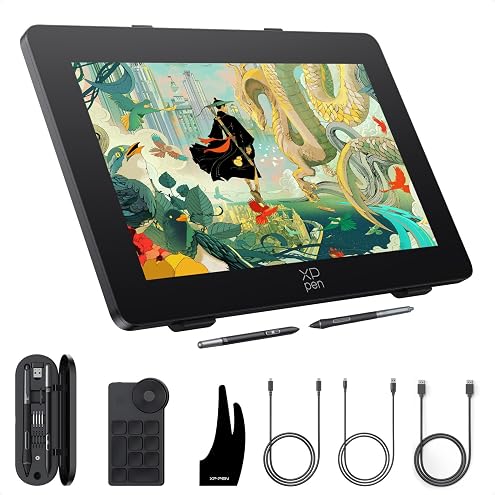
XPPen Artist Pro 24 Gen2 23.8" 165Hz Drawing Tablet with Screen,16K Keydial | Full-Laminated AG Glass, Delta E < 1, Dual Stylus, Mac, PC, Linux, Includes Stand, Built for Studio Pros
$721.98
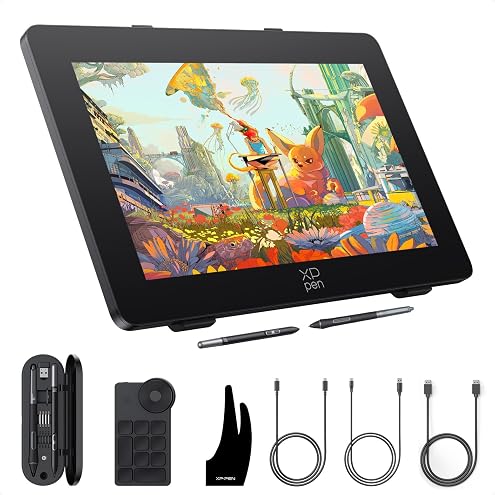
XPPen Artist Pro 24 Gen2 23.8" 4K Drawing Tablet with Screen, 16K, Keydial | Full-Laminated AG Glass, Delta E < 1, Dual Stylus, Mac, PC, Linux, Includes Stand, Built for Studio Pros
$849.99
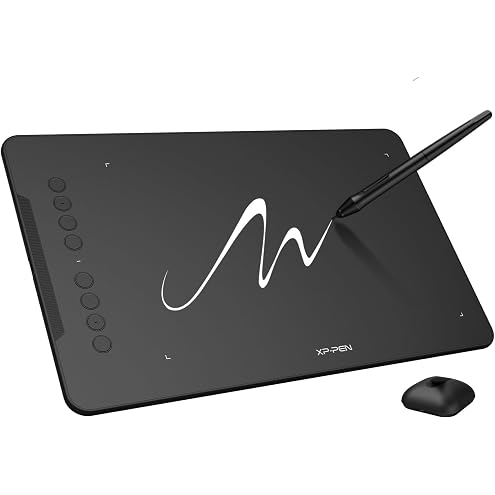
XPPen Deco 01 V3 10x6 Drawing Tablet, 16K Battery-Free Stylus, 8 Keys | Battery-Free Stylus, 8 Keys for Digital Art, Teaching, OSU, Mac, PC, Android, Chromebook, Designed for Beginners
$41.75
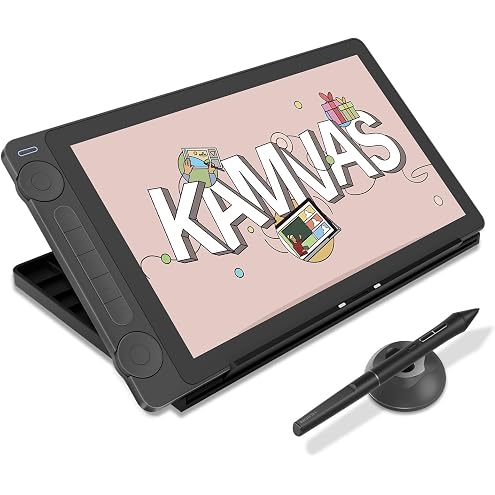
HUION Kamvas 13 (Gen 3) Drawing Tablet with Screen, Dual Dial, 13.3", Black | Full Lamination, Canvas Glass 2.0, 99% sRGB, PenTech 4.0 16384 Levels, Works with PC, Mac and Android, With Stand
$198.55
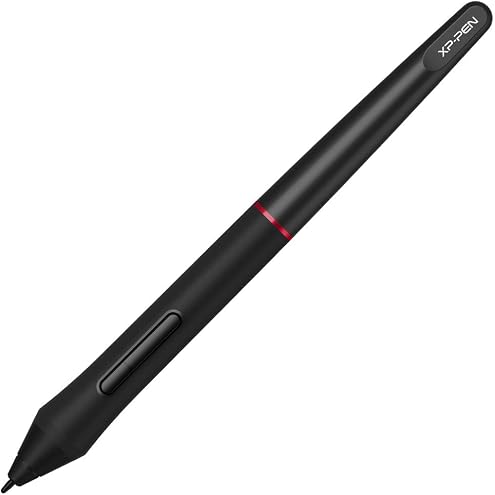
XP-PEN PA2 8192 Pressure Battery-Free Stylus Solely for Artist 12/13.3/15.6/22R/24 Pro Drawing Tablet with Screen | Not Compatible with Other XP-Pen Models or Brands
$15.99