 1 / 7
XP-Pen Artist Ultra 14 OLED Drawing Display, 2.8K Touchscreen
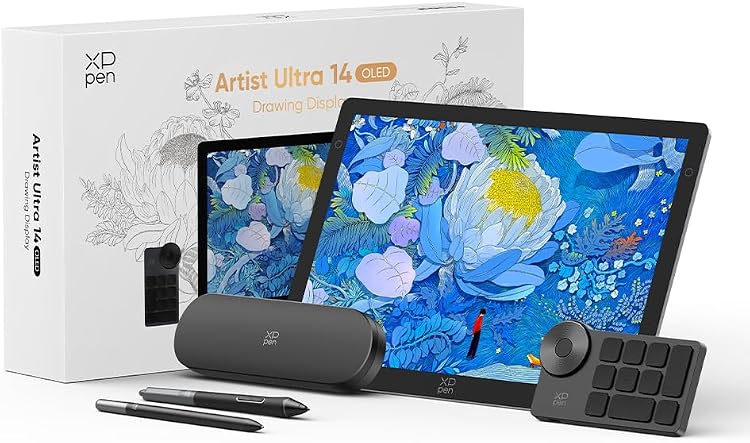
XP-Pen Artist Ultra 14 OLED is a 14-inch pen display intended for drawing with a connected computer, not a standalone tablet. Its listing highlights a 2.8K OLED touchscreen, two 16K-pressure styluses and an ACK05 shortcut remote, alongside broad OS compatibility claims that have touch-specific limits.
At a glance
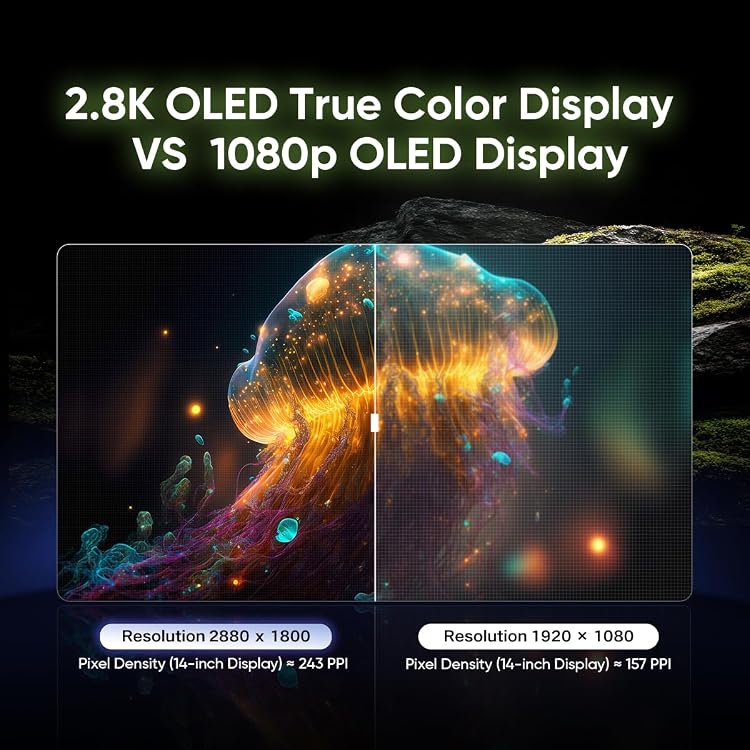
- The listing describes a 2.8K OLED display with 90Hz refresh rate, laminated construction and etched anti-glare glass.
- Both included stylus types are claimed to offer 16K pressure levels and 60° tilt support.
- Multi-touch gestures are customizable, and a touch-disabled screen area can be set to help avoid palm input.
- The ACK05 remote is described as supporting 40 customizable shortcut keys.
- It must connect to a computer. Android compatibility is conditional on USB3.1 DP1.2, and touch support depends on OS version.
Reference price: $699.99
Price checked: Nov 25, 2026
View offerBlack Friday weekExplore the selectionPros and cons
Pros
- Two stylus designs are listed, offering a choice between the X3 Pro Smart Chip Stylus and X3 Pro Slim Stylus.
- Multi-touch canvas gestures and a configurable touch-disabled area can suit workflows that alternate between pen and finger input.
- The stated OS list spans Windows, macOS, Android, ChromeOS and Linux, though specific requirements apply.
- The explicit contents list includes an ACK05 remote, stand, several cables and replacement nibs.
Cons
- It is a computer-connected display rather than a standalone drawing tablet.
- Touch support is narrower than the overall OS compatibility list, with OS-specific minimum versions.
- At the listed 2.6 kg, it is less convenient to carry than a lightweight pen tablet.
Technical specifications
21 specifications| Brand | XP-Pen |
|---|---|
| Model | Artist Ultra 14 OLED |
| Screen size | 14 inches |
|---|---|
| Screen technology listed | OLED |
| Resolution listed | 2.8K |
| Refresh rate listed | 90Hz |
| Aspect ratio | 16:10 |
| Contrast ratio | 100,000:1 |
| Response time | <1 ms |
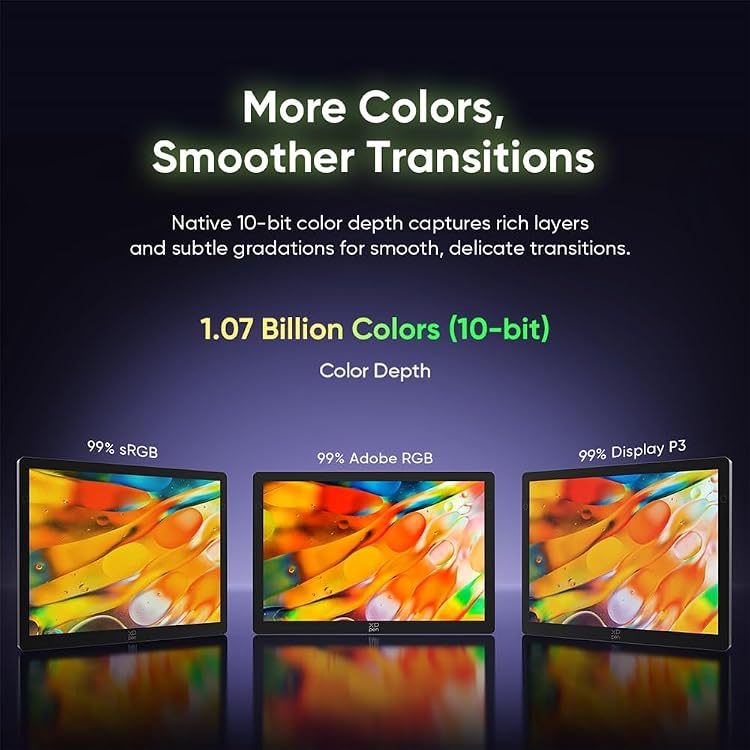
| Color depth | 1.07 Billion Colors (10-bit colors) |
| Color gamut coverage | 99% Adobe RGB, 99% sRGB, 99% Display P3 |
| Color accuracy claim | Delta E<1* |
| Pressure sensitivity | 16384 levels |
|---|---|
| Stylus tilt support | 60° |
| Stylus responsive height | 10 mm |
| Touch input | Multi-Touch Screen |
| Connection listed | USB |
|---|
| Listed features | 60° Tilt Support, Anti-Glare Glass, Extra-Slim, Full Lamination, Multi-Touch Screen |
|---|---|
| Weight listed | 2.6 kg |
| Color | Black |
| Bezel width claim | 14.5mm |
What to know before buying
Listing details to confirm
The listing is contradictory about the bundle: its explicit contents list names both styluses and the ACK05 remote, while a separate highlight mentions a keyboard without confirming it in that list. The listing also describes the display as 2.8K OLED but does not provide a pixel-count resolution, and its 'Dual 16K Styli' claim is not matched by the listed generic pressure-sensitivity field. Confirm the selected package and exact display and stylus specifications before purchase.
What’s in the box
- X3 Pro Smart Chip StylusIncluded
- X3 Pro Slim StylusIncluded
- 28 replacement nibsIncluded
- 3-in-1 cableIncluded
- 2 USB-C to USB-C cablesIncluded
- ACK05 remoteIncluded
- Power adapterIncluded
- ASC20 standIncluded
- Pen caseIncluded
- Drawing gloveIncluded
- Cleaning clothIncluded
- USB-C to USB-A cableIncluded
- KeyboardCheck selected pack
Check which accessories are included in your selected pack before buying.
Who is it for?
A good fit for
- Digital artists who want a pen display with multi-touch gestures and a computer-based drawing workflow.
- Illustrators and editors who may benefit from the claimed broad color-gamut coverage and included shortcut remote.
- Users seeking a choice between two listed stylus designs and an included stand.
Less suited to
- Anyone seeking a standalone tablet that runs drawing apps without a connected computer.
- Buyers who need touch functionality on every listed operating system or on older OS versions.
- Users prioritizing a particularly light display for frequent travel.
Customer reviews on Amazon
- 5 stars
76% 76% - 4 stars
13% 13% - 3 stars
3% 3% - 2 stars
3% 3% - 1 star
5% 5%
Customer feedback reports positive impressions of overall performance, touch sensitivity and perceived value, including comments about sketching on the screen. These experiences are relevant to the listed pen and multi-touch workflow, but do not independently establish the claimed display or stylus specifications. Aggregate ratings are generally favorable, though they do not explain individual experiences.
Positive themes
- Customer feedback highlights perceived performance and touch sensitivity.
- Customers describe the product as worth its price.
Frequently asked questions
Does the Artist Ultra 14 work without a computer?
No. The listing says it needs to connect to a computer or laptop.
Does touch work on every compatible operating system?
No. The listing limits touch support to Windows 10 or later and Ubuntu 20.04 LTS or later for Linux. Android use requires USB3.1 DP1.2, and the OS list gives Android 10.0 or later.
Are both styluses included?
The explicit contents list names the X3 Pro Smart Chip Stylus and X3 Pro Slim Stylus. A separate highlight mentions a keyboard, but it is not confirmed in that contents list, so verify the selected listing's package.
What is the stated screen size and technology?
The supplied details state 14 inches, and the listing claims a 2.8K OLED touchscreen. It does not supply a pixel-count resolution in the cited product details.
Alternative options
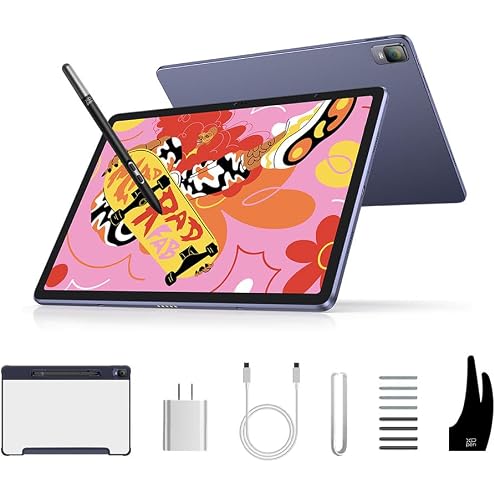
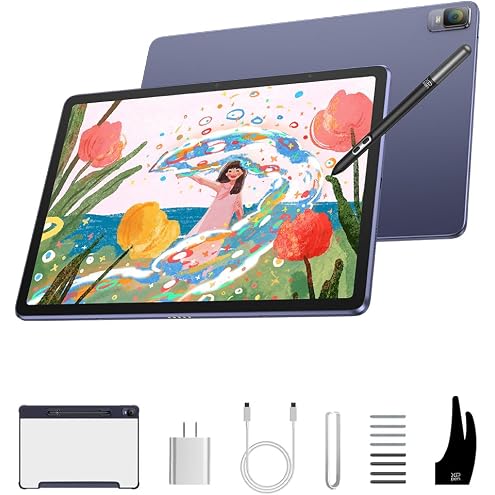
XPPen Magic Drawing Pad 12.2 Inch Standalone Drawing Tablet 8GB+256GB | No Computer Needed, 16384 Pressure Levels, X3 Pro Slim Stylus (PD51B), Tilt Support, Paper-Like Screen, Portable Tablet
$469.99
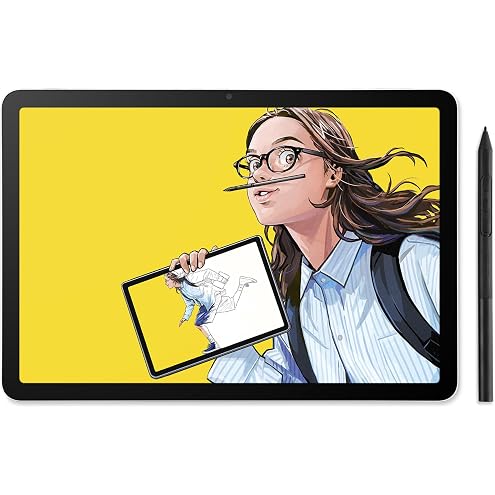
Wacom MovinkPad 11, Android Mobile Drawing Tablet, with Pro Pen 3 | No computer needed, 8GB RAM/128GB storage, anti-glare matte screen, All-In-One portable tablet with advanced pen precision
$474.95
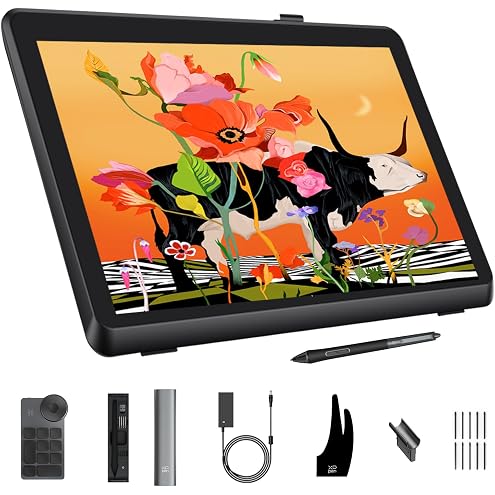
XPPen Artist Pro 22 Gen 2 22" 2.5K Drawing Tablet with Screen, 16K, Calman | Calman Verified 99% Adobe RGB Display for Design, Photo Editing, Mac, PC, Includes ACK05 Shortcut Remote & Adjustable Stand
$486.45
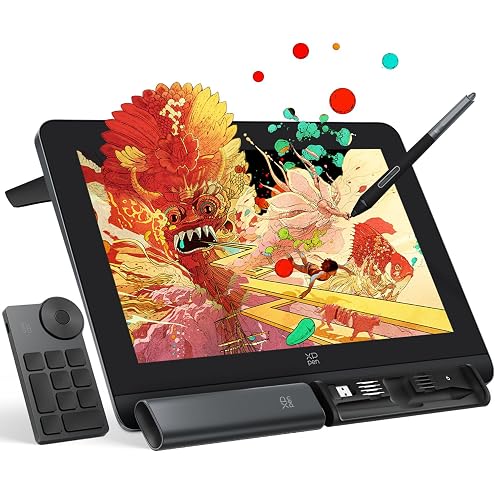
XPPen Artist Pro 14 Gen2 Drawing Tablet with Screen 14 inch | Full Laminated Anti-Glare Screen, 16384 Pressure Levels, X3 Pro Battery-Free Stylus (PD21D), 99% sRGB, Tilt, Mini Keydial
$279.99
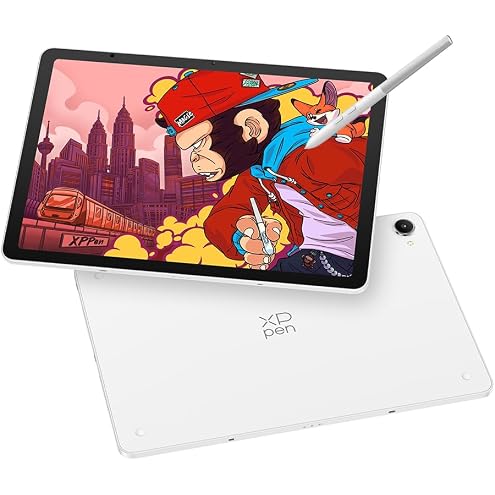
XPPen Magic Pro 13 Standalone Drawing Tablet 3K Display with 16K X4 Stylus | 12.95" Magic Pro Drawing Pad No Computer Needed with 8GB RAM/256GB Storage, 120Hz Refresh Rate, Android 16, Nano-etched Glass
$799.00
XPPen Standalone Drawing Tablet Magic Drawing Pad with 16384 Stylus | No Computer Needed, X3 Pro Slim Pencil (PD51B), 12.2-inch Portable Digital Art Tablet with Paper-Like Screen, 8GB + 256GB
$469.99