 1 / 7
XP-Pen Artist Pro 16 Gen2 2.5K 16-inch Drawing Display
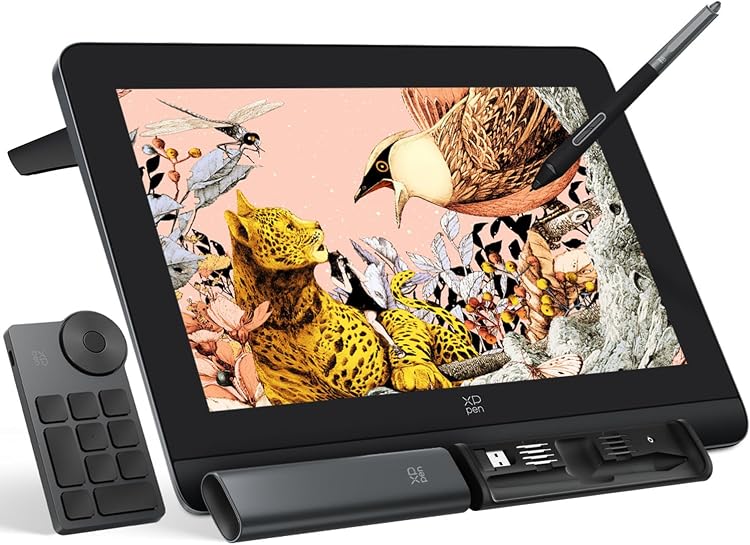
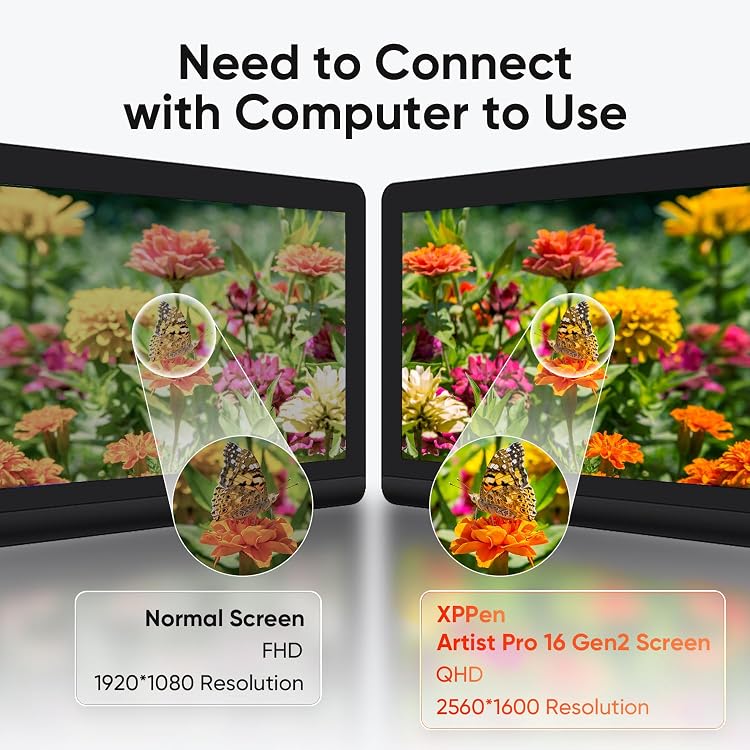
XP-Pen Artist Pro 16 Gen2 2.5K is a 16-inch pen display for drawing, editing, and 3D modeling when connected to a computer. Its 2560x1600 resolution and claimed 16384-level pen sensitivity suit detailed work, but it is not a standalone drawing tablet.
At a glance
- The listing describes this as a computer-connected pen display, not an all-in-one tablet.
- Full lamination and anti-glare etched glass are claimed for the 16-inch display.
- The included software compatibility claim covers several desktop operating systems, plus supported Android devices.
Pros and cons
Pros
- The 2560x1600 display provides a detailed 16:10 workspace for illustration and editing.
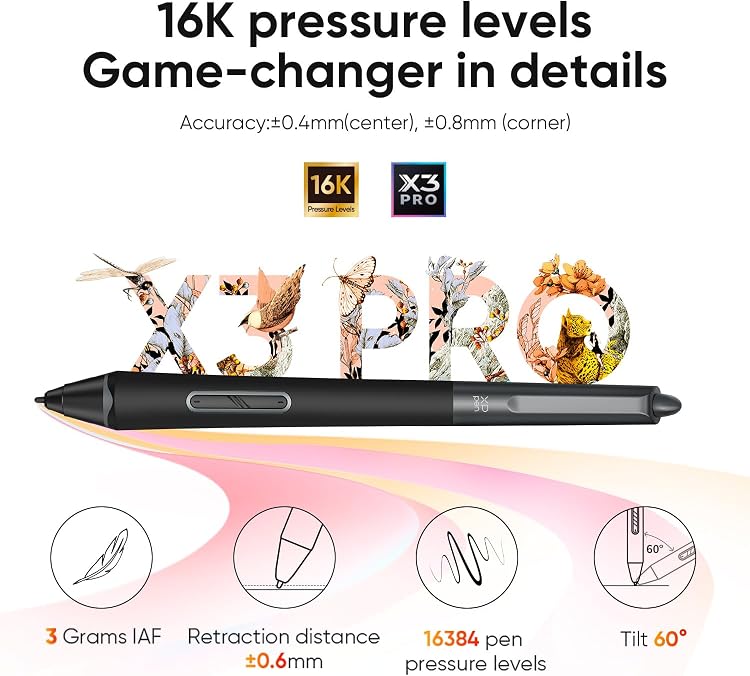
- The listing claims 16384 pressure levels and 60° tilt support for pen input.
- Anti-glare glass, full lamination, a foldable stand, and programmable shortcuts are listed as practical drawing features.
Cons
- It needs a computer to operate, so it is not suited to drawing independently as a standalone device.
- The listed weight is 3.88 kg, a consideration for frequent transport or a compact desk setup.
Technical specifications
20 specifications| Brand | XP-Pen |
|---|---|
| Model | Artist Pro 16 Gen2 2.5K |
| Screen size | 16 inches |
|---|---|
| Screen technology listed | LCD |
| Native resolution | 2560x1600 |
| Active surface | 340.99 x 191.81 mm |
| Aspect ratio | 16:10 |
| Viewing angle | 178° |
| Color gamut coverage | 99% sRGB |
| Color gamut area ratio | 159% sRGB |
| Color accuracy | △E <2.2 |
| Pressure sensitivity | 16384 levels |
|---|---|
| Tilt support | 60° Tilt Support |
| Listed features | 60° Tilt Support, Anti-Glare Glass, Full Lamination, Programmable Press Key, Shortcut Key |
| Connection listed | HDMI |
|---|---|
| Compatible operating systems | Android (USB3.1 DP1.2), Chrome OS 88 (or later), Linux, Windows 7 (or later), macOS 10.10 (or later) |
| Compatible devices | Desktop, Laptop, Tablet |
| Dimensions | 15.94"L x 11.46"W |
|---|---|
| Weight listed | 3.88 kg |
| Color | Black |
What to know before buying
Listing details to confirm
The listing's included-items information is inconsistent: its built-in-media list names an ACK05 Mini Keydial, Digital Pen, Glove, HDMI Cable, and Replacement Nib, while feature text separately says a 3-in-1 cable is included. Confirm the selected listing's package contents and cable setup before buying. The listing also names HDMI as connectivity without clarifying the full connection arrangement, so check the required ports for your setup.
What’s in the box
- ACK05 Mini KeydialCheck selected pack
- Digital penCheck selected pack
- GloveCheck selected pack
- HDMI cableCheck selected pack
- Replacement nibCheck selected pack
- 3-in-1 cableCheck selected pack
Check which accessories are included in your selected pack before buying.
Who is it for?
A good fit for
- Digital artists and editors who want to draw directly on a 16-inch screen connected to a computer.
- Users seeking a high-resolution pen display with listed tilt support and shortcut controls.
Less suited to
- Anyone seeking a standalone drawing tablet that runs without a computer.
- Buyers who need a particularly lightweight display for frequent travel.
Customer reviews on Amazon
- 5 stars
74% 74% - 4 stars
12% 12% - 3 stars
5% 5% - 2 stars
3% 3% - 1 star
6% 6%
Customer feedback highlights ease of setup and use, responsiveness, and clear screen resolution, which could make the computer-connected display approachable for beginners and hobbyists. Screen impressions are mixed, and reliability reports disagree, including reports of the tablet stopping after a few minutes. Those concerns matter for a display intended for sustained creative work, so consider them alongside the listed resolution and computer-dependent setup.
Positive themes
- Customers describe setup and use as easy.
- Feedback praises responsiveness and screen clarity.
Negative themes
- Some customers report the tablet stopping after a few minutes of use.
Mixed feedback
- Screen quality and reliability receive mixed feedback.
Frequently asked questions
Can the Artist Pro 16 Gen2 be used without a computer?
No. The listing says it needs to connect to a computer, so it is a pen display rather than a standalone tablet.
What resolution does its screen have?
The listed native resolution is 2560x1600, and the product title describes the display as 2.5K.
Which operating systems are listed as compatible?
The listing names Android (USB3.1 DP1.2), Chrome OS 88 (or later), Linux, Windows 7 (or later), and macOS 10.10 (or later).
Alternative options
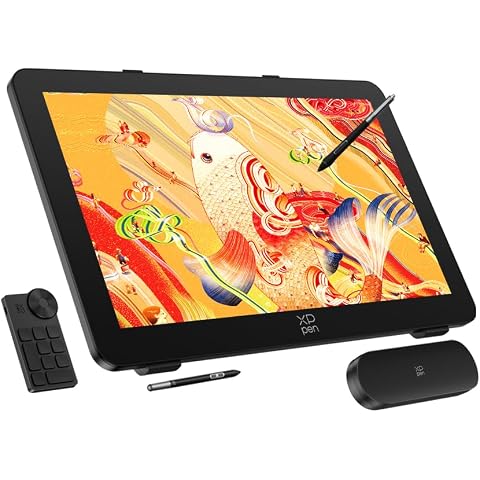
XPPen Artist Pro 27 (Gen 2) Drawing Tablet with Screen | 27Inch 4K 120Hz for Professional Artists, Animators Graphic Designers | Calman Certified Color Accuracy | X3 Pro with Tilt Support
$1,329.99
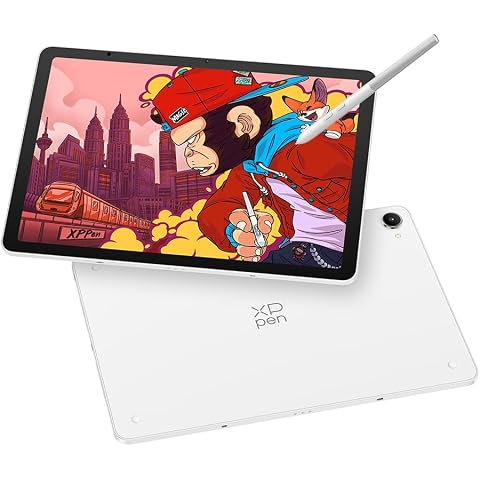
XPPen Magic Pro 13 Standalone Drawing Tablet 3K Display with 16K X4 Stylus | 12.95" Magic Pro Drawing Pad No Computer Needed with 8GB RAM/256GB Storage, 120Hz Refresh Rate, Android 16, Nano-etched Glass
$799.00
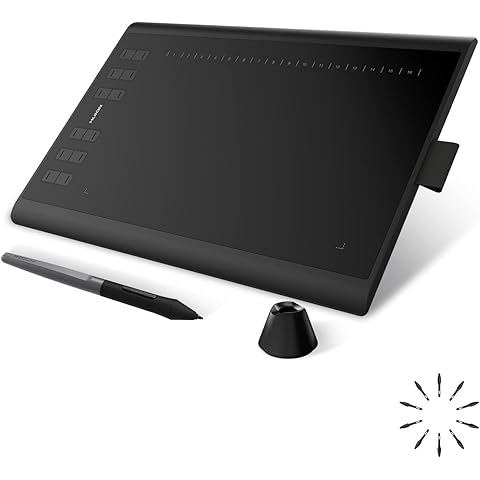
HUION Inspiroy H1060P Graphics Drawing Tablet, 10 x 6.25 In, 12+16 Hot Keys | 8192 Pressure Levels, Battery-Free Stylus, Digital Art Tablet Works with Mac, Windows PC and Android
$39.70
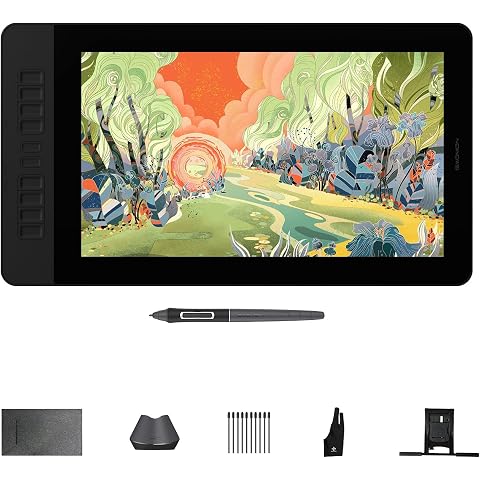
GAOMON PD1561 V2 15.6" Drawing Tablet with Screen, 16K Pen, NoGlare, 10Keys | Battery-Free G Pen with Tilt, Full-Laminated, ΔE<1.5 & 99% sRGB, Ideal for Artists & Designers, Works with PC, Mac and Linux
$265.05
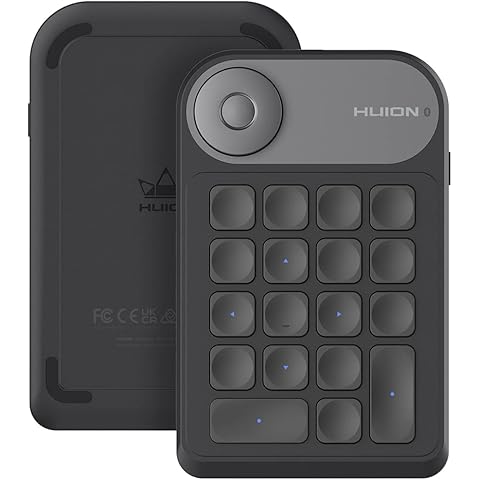
HUION Keydial Mini Bluetooth Programmable Keypad with Dial 18 Shortcut Keys | 5 Keys Anti-ghosting Macro Keypad, Wireless Shortcut Keyboard for Drawing Tablet, PC, MacBook, Surface Pro, Editing, Gaming
$37.99
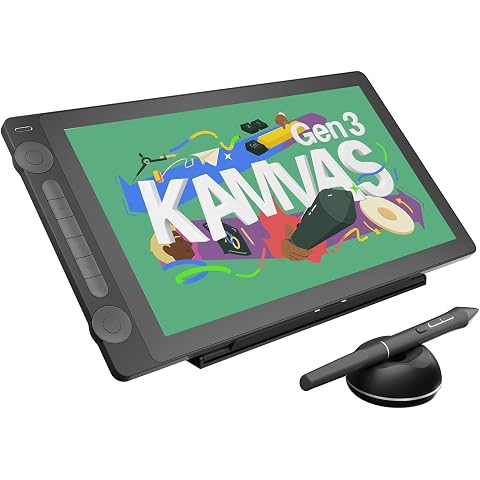
HUION KAMVAS 16 (Gen 3) 2.5K QHD Drawing Tablet with Screen PenTech 4.0 | 15.8 inch, Canvas Glass 2.0, Full Laminated, Anti-Sparkle, 99% sRGB, 16384 Pen Pressure, Dual Dials, Work with Mac/PC/Android
$402.80
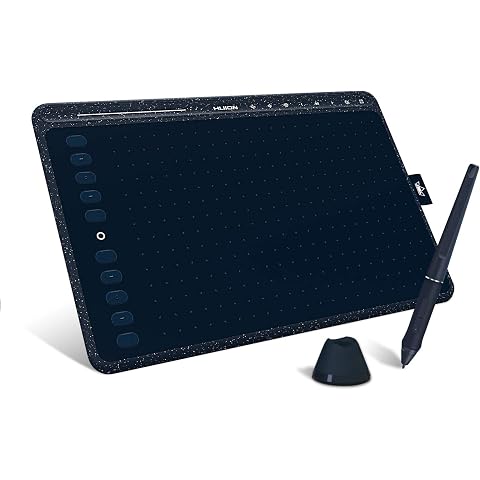
HUION HS611 10x6 inch Drawing Tablet 8192 Pen Pressure | Battery-Free Stylus, Tilt, Android Supported, 8 Multimedia Keys, 10 Express Keys, Touch Strip, Starry Blue Pen Tablet
$59.99
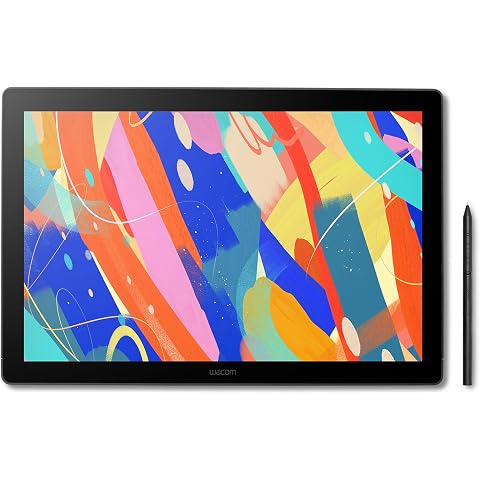
Wacom Cintiq 16, Drawing Tablet with QHD Screen & Pro Pen 3 | Advanced pen experience with precise control for serious artists creating illustrations, comics, animations and digital art
$624.95
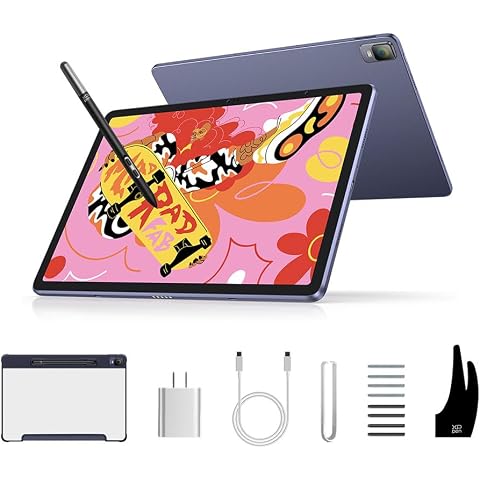
XPPen Magic Drawing Pad 12.2 Inch Standalone Drawing Tablet 8GB+256GB | No Computer Needed, 16384 Pressure Levels, X3 Pro Slim Stylus (PD51B), Tilt Support, Paper-Like Screen, Portable Tablet
$469.99
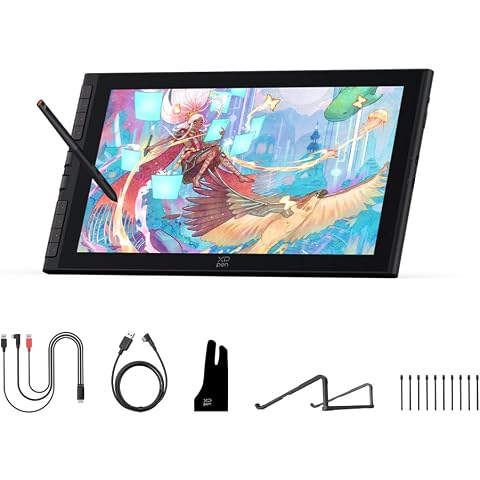
XPPen Artist 16 3rd 2.5K QHD Drawing Tablet with Screen X4 Chip Stylus | 15.8-inch, Dual Dial & 8 Shortcut Keys, 99% sRGB, 16384 Pressure Levels, AG Nano-etched Glass, Stand, Art Tablet for Creation
$424.99
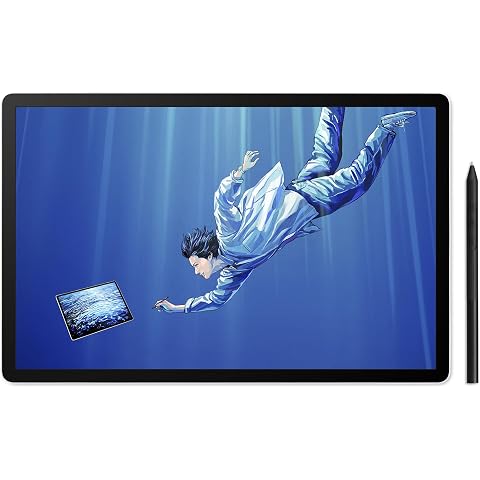
Wacom MovinkPad Pro 14, Android Mobile Tablet, OLED with ProPen 3 | No computer needed, 12GB RAM/256GB storage, anti-glare matte screen, All-In-One portable tablet with advanced pen precision
$1,099.95
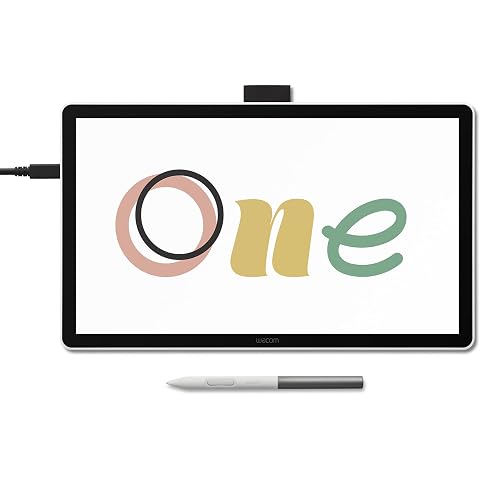
Wacom One 14, Drawing Tablet with IPS Full HD Laminated Screen & Pen | Pen display for beginners and students learning digital art, animation & graphic design on Windows, Mac & Chromebook
$224.95