 1 / 5
Logitech G Pro Flight Switch Panel
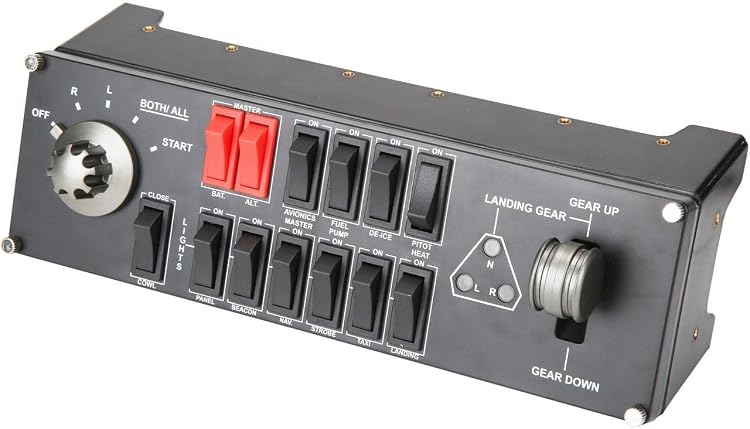
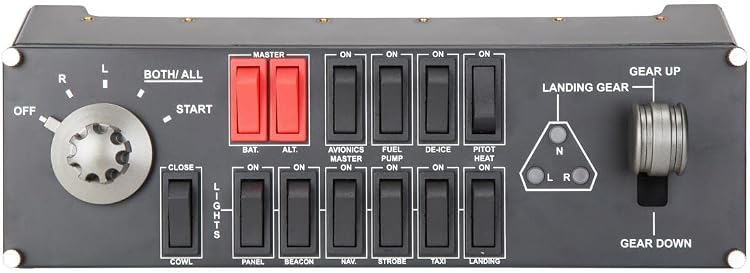
The Logitech G Pro Flight Switch Panel adds dedicated physical controls for flight simulator functions such as landing gear, lights and engine power. Its USB connection and mountable, modular design suit Windows PC simulator setups, but customer reports point to compatibility and setup differences between software configurations.
At a glance
- Provides physical controls for landing gear, lights, engine power and other aircraft functions.
- Manufacturer lists compatibility with Windows and major flight simulation software, including Flight Simulator X, Prepar3D 2.2+ and X-Plane 10.
- Mounting brackets and a modular design allow placement on a desk, with a Pro Flight Yoke or in a custom cockpit arrangement.
- Landing gear status LEDs are described for Microsoft FSX.
Reference price: $119.99
Price checked: Nov 28, 2026
View offerBlack FridayExplore the selectionOften bought together
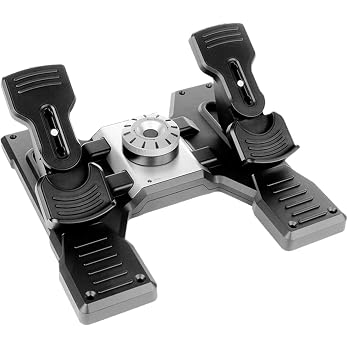
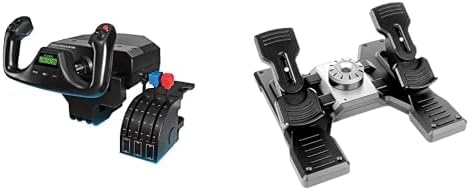
Logitech G Pro Flight Rudder Pedals | Self-centering mechanism, differential toe brakes, adjustable tension dial, part metal, PC compatible
$129.99
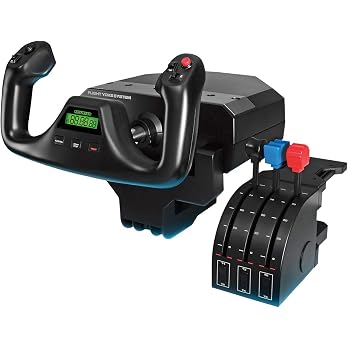
Logitech G PRO Flight Yoke System Professional Simulation - Black | Professional simulation, 3 modes, 75 programmable controls, configurable knobs, USB connection
$144.99
Pros and cons
Pros
- Dedicated hardware controls can reduce reliance on keyboard shortcuts during simulator use.
- Modular mounting options support arranging this panel alongside compatible flight-simulation panels.
- The stated Windows PC support and USB connection make its intended platform clear.
Cons
- Compatibility is not universal across flight simulators, according to customer reports.
- Customer feedback indicates setup can be easy for some and difficult for others.
Technical specifications
12 specifications| Brand | Logitech G |
|---|---|
| Model | Pro Flight |
| Connection listed | USB |
|---|---|
| Control type | Switch Panel |
| Buttons | 14 |
| Compatible device | Windows |
| Hardware platform | PC |
| Power configuration | Information Not Available |
|---|
| Dimensions listed | 11.1 x 3.27 x 2.48 inches |
|---|---|
| Weight listed | 14.78 ounces |
| Color | White |
|---|---|
| Warranty description | 90- Days |
What to know before buying
Listing details to confirm
The listing names Flight Simulator X, Prepar3D 2.2+ and X-Plane 10, while customer feedback reports mixed compatibility and specifically says the panel does not work with Microsoft Flight Simulator 40th Edition. Confirm support for your exact simulator version before buying.
What’s in the box
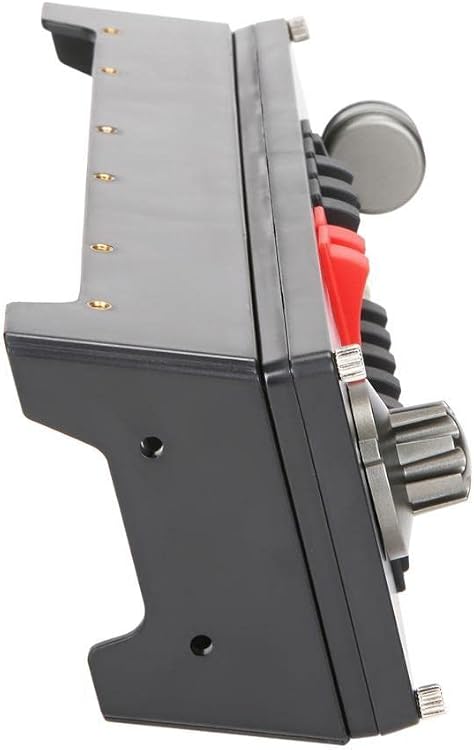
Included- Mounting bracket
- Pro Flight Switch Panel
- Quick-start guide (QSG)
- Mounting screws
Who is it for?
A good fit for
- Windows PC flight-sim users seeking physical landing gear, lighting and engine-function controls.
- Simulator builders who want to add a modular panel to a desk, yoke or custom cockpit setup.
Less suited to
- People who need confirmed compatibility with Microsoft Flight Simulator 40th Edition or another unlisted simulator version.
- Buyers looking for a general-purpose controller outside flight simulation.
Customer reviews on Amazon
- 5 stars
70% 70% - 4 stars
12% 12% - 3 stars
8% 8% - 2 stars
2% 2% - 1 star
8% 8%
Customer feedback highlights perceived build quality and usefulness as an addition to a simulator rig. Experiences are mixed on functionality, compatibility, setup and value. Some customers report good results with X-Plane and FSX, while others report difficulty setting up or using it with Microsoft Flight Simulator 40th Edition. For buyers, these reports make checking support for the exact simulator version more important than relying on the general compatibility claim.
Positive themes
- Customers describe the panel as well-built and a useful addition to a simulator rig.
Negative themes
- Some customer feedback reports compatibility problems, including with Microsoft Flight Simulator 40th Edition.
Mixed feedback
- Customers report mixed experiences with setup, switch functionality and value for money.
Frequently asked questions
Which simulators are listed as compatible?
The listing names Flight Simulator X, Prepar3D 2.2+ and X-Plane 10. Customer feedback reports mixed compatibility, including a stated incompatibility with Microsoft Flight Simulator 40th Edition, so check your specific software version.
What functions can the panel control?
The listing describes controls for landing gear, lights, engine power and other aircraft functions. It also describes landing gear status LEDs for Microsoft FSX.
How can the panel be installed?
The manufacturer describes placing it on a desk, attaching it to a Saitek Pro Flight Yoke or using it in a custom cockpit arrangement. Mounting brackets are listed among the included components.
What connection and platform are specified?
The listed connection is USB, and the product is specified for Windows on PC. The power configuration is not provided.
Alternative options
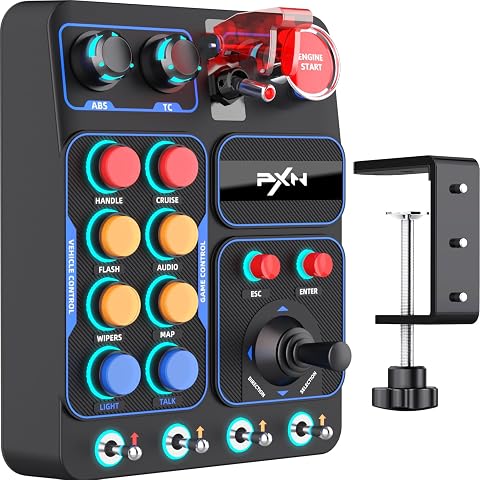
PXN CB1 Sim Racing Button Box for PC, 19 Controls (9 Input Types) | Up to 30 Programmable Functions, RGB Backlit Simulator Control Panel for Racing, Truck & Farming Simulators
$89.99
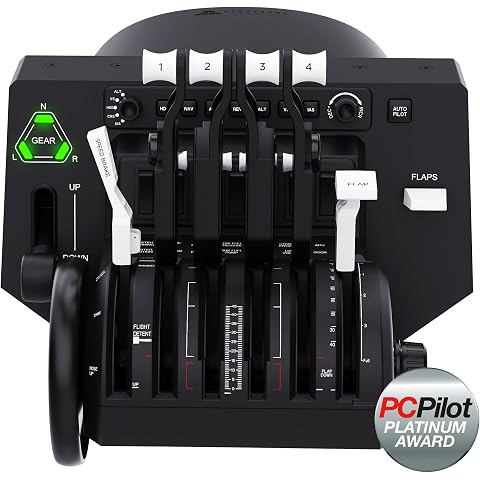
Honeycomb Bravo Throttle Quadrant Flight Simulator Throttle | Autopilot, Annunciator Panel, Trim Wheel, Gear & Flaps Lever, GA & Airliner Controls, Compatible with MSFS 2024, PC & Mac
$249.99
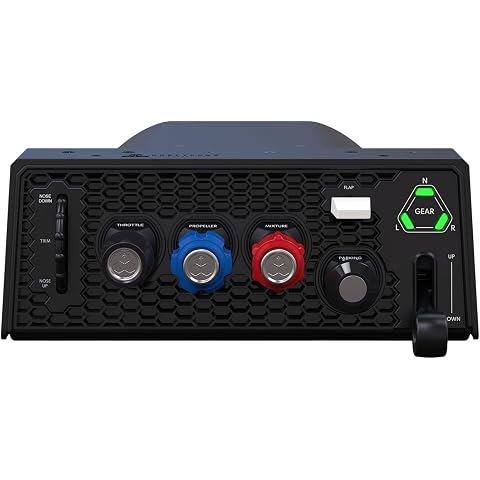
Honeycomb Sierra TPM Module | GA throttle quadrant for flight simulation, metal vernier axes, advanced flight controls
$249.99
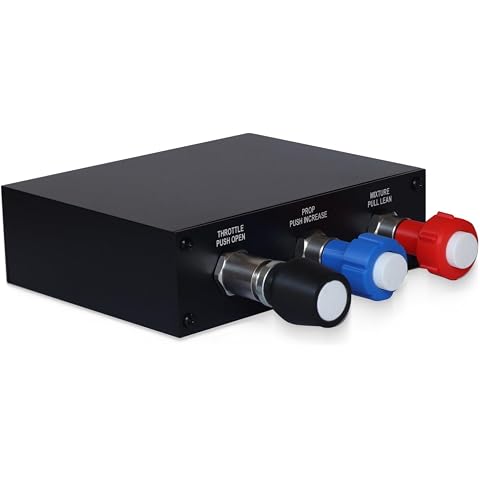
Meza Sim - TPM Throttle Quadrant Flight Simulator Controller, USB Throttle Propeller Mixture Control with Vernier Precision Adjustment & Friction Lock, Stainless Steel Levers, Compatible with MSFS 2024/2020, X-Plane, Cessna 172 GA Aircraft
$169.99
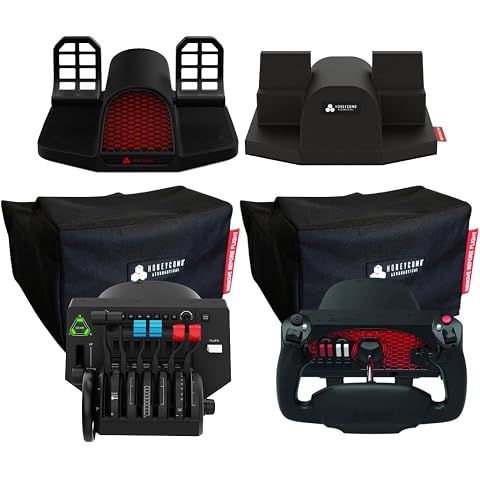
Honeycomb Aeronautical Charlie Rudder Pedals Bundle | Bravo throttle quadrant, alpha flight controls yoke, switch panel, charlie pedals dust cover, dust covers (2-Pack), (6 items)
$799.99

KORE H1 Helicopter Pilot Headset - Passive Noise Reduction, Noise Canceling Microphone, Mono, Gel Ear Seal, Adjustable Headband, AUX Port, U-174 Plug & Headset Bag
$224.95
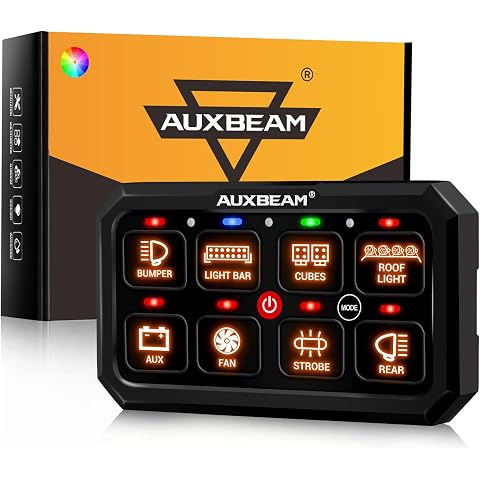
Auxbeam 8 Gang Switch Panel RA80XL 5In Large Easy Control of Add‑On Devices | Toggle/Momentary/Pulsed RGB dimmable, IP65 waterproof for cars, trucks, pickups, RVs with 3‑year warranty.
$150.09

2027 Pre-Tabbed FAR AIM Book – Private, Instrument, Commercial, and CFI,FAA Regulat...
$129.99
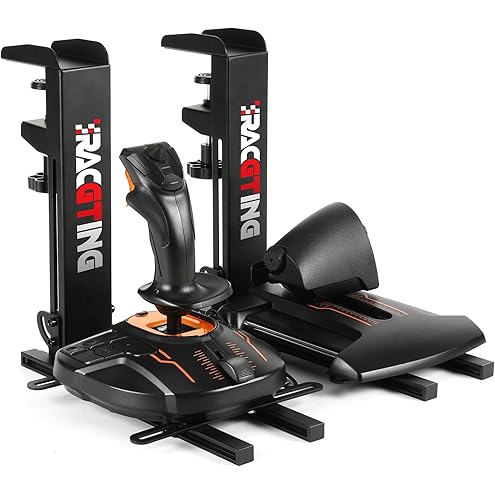
RACGTING HOTAS Desk Mount for Joystick and Throttle, 2-Pack | Fits Logitech X52/ X52 Pro/X56, Thrustmaster Warthog/T.16000M/TCA Airbus, VKB Gladiator NXT, Adjustable, Aluminum Alloy Clamp
$49.99
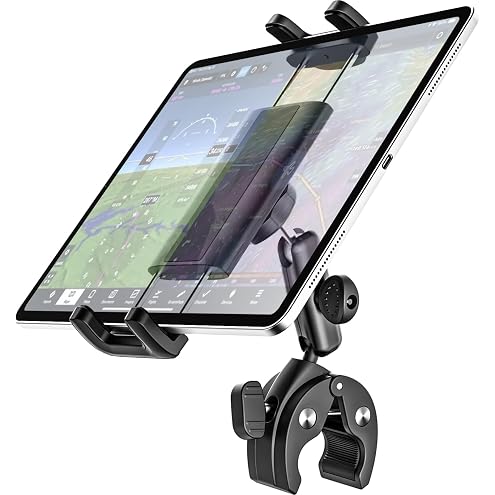
Dosvsi Tablet Yoke Mount, iPad Yoke Clamp Mount for Aircraft, Metal Arm | 360° Adjustable Aviation Flight Training Tablet Holder for iPad Mini, iPad Pro 13 12.9 11 Air, Galaxy tab, iPhone, 4-13"
$32.99
Silkland 80Gbps DisplayPort Cable 2.1 10FT/3M , DP80 HDR Gaming Cord for PC | 16K@60Hz, 8K@240Hz, 4K@540Hz 480Hz 360Hz 240Hz, DP 2.1 Cable for DisplayPort 1.4 Cable, HDR, DSC HDCP 2.3 Gaming Monitor 5090
$33.99
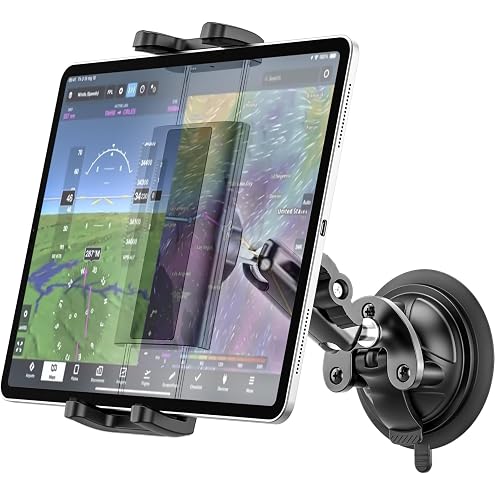
Dosvsi Pilots Tablet Holder, [Strong Suction Cup] Aircraft Tablet Mount | Metal Adjustable Arm Aviation Airplane Windshield Stand for iPad mini Air, iPad Pro 13 12.9 11, Galaxy tab, iPhone, 4-13"
$38.99