 1 / 7
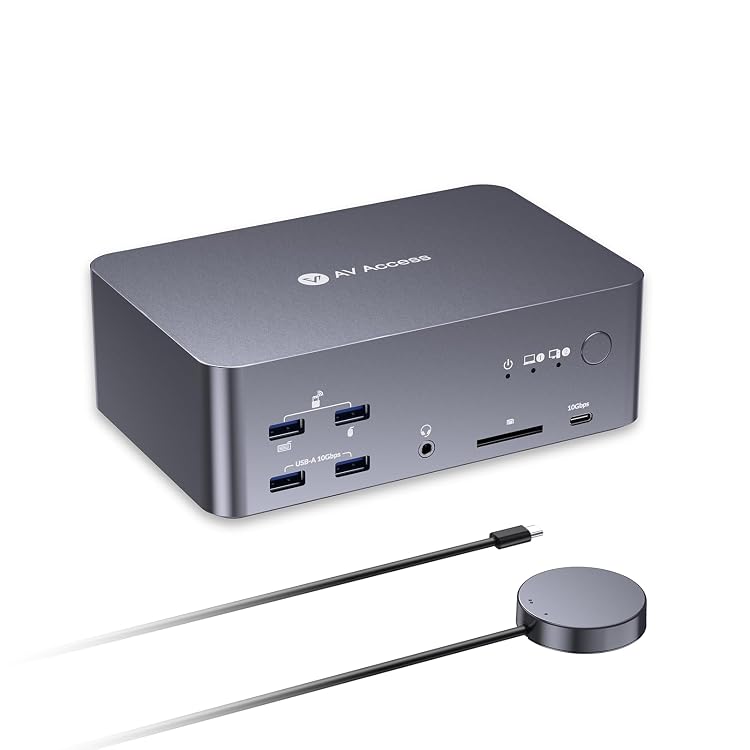
AV Access iDock B23 Triple-Monitor KVM Docking Station
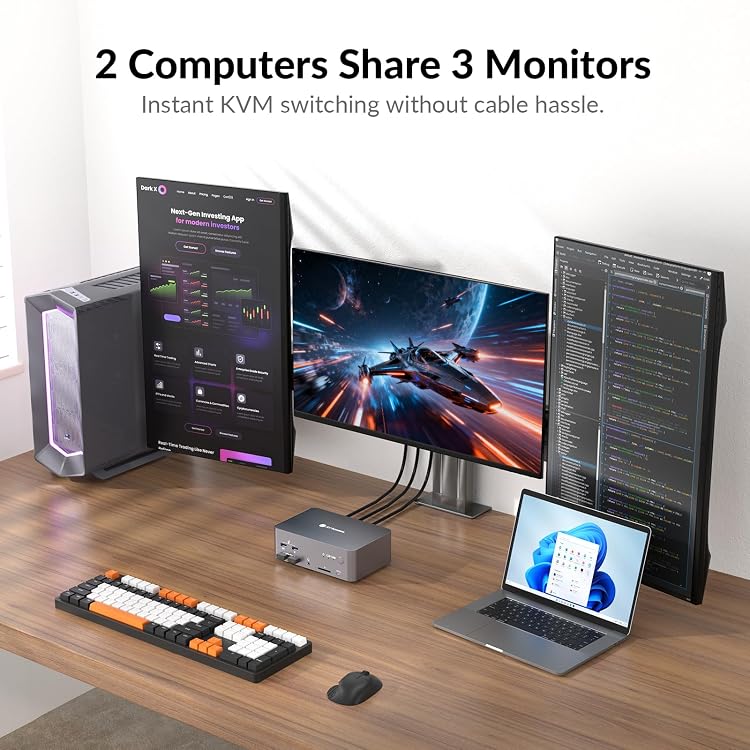
v AV Access Triple-Monitor: AV Access iDock B23 is a KVM docking station for switching between a USB-C laptop and a desktop while sharing up to three monitors and peripherals. Its claimed 100W laptop charging and high-refresh display modes are useful for an equipped desk, but customer feedback reports inconsistent three-screen connectivity and reliability concerns.
At a glance
- Switches one USB-C laptop and one desktop between a shared setup of up to three monitors, keyboard, mouse, network, audio, and USB peripherals, according to the listing.
- Laptop connection is described as a single USB-C cable for video, data, and up to 100W Power Delivery.
- Desktop display modes are listed up to 8K@60Hz, 4K@165Hz, or 1080p@480Hz/360Hz. Laptop modes are listed up to 4K@60Hz, 1440p@165Hz, or 1080p@240Hz.
- Select the active computer with the device's button or included wired remote.
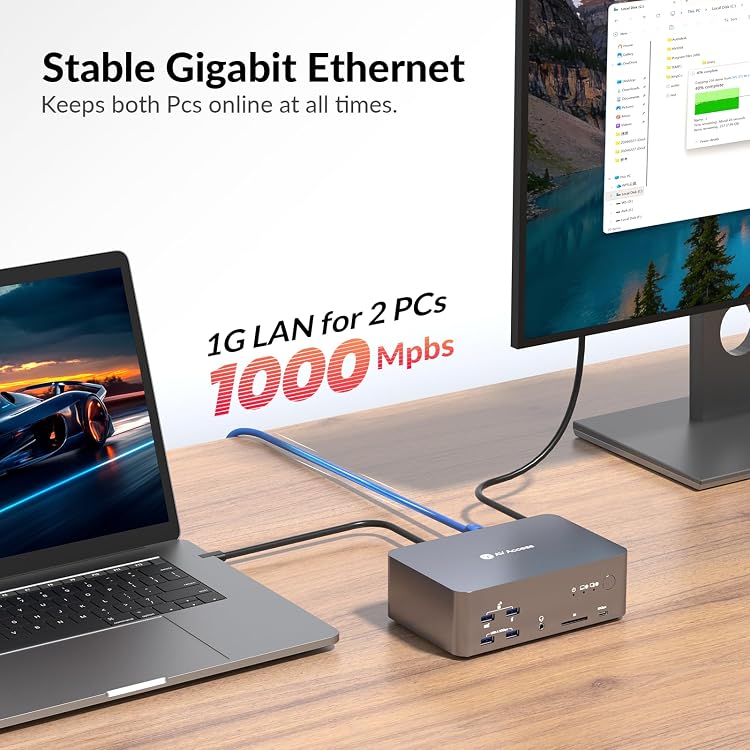
- The listing says the shared 1Gb Ethernet connection remains active on both computers when switching.
Reference price: $299.99
Price checked: Nov 26, 2026
View offerBlack Friday weekExplore the selectionOften bought together
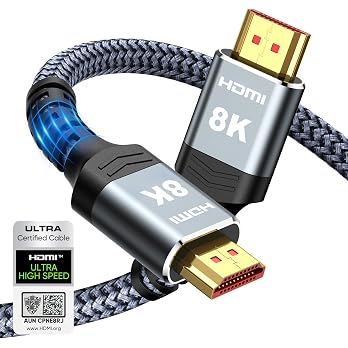
Highwings 8K 10K 4K HDMI Cable 48Gbps 6.6FT/2M, Certified Ultra High Speed | 2.1 HDMI Cable Braided Cord-4K@120Hz 8K@60Hz, DTS:X, HDCP 2.2 & 2.3, HDR 10 Compatible with DVD Player/PS5/HDTV/Blu-ray
$5.52
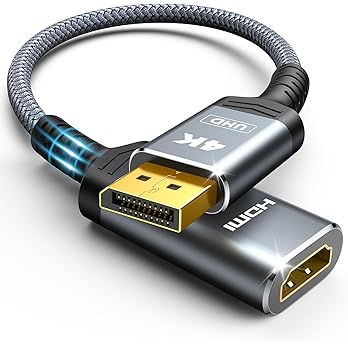
Highwings 4K DisplayPort to HDMI Adapter, Uni-Directional | DP 1.2 Computer to HDMI 2.0 Screen, Display Port to HDMI Adapter (Male to Female) SR Anti-Break for Dell HP AMD, Passive
$7.64
Pros and cons
Pros
- Combines computer switching with docking and peripheral sharing for a laptop-and-desktop workstation.
- A single full-featured USB-C cable is claimed to carry laptop video and data while providing up to 100W charging.
- A wired remote offers a switching option away from the main unit.
- Customer feedback includes reports of quick switching and straightforward setup.
Cons
- Customer feedback includes reports of reliability problems, including units that stopped functioning within 12 months.
- Some customers report difficulty connecting all three monitors, despite the product's triple-monitor positioning.
- The feature list says Mac devices produce three duplicate screens, limiting its suitability for extended multi-display Mac use.
Technical specifications
7 specifications| Brand | v AV Access |
|---|---|
| Model | iDock B23 |
| Connection protocols listed | HDMI 2.0, USB 3.0 |
|---|---|
| Control methods listed | Push Button, Remote |
| Mounting type listed | Surface Mount |
|---|---|
| Dimensions listed | 5.61 x 0.91 x 1.03 inches |
| Material listed | Aluminum |
|---|
What to know before buying
Listing details to confirm
Display resolutions and refresh rates vary by computer and operating mode, so confirm the host, monitor, and input/output pairing before purchase. The listing details are inconsistent about Mac use: customer feedback describes successful MacBook use for some, while the product FAQ says Mac screens will be duplicated. Customer feedback also differs on triple-monitor connectivity and reliability, with some reporting successful setups and others describing connection or functional failures.
What’s in the box
Included- KVM unit
- USB-C cable
- Remote button
- USB-B cable
- 2 DP cables
- Power item
Who is it for?
A good fit for
- People switching between a USB-C laptop and desktop who want to share a multi-monitor desk and peripherals.
- Windows or other compatible computer users who can verify their video outputs support the required three-display arrangement.
- Desk setups that benefit from one-cable laptop connection and claimed charging up to 100W.
Less suited to
- Mac users who need three independent extended displays, as the listing FAQ says Mac screens are duplicated.
- Buyers who need assurance of trouble-free three-monitor operation or long-term reliability, given mixed customer reports.
- Setups where the host computer or monitors cannot support the stated ports and operating-mode requirements.
Customer reviews on Amazon
- 5 stars
66% 66% - 4 stars
9% 9% - 3 stars
8% 8% - 2 stars
8% 8% - 1 star
9% 9%
Customer feedback highlights quick switching, ease of setup, and usefulness in three-monitor arrangements, but reports about connectivity, ports, and value are mixed. Some customers say all three displays do not connect properly, and some want more rear USB-C ports. Reliability is also a concern in reported feedback, including accounts of units failing within a year. These reports matter for a dock whose main appeal is a shared triple-screen setup, so compatibility and dependable operation deserve particular consideration. The overall ratings distribution is mostly five-star but includes a meaningful spread of lower ratings, and does not establish why any individual customer rated it as they did.
Positive themes
- Customers report fast switching and easy setup.
- Some customers report successful use with multi-monitor setups.
Negative themes
- Some customers report reliability problems, including failures within 12 months.
Mixed feedback
- Connectivity reports include both successful use and trouble connecting all three monitors.
- Feedback on ports is mixed, with some appreciation for the extra ports and requests for more USB-C ports at the back.
- Opinions on value are divided.
Frequently asked questions
Can the iDock B23 switch between a laptop and a desktop?
The listing describes connecting one USB-C laptop and one desktop and switching shared displays and peripherals using a button or wired remote.
Does the iDock B23 support three independent displays on a Mac?
The listing FAQ says Mac devices will show three duplicate screens, so it is not presented as a solution for three independent extended Mac displays.
What display modes does it claim?
The listing gives desktop modes up to 8K@60Hz, 4K@165Hz, or 1080p@480Hz/360Hz, and USB-C laptop modes up to 4K@60Hz, 1440p@165Hz, or 1080p@240Hz. These are mode-specific claims, not guarantees that every host and display combination supports them.
What comes in the package?
The listed components are the KVM unit, one USB-C cable, one remote button, one USB-B cable, two DP cables, and one power item.
Alternative options
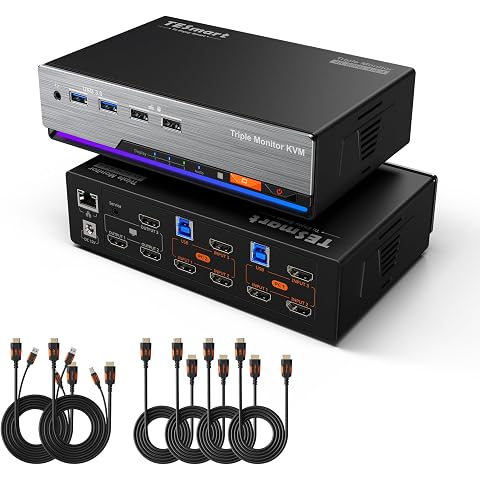
TESmart HDMI KVM Switch 3 Monitors 2 Computers 4K@60Hz, KVM Triple Monitors | EDID Emulation, USB 3.0 5Gbps, Gigabit Ethernet, Audio&Microphone, Hotkey and Mouse switching, RGB, Triple-Monitor Workflows
$271.99
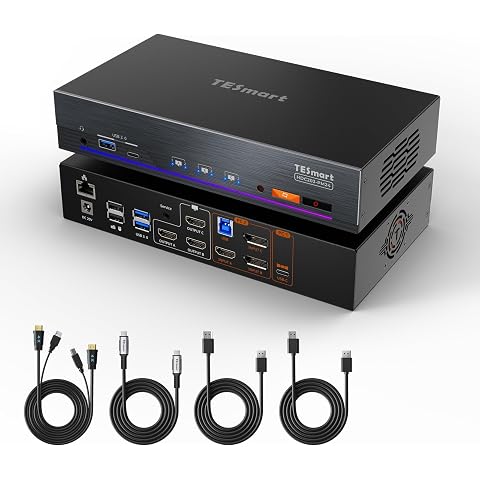
TESmart DisplayLink KVM Switch 3 Monitors for MacBook & Desktop, 4K@60Hz | EDID, One-Cable MacBook Setup, USB 3.0, 100W PD, 1G Ethernet, Audio&Mic, Triple-Screen or Mixed-PC Display, All Input Cables
$607.47
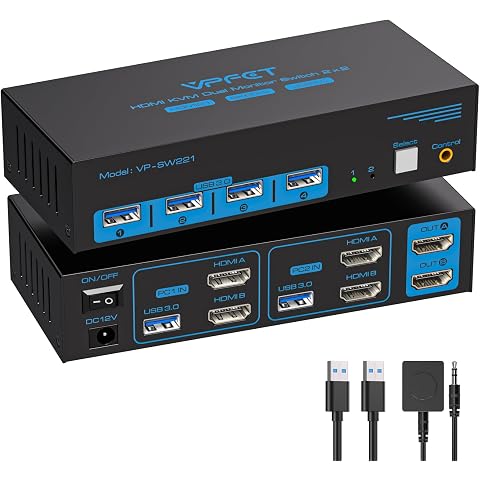
8K HDMI KVM Switch 2 Monitors 2 Computers, USB 3.0 Dual Monitor KVM Switch 4K@120Hz High Refresh Rate, Share Keyboard Mouse and USB Devices, Extended Display for PC Laptop Gaming Workstation
$56.52
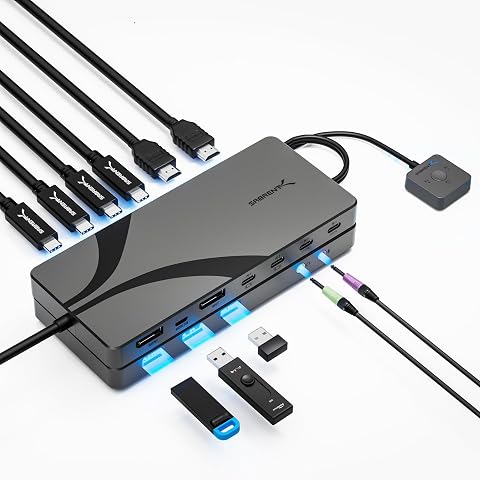
SABRENT USB-C DisplayPort KVM Switch, 3 Computers, 8K, 60W PD (USB-C3KM) | DisplayPort 1.4, 8K 60Hz / 4K 144Hz, DP Alt Mode required, Thunderbolt and USB4 laptops, 1 monitor only, 3.5mm audio, remote
$84.99
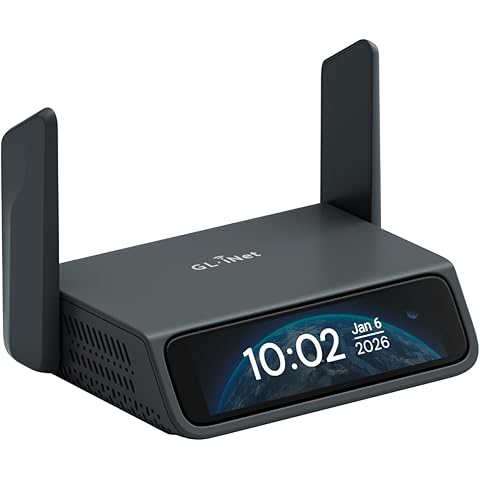
GL.iNet Comet 5G Redcap GL-RM10RC Remote KVM 4K HDMI Touchscreen Wi-Fi 6 | 5G RedCap multi-WAN failover remote KVM, 3.69-inch on-device touchscreen, 64GB eMMC OS storage, H.264 low-latency 4K encoding
$239.99
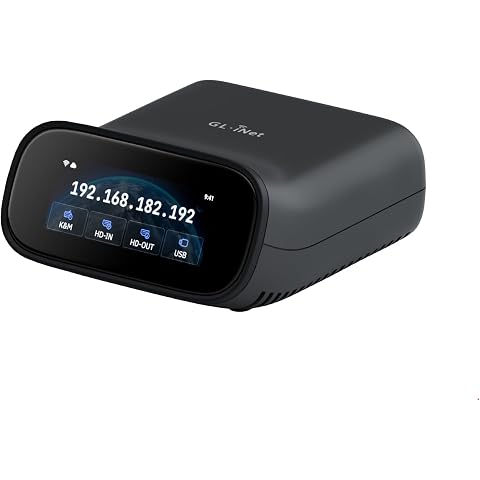
GL.iNet GL-RM10 Comet Pro Remote KVM Over Wi-Fi 6 Dual Band 4K Passthrough | Dual Band Wi-Fi 6 KVM, 4K@30FPS passthrough, two-way audio, 2.22 inch touchscreen, 32GB eMMC, Tailscale built in
$143.99
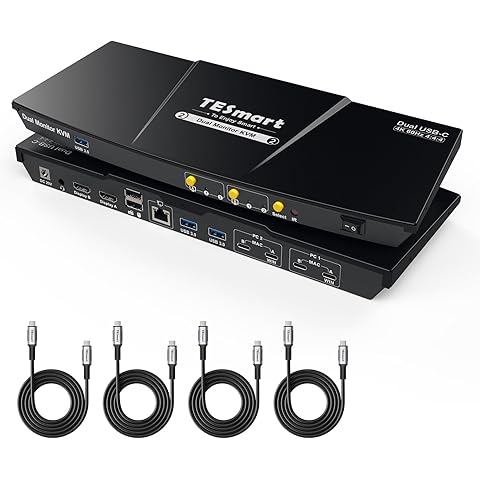
TESmart USB-C KVM Switch 2 Monitors 2 Laptops 4K@60Hz,Dual Monitor KVM Dock | MST: Win 1 Cable / Mac 2 Cables, EDID, USB 3.0 5Gbps, 60W PD per Host, 1G Ethernet, Audio&Mic, 4 USB-C Cables Included
$344.99
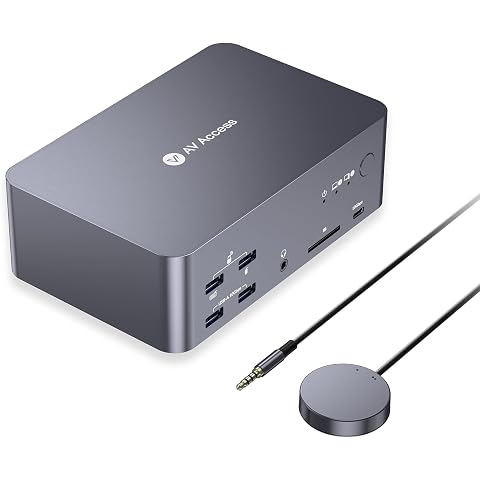
AV Access KVM Switch 3 Monitors 2 Computers KVM Docking 8K@60Hz | 100W USB C Laptop...
$254.79
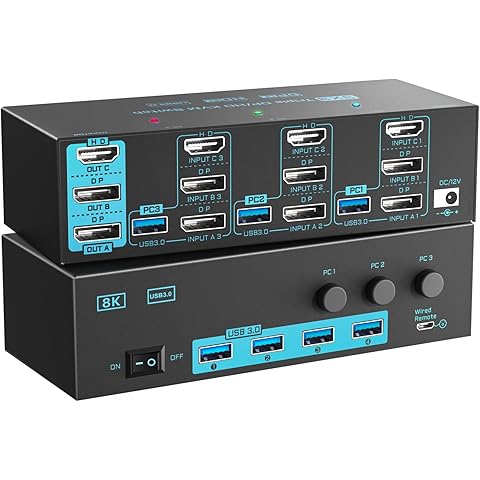
8K/4K KVM Switch 3 Monitors 3 Computers Triple Monitor 3 Port 2 Displayport 1.4 and...
$76.79
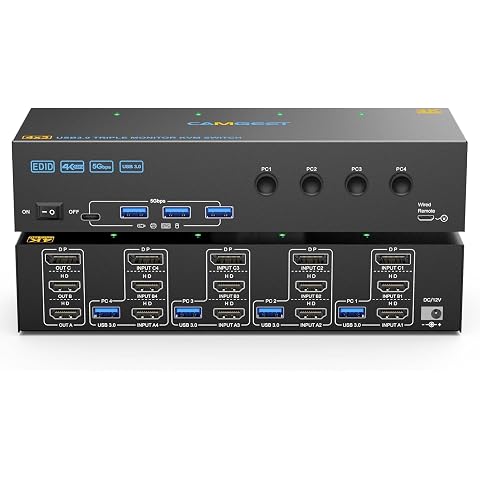
KVM Switch 3 Monitors 4 Computers 4K@60Hz EDID Simulation, 2 HDMI and Displayport T...
$84.79
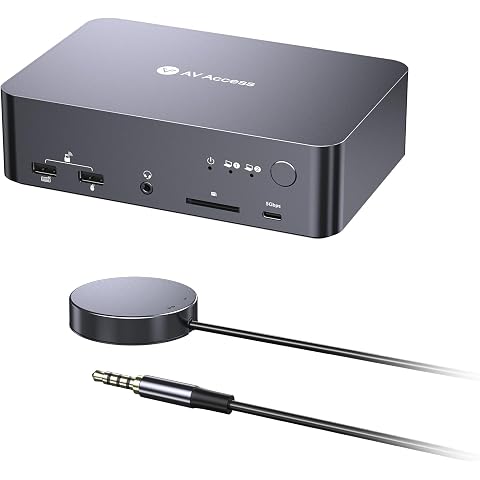
AV Access iDock X20 Dual USB C KVM Docking Station 2 Laptops Switch | EDID, Dual 4K...
$215.99
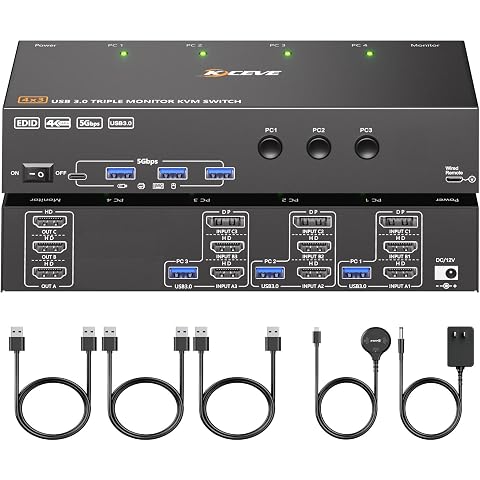
KVM Switch 3 Monitors 3 Computers 4K@60Hz EDID Simulation, USB 3.0 HDMI Displayport...
$76.79