 1 / 7
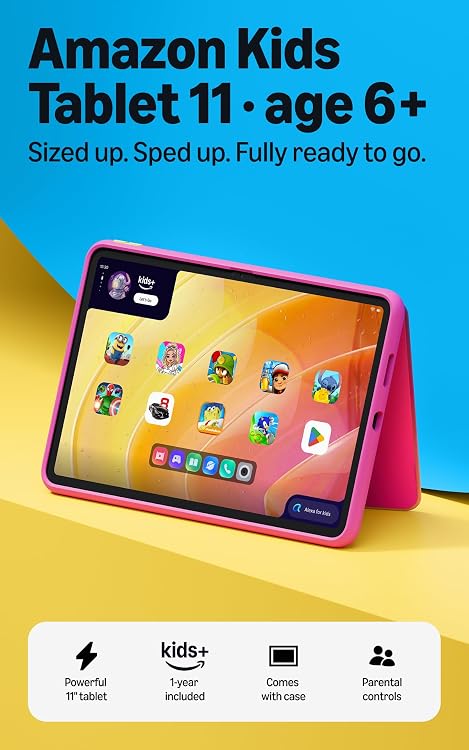
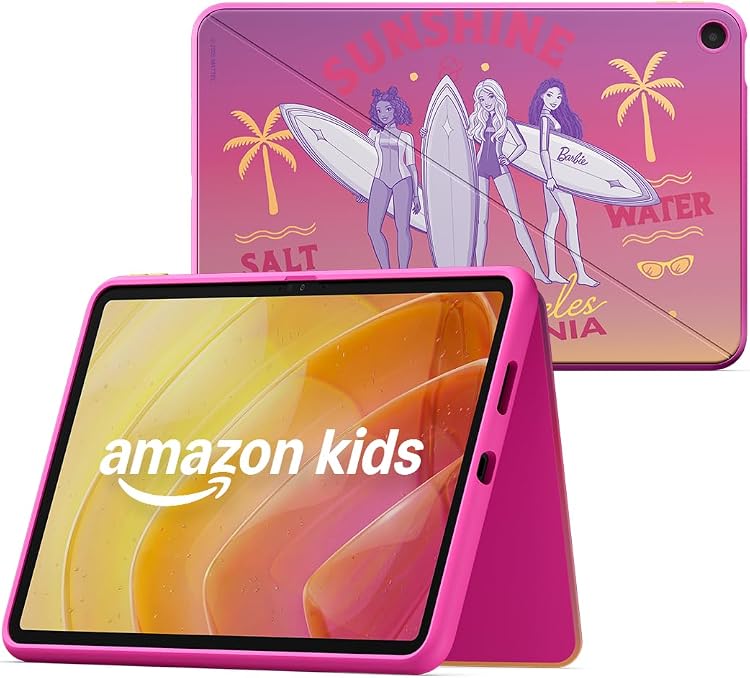
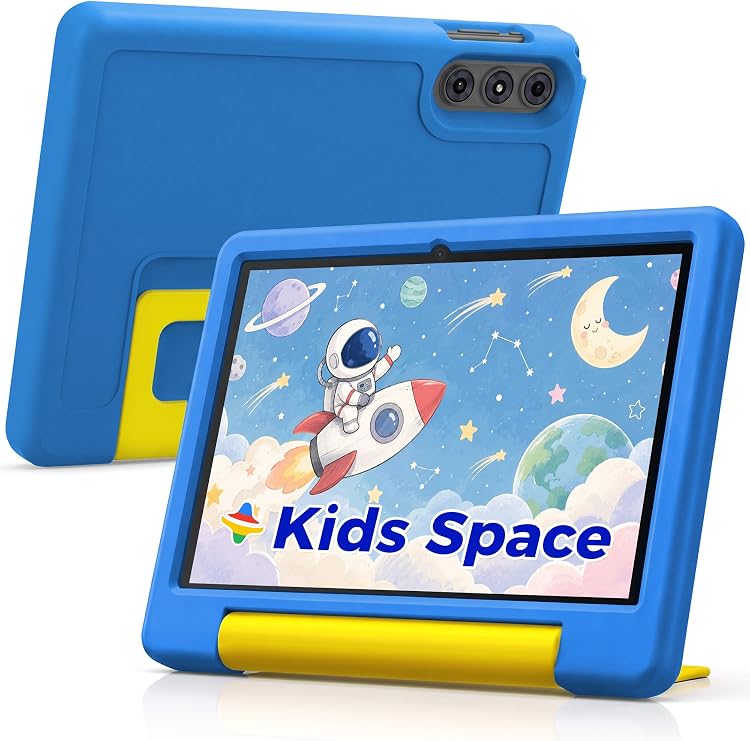
Amazon Kids Tablet 11 with 11-inch 2.5K Display, 64GB Storage and Sunshine Barbie Case
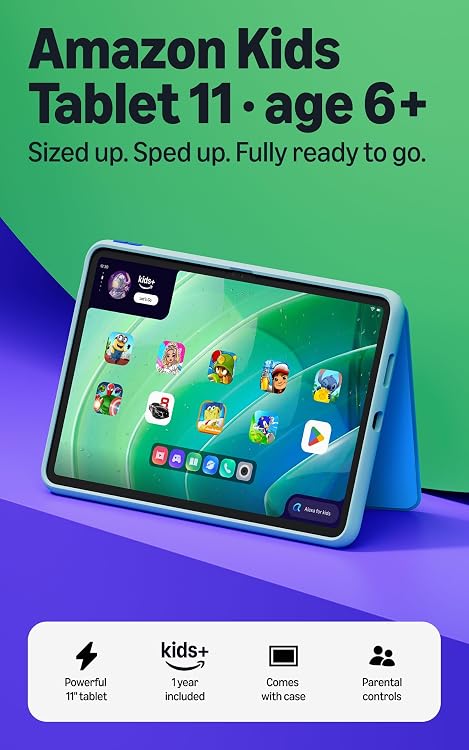
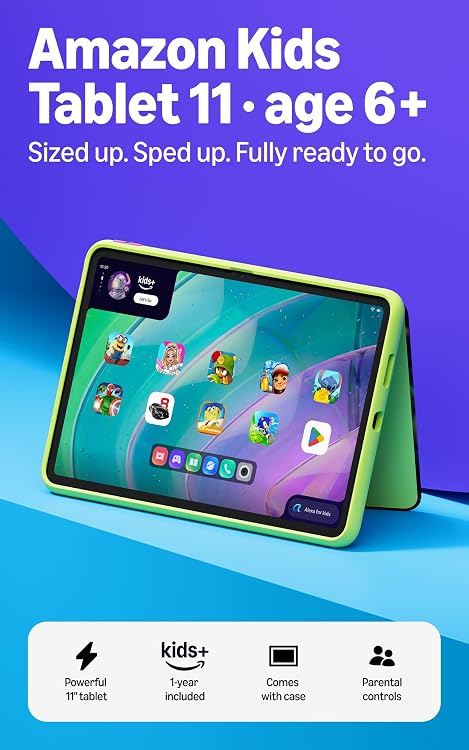
Amazon Kids Tablet 11 pairs an 11-inch display with a one-year Kids+ subscription and a Sunshine Barbie slim hard case. Its advertised 64GB storage and up to 15 hours of video playback suit downloads and travel, while customer feedback also flags difficult setup and uneven reliability.
At a glance
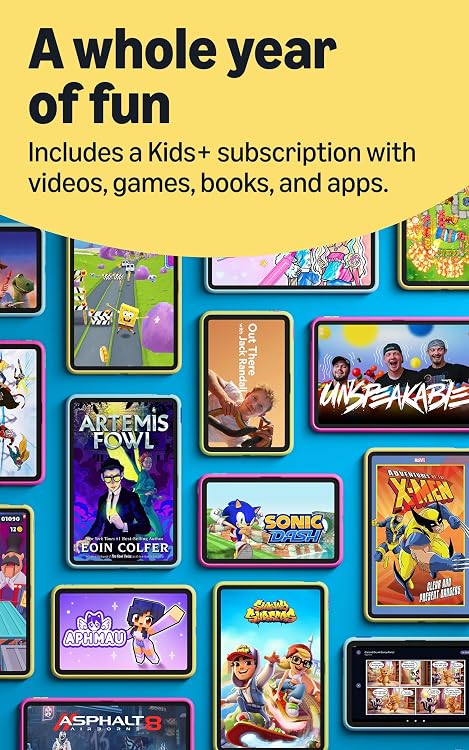
- A Kids+ library of books, apps, games and videos is included for one year, and the subscription auto-renews after that year.
- Google Play Store access lets parents add apps beyond the Kids+ library, including school apps according to the listing.
- The case has a built-in kickstand for portrait or landscape viewing.
- Parents can use the mobile Parent Dashboard to set screen-time limits, review content and suggest more.
Reference price: $339.99
Price checked: Nov 26, 2026
View offerBlack Friday weekExplore the selectionPros and cons
Pros
- The claimed 64GB storage and offline downloads support taking shows, movies and games away from Wi-Fi.
- An 11-inch 2.5K display and claimed 8GB RAM are positioned for graphic-heavy games and drawing or homework apps.
- The included case and one-year Kids+ subscription provide a ready-to-use kid-focused bundle, according to the listing.
Cons
- The included Kids+ subscription auto-renews after its first year, so families who do not want continued billing need to manage renewal.
- The advertised video-playback figure is an upper claim, not a guaranteed runtime for every activity.
Technical specifications
10 specifications| Display size | 11” |
|---|---|
| Display resolution description | 2.5K |
| Memory | 8GB RAM |
| Storage | 64 GB |
| Video playback | up to 15 hours of video playback |
|---|---|
| Operating age range | 6-12 |
| Kids+ subscription | A 1-year Kids+ subscription included (auto-renews after first year) |
|---|---|
| App access | Access to Google Play Store |
| Voice assistant | Alexa built in |
| Stylus support | supports stylus for drawing apps, games, coding, homework and more |
What to know before buying
- The listing calls the case a Sunshine Barbie slim hard case in the title and a slim protective case in the features, without specifying its color or exact design. Customer feedback also reports difficult setup, account-compatibility concerns and mixed reliability, so consider those experiences alongside the advertised specifications.
What’s in the box
- Amazon Kids Tablet with 11-inch displayIncluded
- 1-year Kids+ subscriptionIncluded
- Slim hard caseCheck selected pack
- Charging cableIncluded
Check which accessories are included in your selected pack before buying.
Who is it for?
A good fit for
- Families seeking a kid-focused tablet for ages 6–12 with curated media, parental screen-time controls and access to additional apps.
- Travel use where downloading media in advance and using the included kickstand may be useful.
- Children using drawing, coding, gaming or homework apps that support a stylus, with the stylus itself not stated as included.
Less suited to
- Buyers who need a setup process known to be straightforward or reliability established for their particular use.
- Families who want to avoid a subscription that auto-renews after the included first year.
- Buyers needing a confirmed stylus in the box or a detailed specification of the included case.
Customer reviews on Amazon
- 5 stars
49% 49% - 4 stars
12% 12% - 3 stars
5% 5% - 2 stars
12% 12% - 1 star
22% 22%
Customer feedback reports perceived improvements in speed and storage and some buyers consider the tablet worth the price, while setup and Amazon/Google account compatibility draw criticism. Reliability feedback is mixed, including reports that units did not work. The overall rating distribution is notably divided, so these impressions are not a guarantee of an individual unit's experience. The advertised 64GB storage and Google Play access may matter to families adding apps and downloads, but do not resolve setup or reliability concerns.
Positive themes
- Customers describe it as an upgrade, with positive comments about speed and storage.
- Some customers consider it worth the price.
Negative themes
- Customers describe setup as difficult to navigate.
- Account compatibility is a reported concern, including the need to use both Amazon and Google accounts.
Mixed feedback
- Customer comments on reliability are mixed, with some reporting that the tablet did not work.
- Storage capacity also receives mixed feedback despite positive reports of increased storage.
Frequently asked questions
What comes with the Amazon Kids Tablet 11?
The listing describes the tablet, a one-year Kids+ subscription, a slim hard case and a charging cable. The title specifies a Sunshine Barbie case, while the feature text describes it more generally.
Does Kids+ renew automatically?
The listing says the included one-year Kids+ subscription auto-renews after the first year.
Can children use apps outside Kids+?
The listing says parents can add apps from Google Play Store, including school apps and other popular titles.
How long does the battery last?
The listing claims up to 15 hours of video playback. Actual runtime can depend on use, and this figure is not a guarantee for all activities.
Is a stylus included?
Stylus support is claimed, but the supplied package information does not say that a stylus is included.
Alternative options
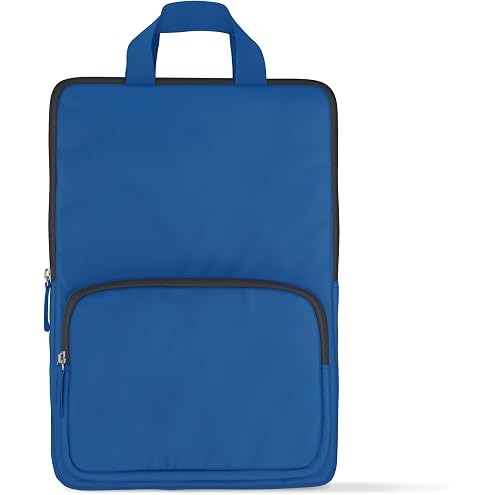
Carrying Case for Amazon Kids Tablets, Denim
$29.74
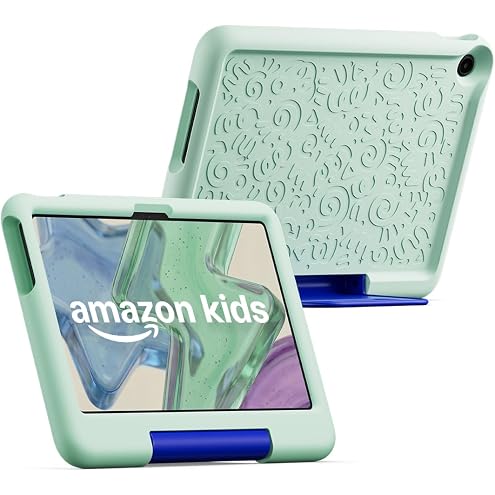
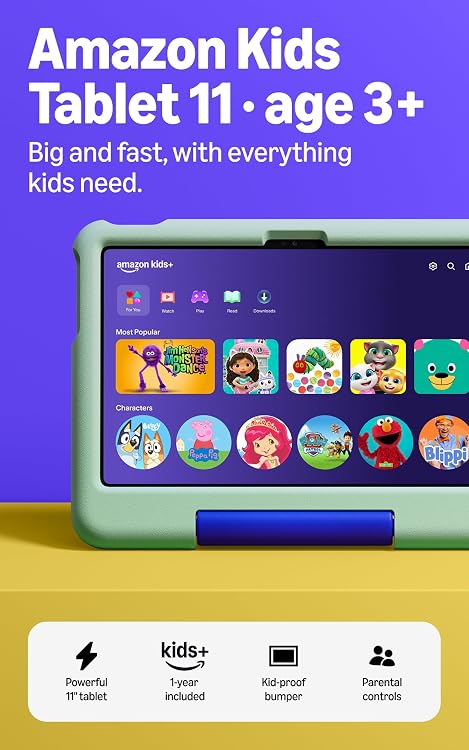
Amazon Kids Tablet 11 (newest model), Ages 3-5, Includes 1-year of Kids+ with early-learning books, apps and videos about letters, numbers, shapes and colors, and Cool Green soft bumper
$219.99
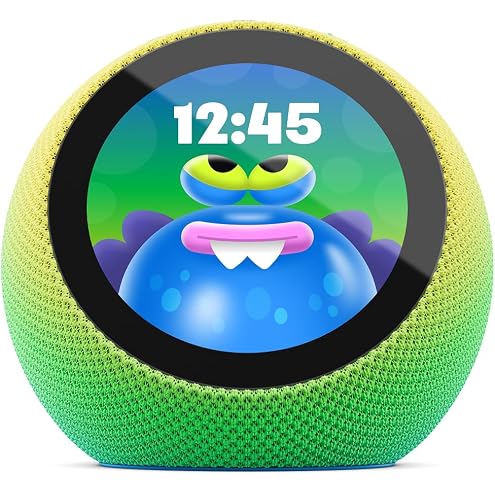
Amazon Kids Echo Time (all-new), kid-tuned Alexa, customizable clock face, 1 year of Kids+ included, parental controls, sleep support, mic off button, Cosmic Lime
$99.99
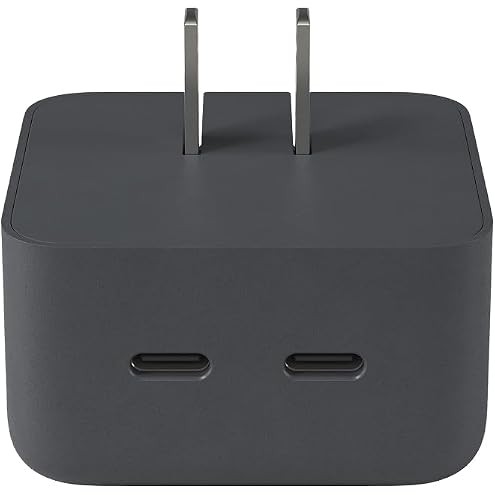
Amazon Official OEM USB-C Charger and Power Adapter – charge two devices at once with a compact, foldable design
$29.99
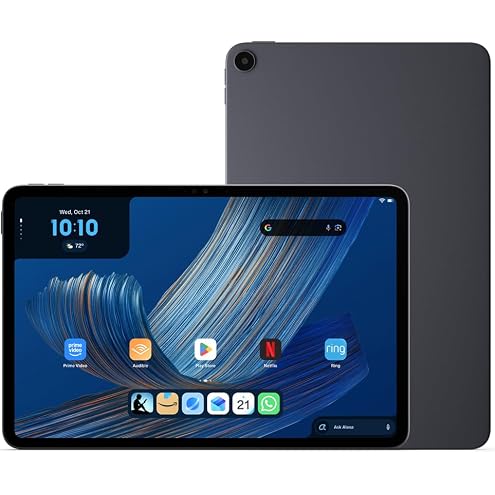
Amazon Alexa Tablet 11 (all-new), 8GB RAM, 128GB, 11″ stunning 2.5K display, All-day battery, With Google Play, Designed for Alexa+, Graphite
$219.99
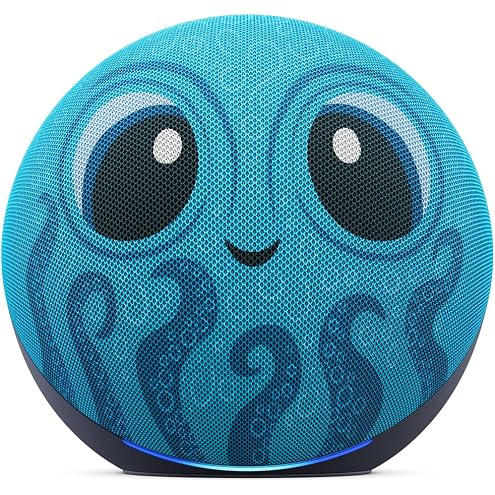
Amazon Kids Echo Dot (newest model), kid-tuned Alexa, crisp vocals and rich sound, 1 year of Kids+ included, parental controls, sleep support, Octopus
$49.99
Products with discounts that might interest you

Offer details
- The Kids+ subscription auto-renews after the included first year.